
Using react-markdown for MDX-Adjacent Content Rendering
Using react-markdown for MDX-adjacent content: how it differs from MDX, why it's safe for untrusted input, and when to use each.
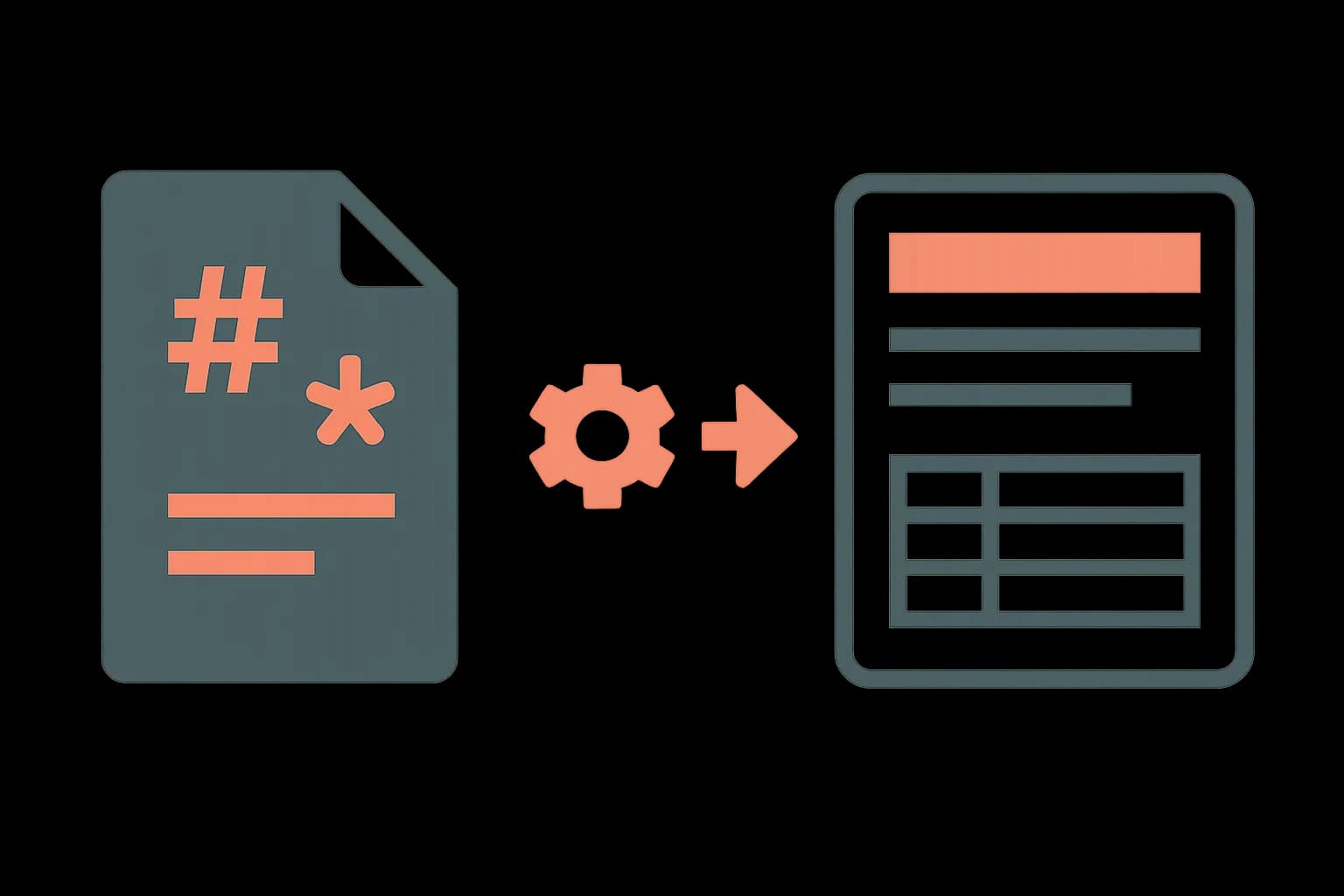
react-markdown renders a Markdown string as React elements, with no dangerouslySetInnerHTML and no JavaScript execution. That's the whole pitch, and it's why the library fits a different job than MDX. MDX compiles Markdown plus JSX into executable JavaScript. react-markdown parses Markdown into a syntax tree and walks it into React elements directly. One runs code. The other doesn't.
That distinction decides which one to reach for. Render a blog post authored by your own team, with custom components inline? MDX. Render a comment, a README, or any Markdown a random user typed into a text box? react-markdown.
How react-markdown actually works
npm install react-markdown
import ReactMarkdown from "react-markdown";

function Comment({ body }: { body: string }) {
  return <ReactMarkdown>{body}</ReactMarkdown>;
}
Under the hood, react-markdown runs the string through three steps. remark builds a Markdown syntax tree. remark-rehype converts it into an HTML syntax tree. React elements get built from that tree last. No step in that pipeline evaluates the input as code. Raw HTML embedded in the Markdown source gets stripped by default, not rendered. That's a deliberate safety choice, not an oversight. The same rendering boundary shows up when CMS content flows through React Server Components — see how we made CMS content work with React Server Components.
Adding tables, task lists, and syntax highlighting
Base Markdown doesn't include GitHub-flavored tables or task lists. remark-gfm adds them:
npm install remark-gfm
import remarkGfm from "remark-gfm";

<ReactMarkdown remarkPlugins={[remarkGfm]}>{body}</ReactMarkdown>;
For syntax-highlighted code blocks, rehype-highlight or rehype-prism-plus slot into rehypePlugins the same way, no extra setup needed. The plugin system is the actual power of this library. remarkPlugins transform the Markdown tree before conversion. rehypePlugins transform the HTML tree after. Stacking three or four plugins covers most of what a docs site or a comment section needs, without writing a custom parser.
Overriding how specific elements render
The components prop swaps out the React element used for any Markdown-produced tag:
<ReactMarkdown
  components={{
    a: ({ href, children }) => (
      <a href={href} target="_blank" rel="noreferrer">
        {children}
      </a>
    ),
  }}
>
  {body}
</ReactMarkdown>
This is not the same thing as MDX's component substitution. MDX lets content authors drop a <CustomComponent /> directly into the text, addressed by name. react-markdown's components prop only remaps standard Markdown output, like a, code, or table. There's no way for the Markdown source itself to name a component instance, because the source is never executed as code in the first place. That's the tradeoff for the security guarantee.
Why react-markdown is the right call for untrusted content
MDX is a programming language. It compiles to JavaScript, and evaluating JavaScript from an untrusted source hands the source arbitrary code execution. CVE-2026-0969 in next-mdx-remote versions 4.3.0 through 5.0.0 was exactly this. A package meant to render remote MDX, doing exactly what its name promises, turned into a code-execution vector once the "remote" content wasn't fully trusted.
react-markdown was built around the opposite default. Markdown syntax has no way to express "run this code." There's no code path to exploit, as long as the plugins in use stay well-behaved. Rendering a user comment, a GitHub README, a support ticket description, or any Markdown a stranger typed into a form is the textbook use case. Render the same content as MDX, and you've handed a stranger a JavaScript execution environment inside your app.
The one caveat: plugins and components overrides can still reintroduce risk if they render raw HTML or interpolate unescaped strings. rehype-sanitize closes that gap for the small number of cases where sanitization matters beyond the library's own defaults.
What breaks when a plugin gets it wrong
The security guarantee holds for the library's own default pipeline. It isn't automatic once a components override or a rehype plugin starts touching raw HTML. A custom code renderer that pipes highlighted output through dangerouslySetInnerHTML reopens exactly the injection risk react-markdown was built to close. So does a rehype plugin that re-inserts stripped HTML tags for convenience.
The fix is rehype-sanitize, run after any plugin that touches raw markup:
npm install rehype-sanitize
import rehypeSanitize from "rehype-sanitize";

<ReactMarkdown rehypePlugins={[rehypeSanitize]}>{body}</ReactMarkdown>;
Treat this as required, not optional, the moment a custom components override does anything beyond swapping a tag name for a styled equivalent. A link renderer that adds target="_blank" is fine as-is. A code renderer that injects a third-party syntax highlighter's raw HTML output is exactly the case rehype-sanitize exists for.
When MDX is still the right choice
None of this makes react-markdown a universal replacement for MDX. A CMS-authored blog post that embeds a <PricingTable /> or a <Callout type="warning" /> needs MDX's actual JSX support. Draftbase stores richText fields as MDX strings as part of its React CMS approach, precisely because the content comes from a trusted editor, not an anonymous visitor. The tradeoff runs the other way here. The compile step buys real component support, and the content source is trusted enough to make that safe.
The rule of thumb from the MDX ecosystem itself holds up. Markdown is safe to take from anywhere. MDX is safe only from people you'd give commit access to. If a comment section, a support form, or any user-submitted field needs formatting, that's react-markdown. If a CMS entry authored by your own team needs live components, that's MDX, the same distinction MDX vs Rich Text draws for a CMS's own storage format. How to Use MDX with Next.js and a Headless CMS covers the compile-time constraints on that trusted side of the line. That includes why CMS-authored MDX can't use import statements, even from a trusted editor.
react-markdown vs MDX at a glance
| react-markdown | MDX | |
|---|---|---|
| Executes as code | No | Yes, compiles to JS |
| Safe for untrusted input | Yes, by default | No |
| Custom components in content | No, only tag overrides | Yes, JSX by name |
| Plugin ecosystem | remark/rehype plugins | remark/rehype plugins, plus JSX |
| Typical use | Comments, READMEs, docs | CMS content, MDX-authored pages |
Conclusion
react-markdown earns its 10 million weekly downloads by doing one thing safely: turning Markdown text into React elements with no code execution, ever. Reach for it whenever the content source isn't fully trusted. Reach for MDX, and a typed CMS to store it in, when the content is authored by your own team and needs real components inline.
Ship content that's built to be found
Draftbase generates schema, structured data, and a fast MDX editor for every post.
Frequently asked questions
Is react-markdown safe for user-generated content?
Yes, by default. react-markdown never uses dangerouslySetInnerHTML and strips raw HTML from the Markdown source, so it doesn't execute the input as code. Custom components or rehype plugins that touch raw HTML can reintroduce risk, which rehype-sanitize closes.
What's the difference between react-markdown and MDX?
react-markdown parses Markdown into React elements without executing any code. MDX compiles Markdown plus JSX into executable JavaScript. That makes react-markdown safe for untrusted input and MDX safe only for content from a trusted author.
Can react-markdown render custom React components inside the content?
Not by name, the way MDX can. The components prop only remaps standard Markdown output like links, code blocks, or tables to custom React elements. The Markdown source itself can't reference a component instance.
Why did next-mdx-remote have a security vulnerability but react-markdown didn't?
next-mdx-remote compiles and evaluates MDX as JavaScript, which is why CVE-2026-0969 (affecting versions 4.3.0 to 5.0.0) allowed code execution from untrusted content. react-markdown never evaluates the input as code, so the same vulnerability class doesn't apply.
Which plugins does react-markdown support?
remarkPlugins transform the Markdown syntax tree before conversion, such as remark-gfm for tables and task lists. rehypePlugins transform the resulting HTML tree, such as rehype-highlight for syntax highlighting or rehype-sanitize for extra safety.
What is React.js Markdown rendering?
It's the same thing as using react-markdown, covered above — rendering Markdown source as React elements instead of raw HTML. "ReactJS Markdown" and "react markdown" both point to the same library and pattern.