Why We Didn't Build a Visual Page Builder
Draftbase skipped the visual page builder. Here's why templates plus MDX components won out, and the one case where a page builder still wins.

Draftbase shipped templates plus registered MDX components instead of a drag-and-drop page builder, trading no-code flexibility for components a team owns and versions itself. A page builder still wins for teams with no engineer on call.
A visual page builder is the fastest way to win a marketing team over in a demo. It's also not what we built. This post covers why, and the one case where a page builder still wins.
Who a Page Builder Is Actually For
A drag-and-drop page builder sells to the buyer. Not to the one who has to ship it. In a demo, dragging a hero section onto a canvas and watching it render live beats reading a schema. That's real, and it's why most CMS vendors ship one. But the person doing the demo often isn't the one stuck maintaining the result. A page builder pushes layout logic into a closed block format the vendor controls. Every "section" your marketing team drags in is a component only that vendor's runtime understands. Its rendering contract isn't something you can fully see or version yourself.
What We Shipped Instead
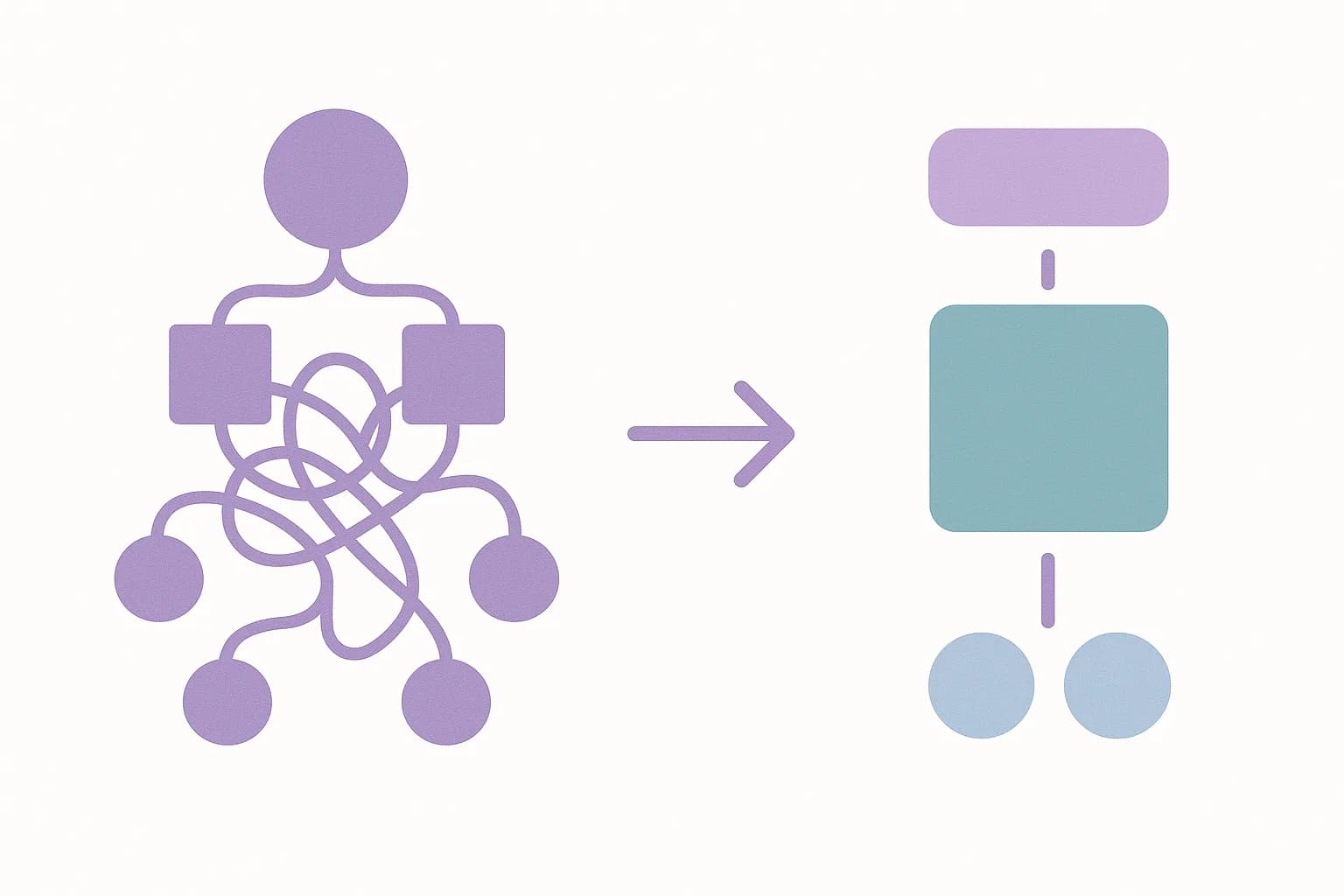
Draftbase's answer is templates plus MDX components, not a canvas. A template is a field schema (defined through create_template, one call, every field up front). An entry is a set of values against that schema. Layout freedom comes from a registered MDX component library, not a canvas. A team registers a component like PricingTable. It gets a PascalCase key and a typed prop schema (create_mdx_component). From then on, an editor can write <PricingTable highlight="growth" /> directly inside a content field. The component itself is real code. The team owns it, versioned in their own repo, not a block definition living inside our database.
That's a fundamentally different kind of flexibility than a page builder gives. A page builder lets an editor rearrange pre-built sections within the vendor's constraints. Our approach lets an editor place a real component anywhere in the body. But the component itself only exists if an engineer registered it first. We traded "anyone can build any layout" for "any layout an engineer already made can go anywhere."
The Tradeoff We're Naming
Here's where the rejected option still wins, and it's not small. A marketing team with no developer on call gets nothing from an MDX component registry. If nobody's registered a PricingTable component, no editor can make one appear on a canvas. They're stuck writing a support ticket or waiting for an engineer. A visual page builder doesn't have that dependency. Anyone with edit access can assemble a full landing page from a block library, no code touched. For a solo marketer, or a small team with no spare dev time, that freedom beats the ownership we offer.
We made that tradeoff. Our own users tend to have an engineer nearby. The components they need repeat across pages more than they vary per page. A pricing table, a comparison table, a testimonial grid. Register each one once. Every editor can reuse it forever. For teams that need new layouts every week, with no engineer free to build them, a page builder wins here. Not a worse one dressed down.
What This Means for Migration
If you're coming from a page-builder CMS, here's the honest framing. You're not getting a like-for-like replacement. You're getting a different mental model. Existing pages built from proprietary blocks don't map cleanly onto MDX components. Someone has to rebuild the layout logic as real code, once, and register it. That's real migration work, not a settings toggle. Our MDX component system pays off after that one-time cost, not before it.
How to Tell Which Model Fits
The question worth asking before picking a CMS isn't "do we want flexibility." Both models give you flexibility. Just at different points in the process. Ask instead who touches content day to day, and whether an engineer is ever in that loop. A team of five marketers with no dedicated engineer gets more done with a page builder, shipping a new campaign page every week. Every new layout is a drag-and-drop job, not a pull request.
A team with even one engineer on staff gets more out of a component registry, when the same handful of layouts (a pricing table, a comparison grid, a feature callout) get reused across dozens of pages. The engineer builds the component once. Every editor after that just writes a tag with props. The work shifts from "build this layout" to "fill in these values." It stays that way for every future page that reuses the same component.
There's also a maintenance question neither model answers for free. A page builder's blocks live inside the vendor's runtime. A vendor update can change how an old page renders, and no one on your team has to touch a thing. A registered MDX component lives in your own repo, under your own version control. Nothing changes until you change it. That's an argument for control, not against flexibility. Weigh it against how much you trust a vendor to not break old pages.
Ship content that's built to be found
Draftbase generates schema, structured data, and a fast MDX editor for every post.
Frequently asked questions
Does Draftbase have a drag-and-drop page builder?
No. It uses templates plus a registered library of MDX components instead.
Why not build a page builder?
A page builder locks layouts into a closed block format only the vendor controls. Draftbase wanted layouts to be real code a team owns.
When is a page builder still the better choice?
When no engineer is on call and a team needs new page layouts often. A page builder needs no code at all.
How do MDX components work in Draftbase?
A team registers a component with a name and a prop list. Editors can then place it in a content field like a tag.
Is switching from a page-builder CMS easy?
No. Old pages don't map onto components on their own. Someone has to rebuild each layout as real code, once.
Samer is a software engineer and entrepreneur, founder of Draftbase and Ezi Home Services, building technology that simplifies home services. Passionate about software, APIs, automation, and creating products that solve real-world problems.