Node.js and MongoDB: Connecting and Querying
Node.js and MongoDB, connected the right way. See real pool settings, query patterns, and the bugs that break both in production.
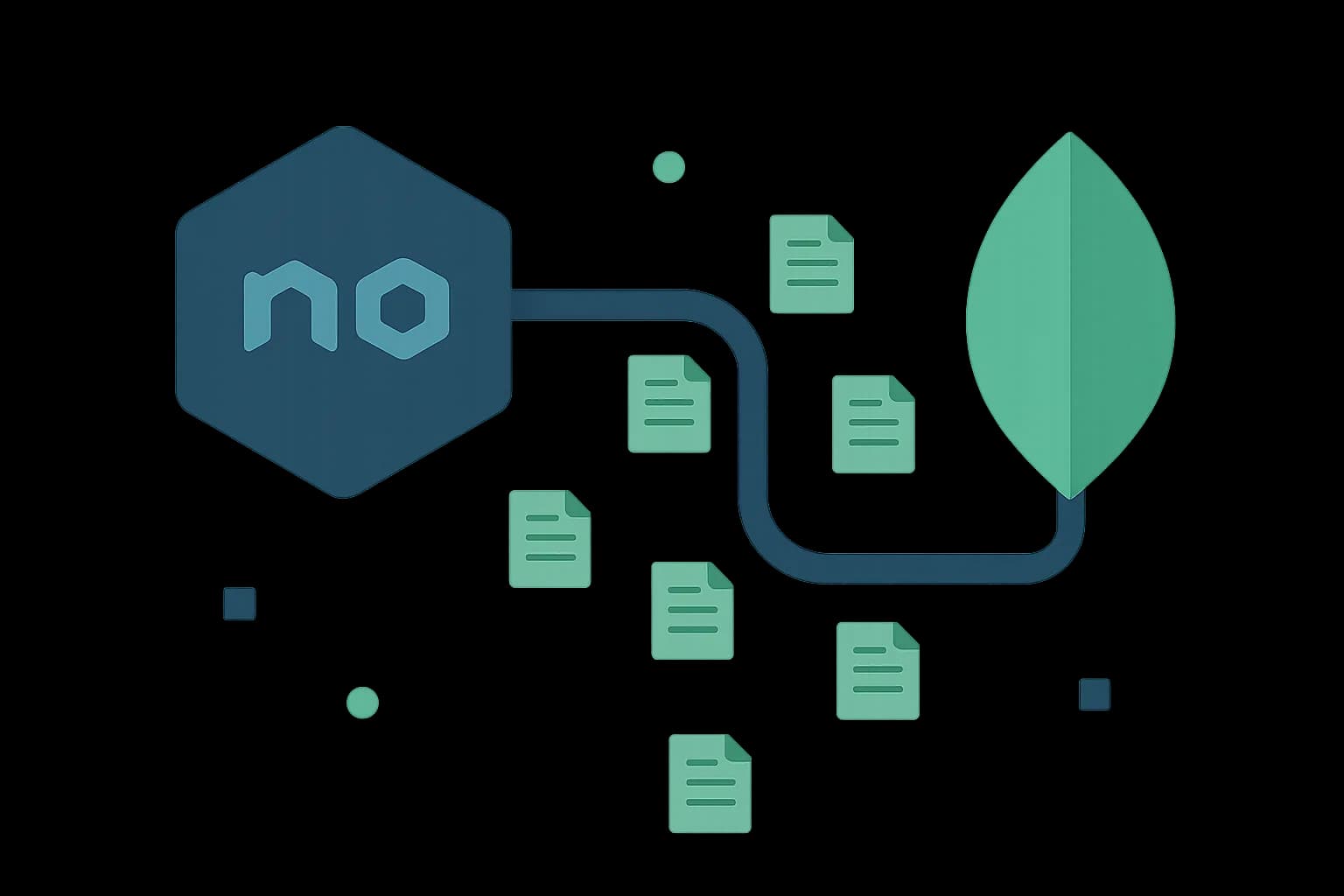
Connecting Node.js to MongoDB takes one MongoClient instance, created once and reused for the life of your process. Querying it takes a collection reference and a filter object. That's the whole surface for most apps. The mistakes that actually cause outages happen around connection lifecycle, not query syntax.
This guide uses a real backend as the worked example instead of a generic todo app: Draftbase's own apps/backend, a Fastify service on MongoDB 7.0. Every snippet below is written in TypeScript; see TypeScript vs JavaScript if you're still deciding whether to add types to a project like this one.
Connecting to MongoDB from Node.js
The official driver exports a MongoClient. Connect once at startup, not per request. (This example uses ESM import; see what require does if your project is still CommonJS.)
import { MongoClient } from 'mongodb';

const client = new MongoClient(process.env.MONGODB_URI!);
await client.connect();

const db = client.db('draftbase');
That single client manages a connection pool internally. It's capped at maxPoolSize, 100 connections per server by default (MongoDB docs). Reusing that one client across every request is the single most important pattern in this whole guide.
The mistake that breaks production
Creating a new MongoClient per request, inside a route handler, is the most common Node-plus-MongoDB bug. Each call opens a fresh TCP connection and a fresh pool. Under real traffic, that exhausts the database's connection limit fast, often within minutes of a spike. The failure mode is opaque too: timeouts that look like a slow database, not a connection leak.
Querying MongoDB from Node.js
A query is a collection reference plus a filter object. findOne returns a single document or null.
const post = await db.collection('entries').findOne({ slug: 'my-post' });
find returns a cursor, not an array, so you convert it explicitly.
const posts = await db.collection('entries')
  .find({ templateId: 'blogPost' })
  .limit(20)
  .toArray();
Filters compose the same way. It doesn't matter if you're matching one field or several. MongoDB's query operators ($gt, $in, $exists) handle the cases a plain equality match can't.
const recent = await db.collection('entries')
  .find({ status: { $in: ['published', 'updated'] } })
  .sort({ publishedAt: -1 })
  .toArray();
Native Driver or Mongoose?
The native mongodb driver gives you the collection API directly, no schema layer, no abstraction between your code and the query. Mongoose adds schemas, validation, and middleware hooks on top of that same driver.
Pick the native driver when your validation already happens somewhere else: an API layer, a typed schema at the application boundary. You don't need a second validation layer underneath it. Pick Mongoose when you want schema enforcement at the database-access layer itself. That's especially useful on a team where not every contributor validates before a write.
Draftbase's backend uses the native driver, since template field validation already happens in the content-modeling layer before anything reaches Mongo. A second schema layer at the driver level would just duplicate that check.
How Do I Handle Connection Pooling Correctly?
Four settings actually matter in production. maxPoolSize caps concurrent connections. minPoolSize keeps a floor of warm connections ready. maxIdleTimeMS recycles connections nobody's using. waitQueueTimeoutMS fails fast instead of hanging when the pool is exhausted.
const client = new MongoClient(process.env.MONGODB_URI!, {
  maxPoolSize: 50,
  minPoolSize: 5,
  waitQueueTimeoutMS: 5000,
});
Set waitQueueTimeoutMS explicitly. Its absence turns a full connection pool into a silent, indefinite hang. With it set, you get a clear, catchable error your app can retry or surface.
What Errors Should I Actually Handle?
Two failure modes show up in real traffic, not the tutorial examples. A MongoNetworkError means the driver lost its connection to the server. That's usually transient, worth a retry with backoff, not a hard failure. A MongoServerSelectionError means the driver found no server to talk to within the timeout window. Often it's a config problem: a wrong connection string, a firewall rule, a replica set still electing a primary.
try {
  await db.collection('entries').findOne({ slug });
} catch (err) {
  if (err instanceof MongoServerSelectionError) {
    // config problem: log and alert, don't just retry
  }
  throw err;
}
Treating every MongoDB error as "retry and hope" hides the second category. A bad connection string keeps failing no matter how many retries you throw at it. Each retry just delays the alert that would have caught it.
The Underused Angle
Most Node-and-MongoDB tutorials show the happy path: connect, query, done. They skip what happens on process restart in a serverless environment. A Lambda-style function that creates a new MongoClient on every cold start reproduces the same bug. It's the same connection-per-request mistake, one layer down: infrastructure instead of the route handler.
The fix is the same idea at a different scope. Cache the client outside the handler function. A warm Lambda invocation then reuses the existing connection instead of opening a new one.
let client: MongoClient;

export async function handler(event: unknown) {
  client ??= await new MongoClient(process.env.MONGODB_URI!).connect();
  const db = client.db('draftbase');
  // ... use db
}
That module-level client variable persists across warm invocations on most serverless platforms. It turns a per-invocation connection cost into a one-time setup cost.
Conclusion
One MongoClient, created once and reused, is the whole trick to a healthy Node-plus-MongoDB connection. Query with find/findOne and MongoDB's operators, tune the four pool settings that actually matter, and cache the client explicitly in any serverless environment. Draftbase's own backend runs this exact pattern in production on Fastify and MongoDB 7.0. Want to see a real content API built on it? Every REST endpoint in the delivery API docs queries Mongo exactly like this.
Ship content that's built to be found
Draftbase generates schema, structured data, and a fast MDX editor for every post.
Frequently asked questions
How do I connect Node.js to MongoDB?
Create one MongoClient at startup and reuse it for every request. Creating a new client per request is the most common bug. It exhausts the connection pool fast.
Should I use the native MongoDB driver or Mongoose?
Use the native driver if checks already happen elsewhere, like an API layer. Use Mongoose if you want schema checks at the database layer itself.
What does maxPoolSize control?
The most connections the driver keeps open to one server. The default is 100. Base it on your expected traffic, not a guess.
Why does my MongoDB connection hang in serverless?
Usually a new client gets created on every cold start. Cache the client outside the handler function so warm invocations reuse the same connection.
What is a MongoServerSelectionError?
It means the driver found no server to talk to in time. It's usually a config problem. A bad connection string, or a firewall rule, not a query bug.
Samer is a software engineer and entrepreneur, founder of Draftbase and Ezi Home Services, building technology that simplifies home services. Passionate about software, APIs, automation, and creating products that solve real-world problems.