What Is TypeScript? TypeScript vs JavaScript Explained
TypeScript adds type checks to JavaScript before your code ships. TypeScript vs JavaScript: see the real gains, key types, and when to skip it.
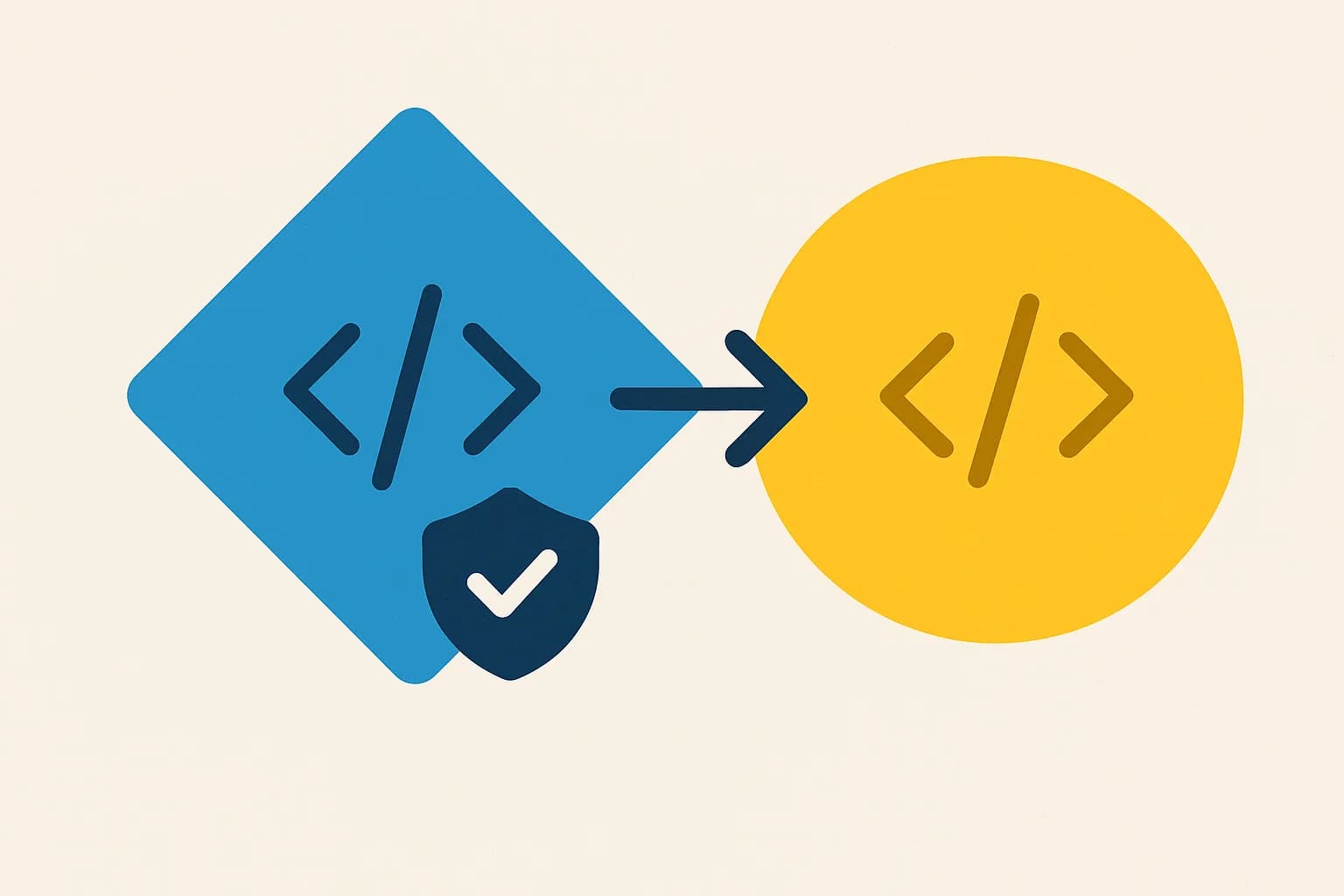
TypeScript is a strict superset of JavaScript: same runtime, added compile-time type checks. Pick it up past a handful of files with more than one contributor; skip it for a genuine one-off script.
TypeScript is JavaScript with a type system bolted on top. Every valid JavaScript file is already valid TypeScript, so you're not choosing a different language. You're choosing whether to add compile-time checks to the one you already know.
That single fact answers most of the "vs" framing search results push. TypeScript compiles down to plain JavaScript. It never runs in a browser or Node as-is. The runtime never sees a type. The difference lives in your editor and your build step, per the TypeScript Handbook itself.
Draftbase's own SDK uses this directly. draftbase-sync reads your content templates and writes a .d.ts file. A richText field shows up as string in your editor before you write any fetch code. TypeScript is one framework-adjacent choice among several; see the fuller rundown of frameworks and language tooling if you're weighing more than this one decision.
What Is TypeScript, Exactly?
TypeScript is a strict superset of JavaScript, built by Microsoft. It adds static types, interfaces, generics, and enums. Then it strips all of it back out during compilation. The output is plain JavaScript. A browser or Node.js already reads it fine.
You opt into as much checking as you want, or as little. A file can start as .js. Rename it to .ts and it still runs with zero type annotations added. TypeScript will still catch some bugs from inference alone, like calling a method that doesn't exist on a string.
Is TypeScript a Language on Its Own?
Yes, in the sense that it has its own compiler, its own syntax extensions, and its own spec. No, in the sense that it has no independent runtime. Node.js doesn't execute .ts files directly. Something, tsc, ts-node, esbuild, or a bundler, has to strip the types first. That's the real mechanical gap. Every browser and server runs JavaScript natively, no strip step needed.
TypeScript vs JavaScript: What Actually Changes
The comparison isn't types versus no types. It's about timing: when does an error surface? JavaScript finds a typo in a property name only when that line runs. Maybe in production. Maybe never, if the path is rare. TypeScript finds it while you're still typing, in a red squiggle under the mistake.
// JavaScript: fails at runtime, only if this line executes
function getTitle(post) {
  return post.tittle; // typo, silent until called
}

// TypeScript: fails at compile time, every time
interface Post {
  title: string;
}
function getTitle(post: Post) {
  return post.tittle; // red squiggle immediately: Property 'tittle' does not exist
}
That shift moves bugs earlier. They surface before you commit, not whenever a user hits that path. It costs something, though. Adding types costs something too: setup time, and a build step plain JavaScript skips.
Is TypeScript Frontend or Backend?
Both. TypeScript makes no guess about where code runs. React, Vue, and Angular projects use it in the browser. Node.js, Deno, and Bun run it on the server. Draftbase's own backend runs on TypeScript, on Fastify. Its React renderer package ships full type definitions for both server and client components. "Frontend vs backend" is really a JavaScript-ecosystem question. It isn't a TypeScript one at all.
TypeScript Benefits Worth the Setup Cost
Three benefits show up in survey data, not just marketing copy.
Fewer runtime bugs from wrong shapes. A function that expects a Post gets a raw object missing title. That fails at compile time now, not three functions deep in production.
Autocomplete that actually knows your code. Your editor reads the types. It suggests real properties, not guesses. That matters more as a codebase grows. No one person holds it all in their head past a certain size.
Confident refactoring. Rename a field on a type, and every place that breaks lights up red immediately. In plain JavaScript, the same rename means grepping the codebase. You hope you found every call site.
The adoption numbers back this up. TypeScript passed both JavaScript and Python as GitHub's most-used language in August 2025. That's per GitHub's own Octoverse report. It's the first time any language has taken that spot from Python or JavaScript.
TypeScript Utility Types: Pick, Omit, and Extract
Utility types build a new type from an existing one. You skip writing a duplicate by hand. Pick keeps a subset of keys. Omit drops a subset. Extract and Exclude work on unions instead of object keys.
interface Post {
  id: string;
  title: string;
  content: string;
  draft: boolean;
}

type PostPreview = Pick<Post, "id" | "title">;
type PostWithoutDraft = Omit<Post, "draft">;

type Status = "draft" | "published" | "archived";
type LiveStatus = Exclude<Status, "draft">; // "published" | "archived"
Pick and Omit work on an object type's keys. Extract and Exclude work on the members of a union instead. Mixing that up is the most common beginner mistake with these four.
Extending an Interface vs. Extracting a Type
Interfaces extend with the extends keyword. They merge cleanly:
interface Entry {
  id: string;
}
interface BlogPost extends Entry {
  title: string;
}
An interface has no default-value feature. TypeScript interfaces describe shapes, not runtime defaults. You set the default where the value actually gets made: a function parameter, or a class constructor. Not on the interface itself.
How Do I Set Up TypeScript with Next.js?
Next.js detects TypeScript on its own. Add a tsconfig.json file, or rename one file to .tsx. Run next dev, and it prompts you to install the needed packages. It finishes the config on its own.
npm install --save-dev typescript @types/react @types/node
That's the entire setup in most cases. A custom tsconfig path or a monorepo setup needs a few manual steps. Next.js's own TypeScript documentation covers those. The same setup question comes up when wiring a headless CMS into a React app: typed fetch calls only pay off once the response shape is typed too.
Functional TypeScript and Typed Services
"Functional" TypeScript doesn't mean a different dialect. It means leaning on generics and narrow return types instead of classes for services that fetch, transform, and return data.
async function getPublishedPosts<T extends { status: string }>(
  posts: T[]
): Promise<T[]> {
  return posts.filter((p) => p.status === "published");
}
A typed service layer like this pays off fastest against a typed API response. It's a small function, and it's easy to test. Draftbase's content API already returns typed shapes through its generated SDK types. Every downstream function inherits that shape for free. Nothing gets re-declared.
What Does ? or ! Mean in TypeScript?
Two symbols confuse newcomers reading real code. A ? after a property name marks it optional: title?: string means the field can be missing entirely, not just empty. A ! after a value is the non-null assertion operator. It tells the compiler "trust me, this isn't null," with no runtime check added. Misusing ! causes exactly the bugs TypeScript exists to catch. It silences the one warning meant to flag the real problem.
When Is Plain JavaScript Still the Right Call?
A one-off script gains little from a type system built for many people sharing one shape. Same for a quick prototype, or a project with one contributor. The build step, the tsconfig, and the learning curve are real costs, not free insurance.
TypeScript's own team has felt this tension too. tsc's type-checking pass historically ran six to twenty-two times slower than a plain JavaScript build on a large project. Microsoft's Go rewrite of the compiler narrows that gap. Incremental builds now run roughly 1.3x slower, not zero, but far closer.
What Breaks When a Team Adds TypeScript Too Late?
Bolting TypeScript onto a mature JavaScript codebase isn't the same project as starting one in TypeScript. The usual failure mode isn't a syntax problem. It's any creeping into every hard spot until the type system stops meaning anything.
A rushed migration often starts with // @ts-nocheck at the top of the messiest files. That flag turns off checking for the entire file. Not just the parts you haven't reached yet. Months later, half the codebase runs unchecked. Nobody remembers which half.
The fix isn't a big-bang rewrite. TypeScript's strict flag can turn on file by file. Scope "strict": true through tsconfig.json's include paths, instead of flipping it for the whole repo at once. Teams that migrate this way convert the riskiest files first: the ones with the most call sites, not the newest ones.
One more real cost: some third-party packages ship no types at all. @types/* packages from DefinitelyTyped cover most popular libraries. A niche or internal package with no types forces a choice, though. Write a .d.ts file by hand. Or fall back to any at that one spot, and accept the gap. Neither option is free. Pretending otherwise is how a migration stalls halfway. The same tension shows up choosing what framework to build on in the first place: every convenience trades off against a cost you pay later, not up front.
Conclusion
TypeScript is JavaScript plus a type system that runs at compile time and disappears before your code ships. Reach for it past a handful of files with more than one contributor. The autocomplete and refactor safety pay for the setup fast. Skip it for a genuine one-off script where the build step outweighs the benefit. Building the API layer those types check against? Draftbase's typed SDK generates the interfaces straight from your content model. The types and the data never drift apart.
Ship content that's built to be found
Draftbase generates schema, structured data, and a fast MDX editor for every post.
Frequently asked questions
Is TypeScript a real programming language?
Yes, with its own compiler and spec, but it has no runtime of its own. Every .ts file gets stripped of its types and compiled to plain JavaScript before it runs.
Is TypeScript used for frontend or backend?
Both. React, Vue, and Angular use it in the browser. Node.js, Deno, and Bun run it on the server. TypeScript makes no assumption about where the code executes.
What are the main benefits of TypeScript over JavaScript?
Three real gains: fewer bugs from wrong shapes, sharp autocomplete, and safe renames. Type checks catch these before you ship, not after a user hits the bug.
How do I set up TypeScript with Next.js?
Add a tsconfig.json file, or rename one file to .tsx, then run next dev. Next.js installs the needed packages and finishes the config on its own.
What is the difference between Pick, Omit, and Extract in TypeScript?
Pick keeps a chosen set of keys from an object type. Omit drops a chosen set. Extract and Exclude work differently: they filter members out of a union type, not keys off an object.
Samer is a software engineer and entrepreneur, founder of Draftbase and Ezi Home Services, building technology that simplifies home services. Passionate about software, APIs, automation, and creating products that solve real-world problems.