
What Is Content Modeling? Key Concepts Explained
Content modeling is deciding what shapes your content comes in: types, fields, and how they link. The decisions, the tradeoffs, the migration costs.
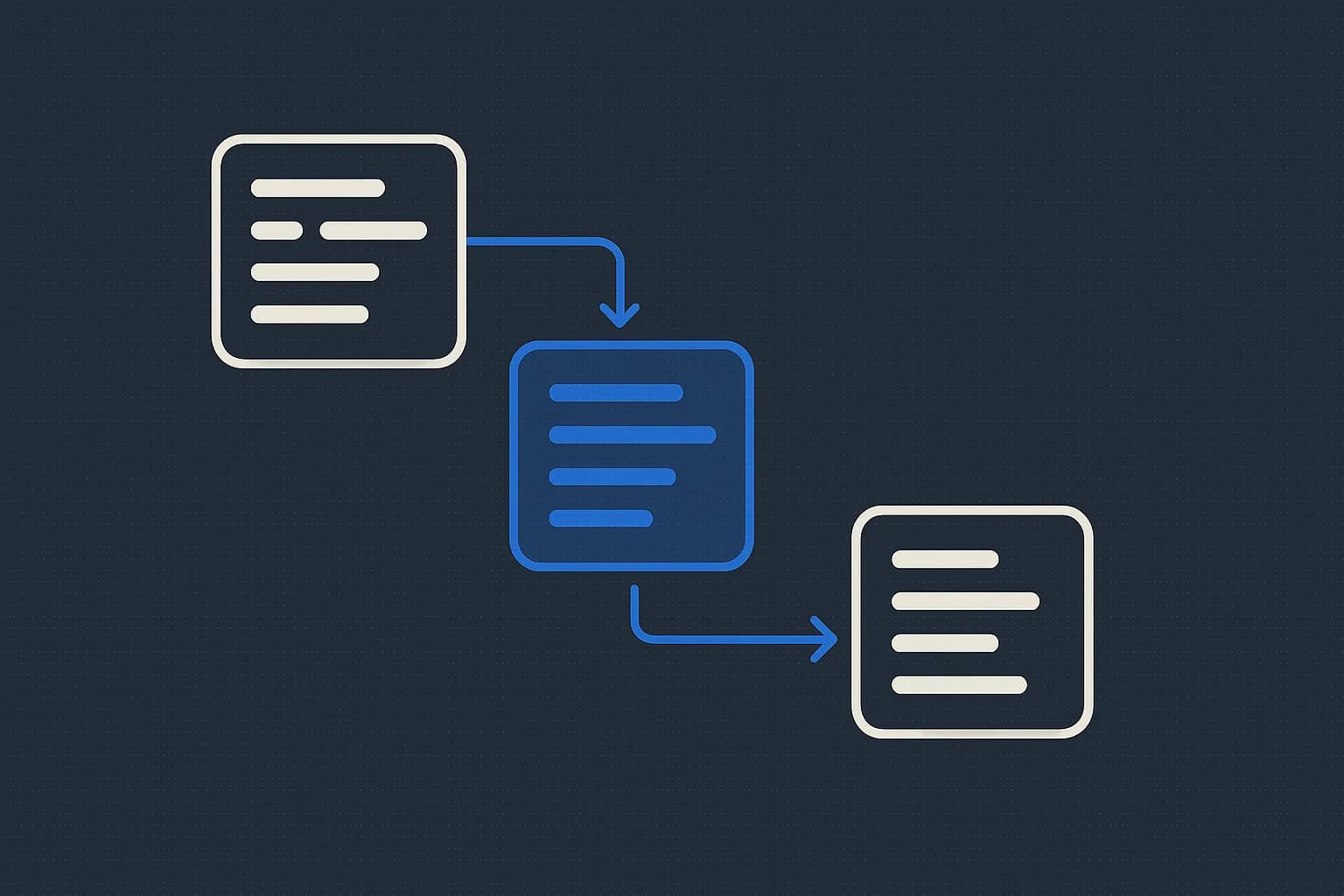
Content modeling is the work of deciding what shapes your content comes in before you store any of it. You name the kinds of thing you publish, list the fields each one holds, and define how they point at each other. A blog post has a title, a body, and an author. The author is its own thing, not a text field you retype 200 times.
That's the definition. The part most guides skip is the cost of getting it wrong, which isn't a meeting. It's a migration. This guide covers the decisions a content model forces on you. Plus the two approaches teams use. And why the schema you pick in week one is the one you'll live with at entry 4,000.
What is content modeling?
Contentstack calls it "a method for documenting all the types of content you'll need." The goal is a CMS set up to feed many channels. Accurate, and a little bloodless.
Working definition: a content model is your database schema, written by people who don't call it that. It has three parts.
- Types. The kinds of thing you publish. Post, author, product, changelog entry.
- Fields. What each type holds, and of what kind. Text, number, date, media, boolean.
- Relationships. Which types point at which. A post references one author. A product references many categories.
Get those three right and your API responses come out clean. Get them wrong and every frontend gets a .split(',') somewhere it shouldn't.
Content model vs content type
These get used as synonyms, and they aren't. A content type is one schema: blogPost, with its own field list. The content model is all of them plus the wiring between them.
In Draftbase these are called templates, and a template is a set of typed fields. For the field-level detail, see what a content type is. This guide stays one level up, at the model.
Why does content modeling matter more in a headless CMS?
Because there's no page to hide behind. A traditional CMS lets you dump HTML into a body field and call it a day. The page is the unit, and the model is whatever WordPress gave you.
A headless CMS serves the same content to a web app, a mobile app, and whatever comes next. Content that assumed a page layout won't survive that. A field named rightColumnHtml is a modeling failure that only shows up when someone builds the iOS app.
Structure is also what makes content reusable across pages. One author entry feeds 200 posts. Change their bio once.
What decisions does a content model actually force?
Three, repeatedly. They're the ones worth slowing down for.
Field or reference?
Hygraph asks the right question here. Is this the only place the content will live? Or will it live elsewhere too?
An author name on a post is a reference. It appears on every post they write. A post's subtitle is a field. It appears once, on that post.
Get this backwards and you copy data across hundreds of entries. Or you build a lookup for something never reused.
One type or two?
The temptation is a type per page. Landing page, pricing page, about page, each its own schema. It feels tidy for a month.
Then marketing wants a fourth page and you're writing a fourth schema that's 90% the same fields. Contentstack's guidance holds up: don't create a content type for every new instance. If two types share most of their fields and differ by one, that's one type with an optional field.
The reverse mistake is worse though. Going too broad with a page type and a blocks array gives editors a blank canvas and gives you no structure at all.
How deep do relationships go?
A post references an author. The author references an organization. The organization references a region. Three hops in, every API read is a join, and nobody can explain what breaks when a region gets deleted.
Draftbase enforces reference integrity. You can't delete an entry another entry points at. That turns a silent broken link into an error at delete time.
Top-down or bottom-up: which approach works?
Hygraph names both, and the split is real.
Top-down starts from the finished page. Look at the wireframe, identify each piece, model what you see. Fast, and it produces models that fit today's design exactly. That's the risk too.
Bottom-up starts from the reusable units. What's an author? What's a product? Model those, then compose pages from them. Slower up front, holds up better.
Use bottom-up for anything that outlives a redesign, which is most content. Use top-down for one-off marketing pages nobody will reuse. Mixing them is fine and normal.
How do you build a content model?
Short version. Most guides on this run 3,000 words to say it.
- List what you publish. Actual pages, actual posts. Not what you plan to publish.
- Circle the nouns that repeat. Authors, categories, products. Those are your types.
- List fields per type, and mark which are required. Required is a promise to everything reading the API.
- Draw the arrows. Which type references which, and in which direction.
- Test it with a real entry. Not a lorem ipsum one. A real post with a real edge case.
Step 5 is the one teams skip, and it's the one that catches the problem while it's still free to fix.
Here's what a small model looks like as an actual schema:
// blogPost template
{
  title:      { type: 'text',      required: true },
  slug:       { type: 'text',      required: true, isSlug: true },
  body:       { type: 'richText',  required: true },
  author:     { type: 'reference', referenceTemplateId: 'author' },
  tags:       { type: 'json' },
  publishedAt:{ type: 'date' },
}
Six fields. One reference. That's a whole content type, and it's enough for a real blog.
The underused angle: modeling mistakes are migrations
Nearly every guide on this treats content modeling as a planning exercise. Workshops, Miro boards, stakeholder alignment. All fine, and all missing the thing that makes the stakes real.
Schema changes are not equally expensive. They're wildly asymmetric.
Cheap forever: adding an optional field. Renaming a label. Adding a new type. You do these on a Tuesday.
Expensive once you have entries: splitting one type into two. Changing a text field into a reference. Making an optional field required. Each of these means backfilling every existing entry, and there's no undo on a bad backfill.
The gap between those two lists is why bottom-up modeling wins. You're not trying to predict the design. You're trying to avoid the second list.
One practical hedge: when you're unsure whether something is a field or a reference, make it a reference. Collapsing a reference into a field later is a script. Going the other way means inventing entities from strings. Matching "Jane Doe" against "jane doe " is where the afternoon goes.
Draftbase keeps full revision history with rollback on every entry, so a bad bulk edit is recoverable. The schema change that caused it still isn't free.
Content modeling best practices that survive production
Five that hold up. Some come from the vendor guides above. The rest come from what breaks anyway.
Name fields for what they contain, not where they appear. heroSubtitle is a layout name. summary is a content name. One of those survives a redesign.
Keep required fields few. Every required field is a wall an editor hits at 5pm. Make it required only when a consumer genuinely can't render without it.
Don't model for a channel. No webDescription and appDescription. One description. Let each surface cut it short.
Reuse before you generalize. Two types sharing fields is fine. A single mega-type with 40 optional fields is not.
Write the model down somewhere editors read. The schema is documentation whether you treat it as documentation or not.
When does a content model go wrong?
Two failure shapes, and they look opposite.
Over-modeled: 30 content types, half with one entry each. Editors can't find where anything lives. Adding a page means asking a developer. This is what happens when every design variation becomes a type.
Under-modeled: one page type with a rich text blob. Editors are happy for six months. Then someone asks for "all posts by this author." There's no author. Just a name typed 200 times, with three spellings.
The second one is more common and much more expensive. A blob is easy to write into and impossible to query.
Where to go from here
Content modeling is schema design wearing a friendlier name. The decisions that matter: field or reference, one type or two, how deep the relationships run. Bottom-up beats top-down for anything that outlives a redesign. The reason is migration cost, not taste.
Rather design a model in typed fields than in a workshop? Draftbase gives you templates built from typed fields. Reference integrity is enforced. Revisions roll back when a change goes sideways. Hobby is free with no card, and Startup is $49/mo. Modeling your first template? Start with content type definitions. Once the model is settled, see how typed content schemas work in React. Or compare platforms in how to choose the best headless CMS.
Ship content that's built to be found
Draftbase generates schema, structured data, and a fast MDX editor for every post.
Frequently asked questions
What is content modeling?
Content modeling means defining the types of content you publish. You set the fields each type holds. Then you define how the types link to each other.
What is the difference between a content model and a content type?
A content type is a single schema, like blogPost with its title, body, and author fields. The content model is every type you have, plus the links between them.
Should I model content top-down or bottom-up?
Bottom-up, for anything that outlives a redesign. It starts from reusable units like authors and products, not from a wireframe. Top-down is fine for one-off pages nobody will reuse.
Which content model changes are expensive to make later?
Adding an optional field or a new type is cheap at any point. Splitting one type into two is not. Neither is turning a text field into a reference. Both mean backfilling every entry you already have.
Should a value be a field or a reference when I am unsure?
Make it a reference. Turning a reference back into a field is a short script. Going the other way means inventing entities out of strings, and near-duplicate spellings make that messy.
Working with this hands-on? Draftbase also has a free json to typescript.