
What Is a Content Type in a Headless CMS?
A content type is the schema an entry must follow: named fields, typed values, and validation rules. How to design one, and why it is hard to change.
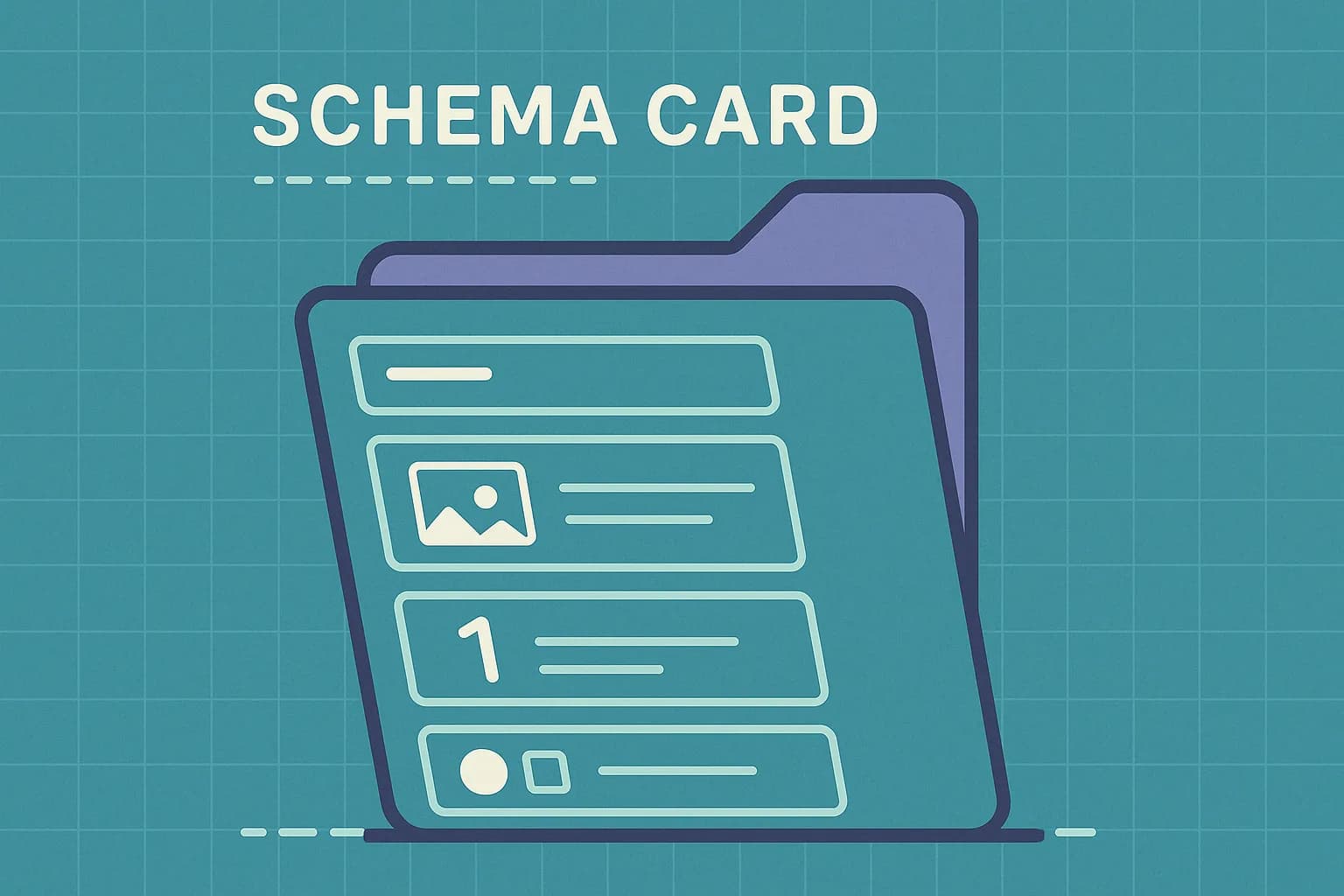
A content type is the schema every entry of that kind must follow. It names the fields, sets each field's type, and attaches validation rules. Define a blogPost type with title, slug, body, and author. Every blog entry in your CMS then has those four fields, typed the same way. Contentstack calls it the mold your entries are cast from. That's the right picture. In Draftbase they're called templates, and the same schema drives the editor form and the delivery API response.
What is a content type in a headless CMS?
A content type is a named set of typed fields. Nothing more. It has no layout and no HTML. It doesn't care where the content shows up.
That last part is what makes a headless CMS headless. A classic CMS ties a post type to a theme file. A headless one doesn't. The content type says a recipe has prepTime as a number and ingredients as a list. Your site, your app, and your voice assistant each decide what to do with that.
Here's a small one, written the way Sanity defines a document type:
{
  name: 'recipe',
  type: 'document',
  fields: [
    { name: 'title', type: 'string' },
    { name: 'prepTime', type: 'number' },
    { name: 'body', type: 'array', of: [{ type: 'block' }] },
    { name: 'author', type: 'reference', to: [{ type: 'person' }] },
  ],
}
Content type vs content model vs entry
These three get used as if they mean the same thing. They don't.
| Term | What it is | Example |
|---|---|---|
| Content model | Every content type in a project, plus how they relate | The whole schema for your site |
| Content type | One schema: a named list of typed fields | blogPost, author, product |
| Entry | One record filled in against a content type | "What Is a Content Type?", published Aug 6 |
| Field | One typed slot inside a content type | title (text), author (reference) |
So a content model holds content types, and a content type stamps out entries. Get the words straight before your first modeling session. Half the fights in those meetings are two people using "content type" for different layers.
What fields make up a content type?
Fields are the parts. Each one has a key, a label, a type, and usually some rules.
Most platforms ship the same basic set. Sanity lists 18 field types. String, number, boolean, date, image, reference, slug, and geopoint are all in there. Strapi's Content-Type Builder adds email, password, UID, and six relation types. Draftbase keeps a shorter set: text, richText, number, boolean, date, media, reference, and JSON.
The two field types that decide your model
Most fields are boring. Two aren't.
Reference fields point at another entry. That's how a blogPost gets an author without copying the bio into every post. Change the bio once. All 40 posts update.
Rich text fields hold the body. This is where platforms diverge hardest. Contentful and Sanity store rich text as a vendor JSON tree. You then walk that tree with a renderer. Draftbase stores it as a plain MDX string. The field value is text you can read, diff, and paste into a .mdx file. If your team already writes MDX, that gap sets your migration cost later.
Validation rules
A field type says what kind of value fits. Validation says which values pass.
The usual set: required, unique, min and max length, regex pattern, enum values, and limits on what a reference can point at. Set them. A loose slug field is how you get two entries at one URL and a bug you can't reproduce.
What does every CMS call a content type?
Different word, same idea. This trips people up when they compare tools.
| Platform | What it's called | Notes |
|---|---|---|
| Contentful | Content type | Entries are the instances |
| Contentstack | Content type | Described as a blueprint or mold |
| Sanity | Document type | Defined in code, not a UI |
| Strapi | Collection type / single type | Single types hold exactly one entry |
| Storyblok | Block / component | Nestable inside a page |
| Draftbase | Template | Fields typed, drives editor and API |
Two ideas hide in that table. Strapi's split matters: a homepage doesn't need a list, it needs one record. Storyblok's model is block-first. A page there is built from nested blocks, not filled into one flat schema.
What does a content type look like over the API?
This is the part most explainer posts skip. A content type isn't only an editor form. It's also the shape of every JSON response your frontend gets.
Ask Draftbase's delivery API for entries of one type, and the field keys you defined are the keys you read:
const res = await fetch(
  'https://api.draftbase.co/delivery/entries?templateId=blogPost&limit=10',
  { headers: { Authorization: `Bearer ${process.env.DRAFTBASE_KEY}` } },
);
Two things follow from that. Rename a field, and every consumer reading the old key breaks. Mark a field optional, and your TypeScript types get a | undefined you now have to handle in the component.
So the content type is a contract between three groups. Editors filling the form. Developers reading the response. And whatever ships next year on a channel nobody's built yet. That's the case for typed fields over one big rich text blob: a blob renders fine on a website and tells an email template nothing.
One more detail worth knowing. Delivery APIs serve published content, so an entry edited after publishing still returns its last published revision. Draftbase works that way, and a preview build has to hit the management API instead. Your content type is identical in both. The state of the entry isn't.
How do you design a content type?
Start from the content, not the page. Ask what the thing is. Then list what a reader needs to know about it.
A job posting is a job posting on a careers page, in an email digest, or in a Slack alert. Title, department, location, pay range, apply link. Those are fields. "Hero section" and "three-column grid" are not.
The page-based trap
The most common mistake is one content type per page layout. Webstacks names it plainly. Making every page its own type grows the list you have to keep up, and gives editors less room, not more.
You'll notice it when you have homePageV2, landingPageAlt, and campaignPageQ3 sitting next to each other. Those aren't content types. They're screenshots with a database behind them.
The reuse test
Before you create a new content type, ask one question. Would a second entry of this type ever exist?
If no, it's a field on a type you already have, or a single-entry record. If yes, and the fields differ from what exists, make the type. Two entries with small differences want one type and an optional field.
Is a content type the same as a database table?
Related, but not the same. Both set a shape and both enforce it. The gaps are what bite you.
A table is tuned for storage and query plans. A content type is tuned for two other things. What an editor sees in a form. What a frontend can render without null checks. So it carries labels, help text, field order, and locale flags that no table needs. It skips indexes, cascades, and join tables.
Reference fields show it best. In SQL you'd build a many-to-many with a join table. In a CMS you add an array of references, and the platform keeps it honest. Draftbase blocks deleting an entry that another entry points at, the same way schema-driven content modeling is meant to work. The editor sees a warning, not a foreign key error.
The part nobody warns you about: content types are hard to change
Making a content type takes 30 seconds. Changing one after 5,000 entries exist takes a sprint. That gap is the most useful thing to know before your first modeling pass.
Contentful won't change a field's type in place. Turning a text field into a reference means adding a new field, backfilling every entry, then dropping the old one. Adding a required field works the same way. Ship it optional, write to it, backfill, then flip it to required in a second migration. You also can't delete a type that still has published entries. You can't delete the display field either.
So the field type choice is closer to a one-way door than a setting. Three habits cut the pain:
- Use an environment. Draftbase, Contentful, and Contentstack all give you a spare one to break, then sync into production.
- Pick a reference over a copied text field, even when the copy looks simpler today.
- Leave the enum for last. Free text you tighten later beats an enum you have to widen across live data.
When is a content type the wrong tool?
Sometimes structure costs more than it returns.
One-off marketing pages with custom layouts are the clearest case. Modeling a landing page that ships once and dies in six weeks buys you nothing. It adds a type your team keeps forever. A hardcoded page or an MDX file in the repo is the better call.
App data with heavy relations is the other case. Order lines, stock counts, and permissions belong in your database, not your CMS. Content types are for content people edit. If nobody edits it in a form, it doesn't need one.
Where Draftbase fits
Building with React or Next.js, and your content is really MDX? Then the rich text choice above is the one that should pick your CMS. Draftbase templates store richText as plain MDX strings. You never parse a vendor JSON tree to render a paragraph. Registered MDX components take typed props. Content ships over REST or GraphQL, with revisions, rollback, and environments behind it. Hobby is free and Startup is $49/mo, listed on the pricing page without a sales call. Define one template, then see how the MDX-native editor handles your worst body field.
Ship content that's built to be found
Draftbase generates schema, structured data, and a fast MDX editor for every post.
Frequently asked questions
Is a content type the same as a database table?
Related, but not the same. A table is tuned for storage and query plans. A content type is tuned for the editor form and the API response, so it carries labels, help text, field order, and locale flags a table has no use for.
What is the difference between a content type and a content model?
A content model is the whole set. A content type is one schema inside it, and an entry is one record filled in against that type. So the model holds the types, and each type stamps out entries.
Can you change a content type after entries are published?
Yes, but not freely. Contentful will not change a field's type in place, so you add a new field, backfill every entry, then drop the old one. Use a spare environment and sync it into production once the migration works.
How many content types should a site have?
Fewer than you think. Start with one type per real thing, like a post, an author, or a product. If you have a type per page layout, you have too many.
Working with this hands-on? Draftbase also has a free json to typescript.