Ecommerce Replatforming: When and How to Move Platforms
See the signs it's time to replatform an ecommerce store, plus the steps and redirect map that keep search rankings safe.
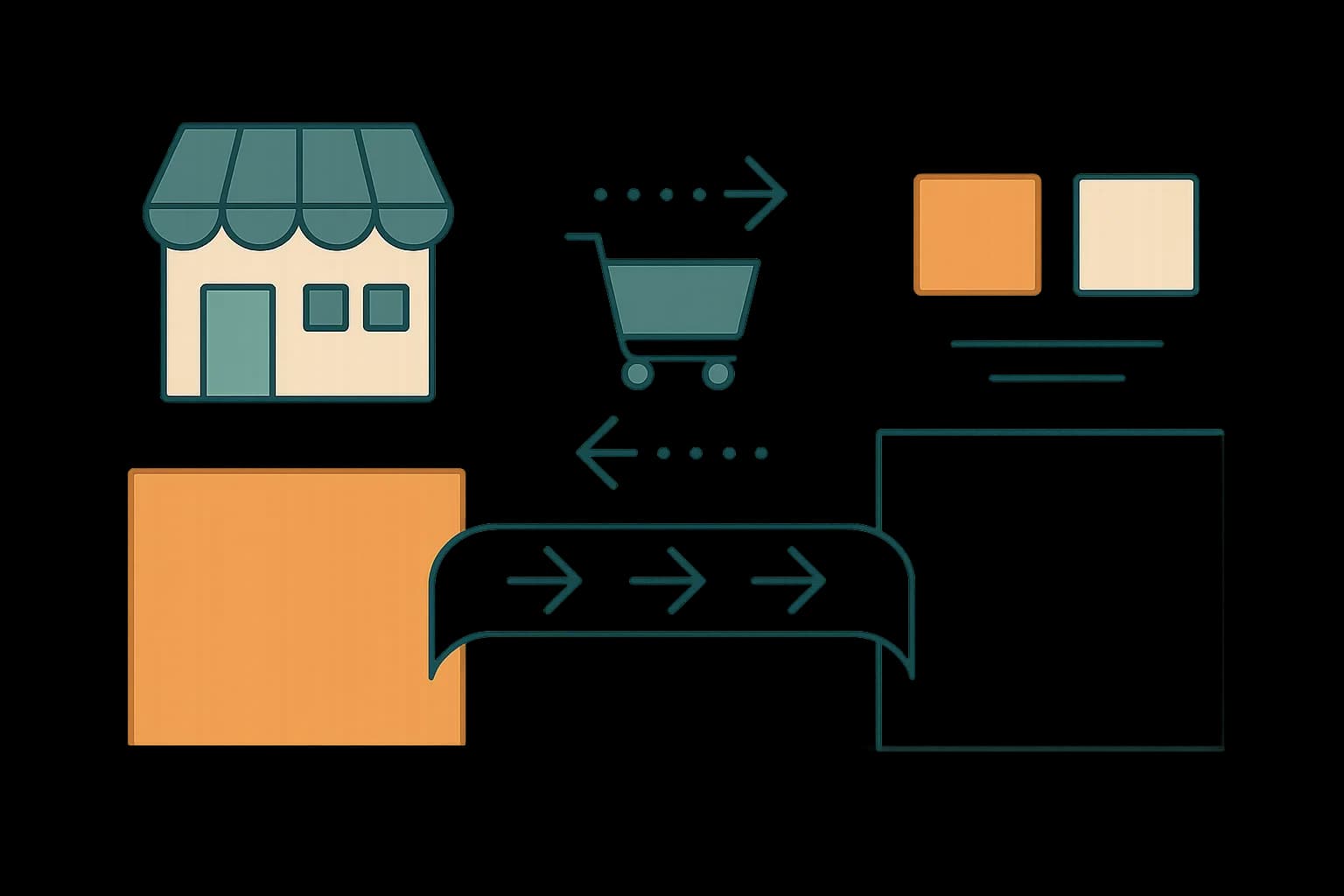
Ecommerce replatforming succeeds or fails on the redirect map: a complete 1:1 URL mapping with 301s kept live for a year protects search rankings through the move.
Replatform when your current setup can't keep up. Slow checkout, customizations that used to take hours now taking weeks, or a growth plan the platform can't support. The move itself is the highest-risk moment for your search rankings. The how matters as much as the when.
This guide covers both: the signs worth acting on, and the migration steps that keep traffic and revenue intact through the switch.
When Do You Actually Need to Replatform?
A few signals matter more than the rest. Page load times past 3 seconds cost you buyers before they see a product page. So does a Largest Contentful Paint above 2.5 seconds — Google's own Core Web Vitals threshold for a "good" experience. Checkout customizations that took hours now taking weeks is a platform ceiling, not a team problem. So is a catalog update that once needed one person now needing three.
Growth triggers count too. Adding new regions, payment methods, or sales channels often exposes a platform's real limits faster than daily traffic does. Hitting two or three of these at once? That's the point to plan a move. Planning early is cheaper than reacting to a crisis later, per Shopify's own replatforming guide.
What Actually Breaks During a Migration?
Search traffic is what breaks most, and it breaks silently. Changing URL structure without mapping and redirecting every old path is the single most common mistake, and it can cut organic traffic sharply within weeks. Product pages, category pages, and blog content all move, and each one needs a plan before launch, not after.
Headless setups add one more wrinkle. A client-rendered single-page app can leave crawlers seeing an empty shell if pages aren't server-rendered or statically generated first. That's not a headless-specific flaw, exactly. It's a reminder that "headless" describes the architecture, not the rendering strategy, and the two get conflated often enough to cause real damage.
The Redirect Map: The One Step That Can't Be Skipped
Build a 1:1 URL map before writing a line of new code. Every old URL needs a matching new one, and every mismatch needs a 301 redirect pointing to the closest live equivalent. Google's own documentation treats a 301 as a permanent-move signal. It tells search engines to transfer the old page's ranking signals to the new URL.
# Example redirect map entry
/products/old-widget-slug  ->  /products/new-widget-slug   (301)
/blog/old-post-name        ->  /blog/new-post-name          (301)
Keep those redirects live for at least twelve months. Search engines need time to fully process the new URL structure. Remove a redirect too early, and it re-breaks links that were just starting to recover.
Migration Steps, in Order
- Audit the current platform. Document every integration, plugin, and piece of custom code the store depends on. Nothing on this list should be a surprise mid-migration.
- Pick the platform, then the implementation partner. Choosing the technology first keeps the decision about fit, not about who's available to build it.
- Map the data. Products, customers, orders, and content all need a defined destination field on the new platform, before import, not during.
- Build the redirect map. Cover every indexed URL, not just the obvious ones — old category pages and paginated listings get missed often.
- Test on staging with real data. Sample data hides the edge cases that live in years of real customer and order history.
- Launch, then monitor. Watch crawl errors, 404 rates, and organic traffic daily for the first month. A redirect map built in step 4 still needs verification against what actually happens in production.
Timeline varies by scale. A small catalog under 1,000 SKUs can move in four to eight weeks. A mid-market store usually needs three to six months, mostly because of the integration and data-mapping work in steps 1 and 3.
Content Migration Is Its Own Project
Product descriptions, blog posts, and landing pages are content too. Content migration gets treated as an afterthought more often than it should. A headless CMS decouples content from the commerce platform underneath it. A future replatform then touches only the storefront, not the words and structure that already rank.
That's the actual argument for decoupling content from your commerce platform before the next migration happens, not during this one. Content that lives in its own system survives a platform swap by definition. There's nothing to migrate. It was never coupled to the platform being replaced.
What Happens If You Skip the Redirect Map?
The most common real-world failure isn't a bad platform choice. It's a redirect map built too late. Or built by someone without full historical URL data. Think paginated category pages, or old campaign landing pages. They stopped getting internal links years ago, but they still hold backlinks.
Those forgotten URLs are exactly the ones that break silently. A rankings drop from a missing redirect often doesn't show up in weekly traffic reports for a month. By then, the SEO fix is a much bigger project. Adding one row to a spreadsheet before launch would have been simpler. Pull a full URL list from both your sitemap and your server logs, not just the sitemap. A log file catches pages Google indexed that the current sitemap no longer lists.
Should You Migrate All at Once or in Phases?
Both approaches work, and the right one depends on how much of the current platform's problems are isolated versus systemic. A phased migration moves one product category or one region first. That limits the blast radius of a mistake, and gives the team a real production test before the full catalog moves.
A full cutover is faster and avoids running two platforms in parallel, with the sync complexity that creates. It fits a smaller catalog better than a large one, where a phased approach's lower risk usually outweighs its slower timeline.
Who Should Own the Migration?
A common mistake is treating replatforming as a purely technical project, handed off to a dev team with a launch date. The redirect map, the content plan, and the SEO checks all need a stakeholder who understands search traffic, not just data schemas.
Split ownership works better than a single owner trying to cover everything. One person owns the technical migration: data mapping, integrations, testing. A second owns search and content: the redirect map, meta tags, and internal links. Neither piece works well without the other, and a migration run by engineering alone tends to miss the SEO checklist entirely until traffic drops after launch.
Conclusion
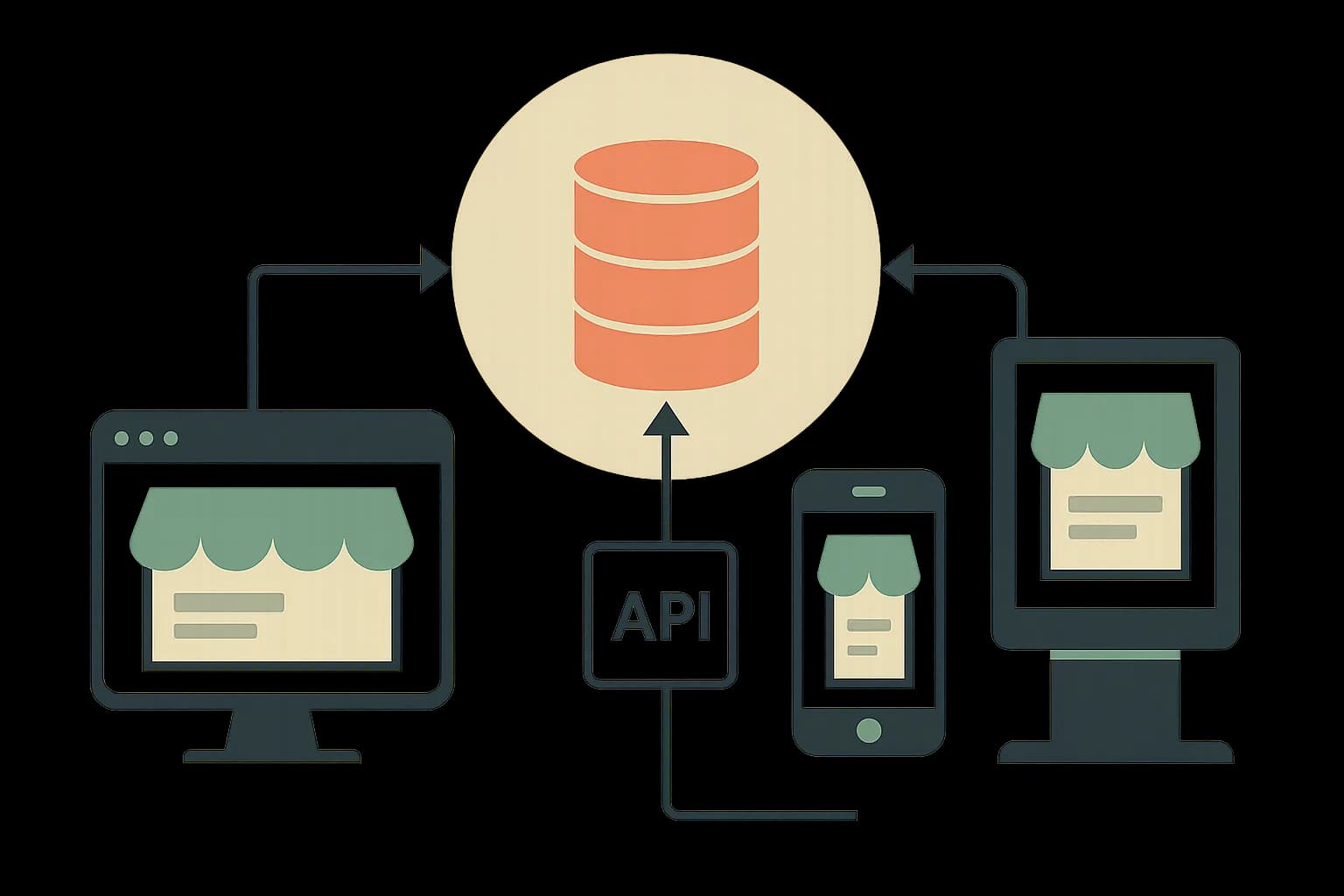
Replatform when specific, compounding signals show up: slow checkout, growth the platform can't support, customizations that take weeks instead of hours. Protect search traffic with a complete redirect map, twelve months of active redirects, and server-rendered pages if the new stack is headless. Decoupling your content from the commerce layer now is what keeps the next migration smaller than this one. Draftbase's headless CMS stores that content independently of any commerce platform. A future replatform touches checkout and catalog, not the product copy and guides you've already built.
Ship content that's built to be found
Draftbase generates schema, structured data, and a fast MDX editor for every post.
How to
- 1Audit the current platform
Document every integration, plugin, and piece of custom code the store depends on. Nothing on this list should be a surprise mid-migration.
- 2Pick the platform, then the implementation partner
Choosing the technology first keeps the decision about fit, not about who's available to build it.
- 3Map the data
Products, customers, orders, and content all need a defined destination field on the new platform, before import, not during.
- 4Build the redirect map
Cover every indexed URL, not just the obvious ones. Old category pages and paginated listings get missed often.
- 5Test on staging with real data
Sample data hides the edge cases that live in years of real customer and order history.
- 6Launch, then monitor
Watch crawl errors, 404 rates, and organic traffic daily for the first month.
Frequently asked questions
How long does ecommerce replatforming take?
A small catalog under 1,000 SKUs can move in four to eight weeks. A mid-market store usually needs three to six months.
Does replatforming hurt SEO?
It can, if URLs change without redirects. A complete 301 redirect map, kept live for a year, keeps rankings stable through the move.
What is the biggest risk in an ecommerce migration?
A missing redirect map. Old pages lose their rankings first, and they're the hardest ones to catch before launch.
Should I migrate content and commerce at the same time?
No. Content in its own headless CMS survives a commerce swap untouched. Keep the two apart, and only the store needs to move.
Is a phased migration safer than a full cutover?
Usually, yes, on a large catalog. Moving one product line first limits the damage a mistake can do.
Samer is a software engineer and entrepreneur, founder of Draftbase and Ezi Home Services, building technology that simplifies home services. Passionate about software, APIs, automation, and creating products that solve real-world problems.