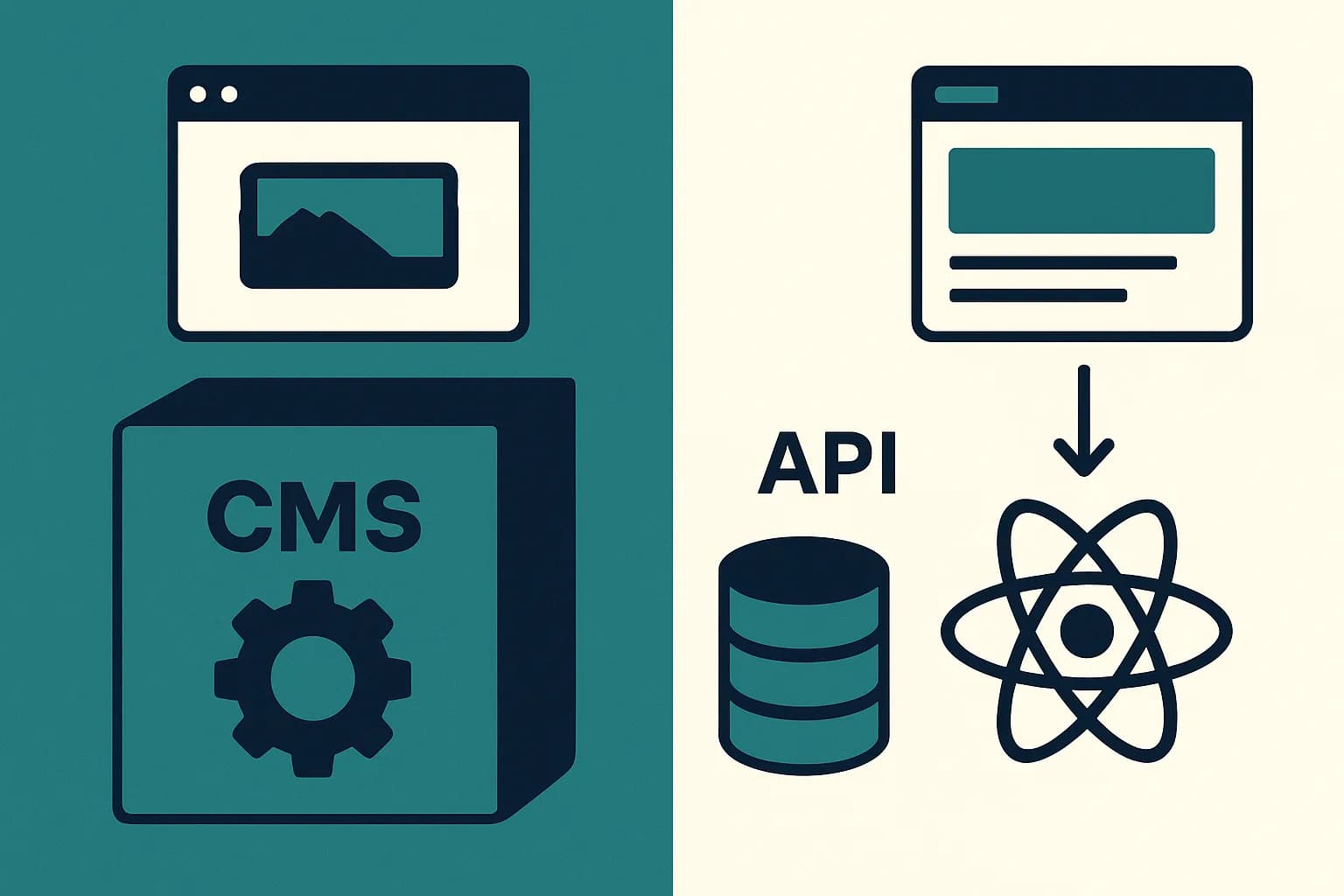
CMS Migration Guide: Moving to a Headless Model
A CMS migration to headless needs a redirect map before launch. Here are the seven steps that keep your rankings and content intact.
Build the redirect map first, not last. It's the single biggest reason migrations lose traffic they never get back.
A CMS migration to a headless model moves your content into a new system. It also swaps your template engine for an API call. Done well, it costs weeks of planning and a careful redirect map. Done badly, it costs rankings you don't get back. 17% of site migrations never regain their old traffic, even after 1,000 days. (CausalFunnel) This guide walks through the steps that keep a migration off that list.
Why Most CMS Migrations Struggle
38% of migration projects fail outright. Traffic drops of 30 to 60% show up even in the ones that work. (Solix) The common thread isn't the new CMS itself. It's a thin content map, missing redirects, and text that ships in whatever loose shape the old system allowed.
A headless move raises the stakes here. You're not just swapping one page-builder tool for another. You're moving from loose HTML blobs to a strict content model, with every field typed and every link explicit. That work has to happen before content moves, not after.
Audit What You Have
Before you touch a new CMS, list every page and post you own. Note which ones still pull traffic. Old or duplicate pages just add work with no payoff, so cut them here. (ButterCMS)
This audit also shows your real content types. A blog has posts, authors, and topics. A shop has products, variants, and groups. Write these down as plain fields — title, slug, body, image, link — before you touch the new CMS.
Model Content Before You Move It
A headless CMS has no page builder to fall back on. So the model you build becomes the true shape of your API. Get this wrong, and every page built later inherits the flaw.
Break each type into typed fields: a title, a body, a hero image, an author link. In Draftbase, you do this once, in the dashboard. Set up a blogPost type with its fields. Every entry you move into it comes back through the API in that same shape.
Build the Redirect Map First
Most guides bury this step halfway through. It's the one with the highest cost if skipped. Build a map: every old URL, paired with its new match. (Bruce Clay)
Do this before content moves, not after launch. A blanket redirect — one that sends a whole section to the home page — reads to Google as lost content, not a move. That drags rankings down. A specific, one-to-one redirect passes 90 to 99% of a page's rank signal to its new URL. Skip this step, and you're a likely candidate for that 17% figure above.
Migrate Content Into the New Model
With the model built and the map ready, move content in. Match each old page to its new type. Fill in the typed fields. Don't dump raw HTML into one big text block — that defeats the whole point of the model you just built.
Move metadata too, not just visible text. Meta text, alt text, and any structured tags need to come along. These get missed a lot, since they sit outside the page body and skip past a quick review.
Test Every Channel Before Launch
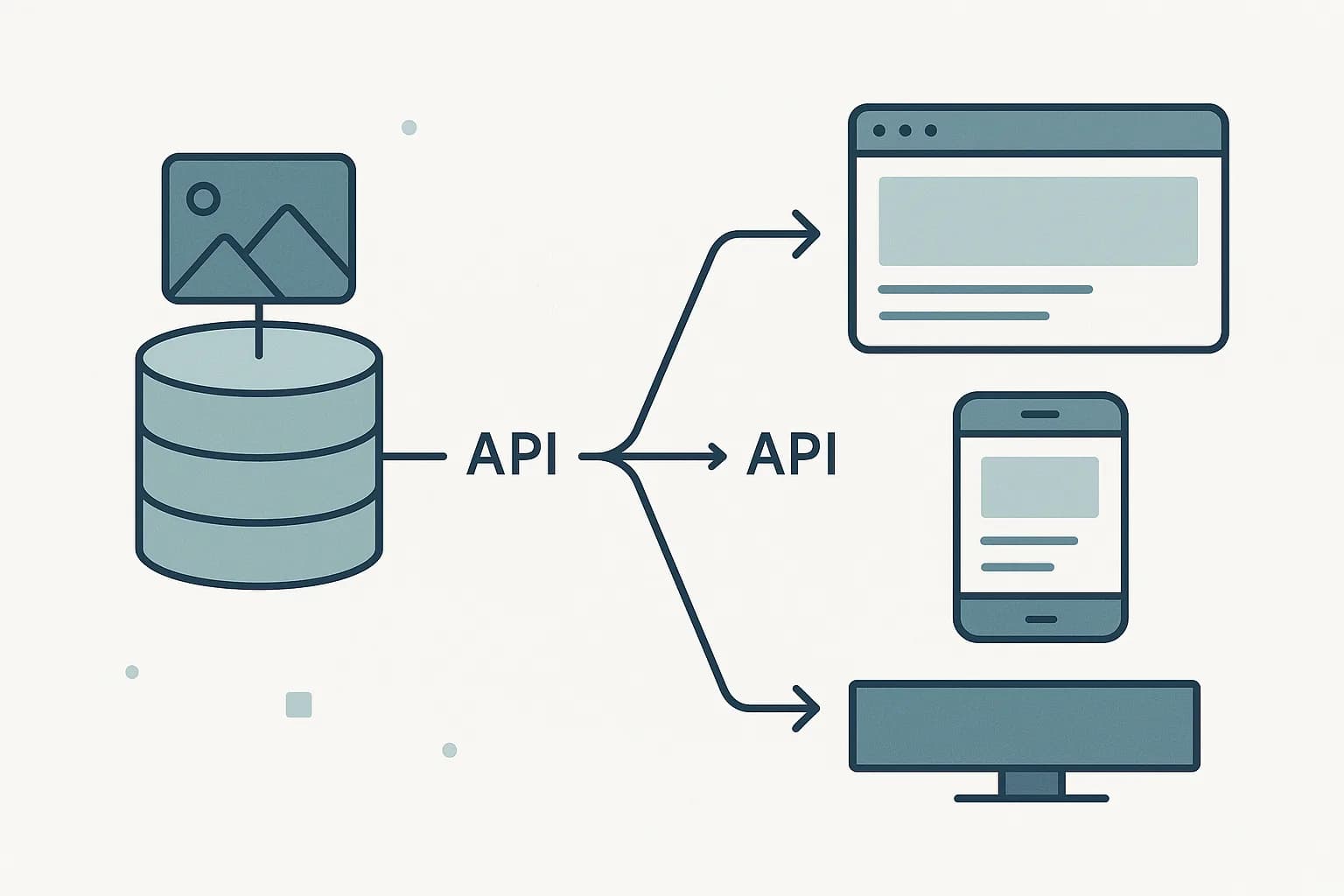
A headless CMS earns its keep by feeding more than one channel. So test more than the main site. Check mobile. Check any app on the same API. Check the preview mode editors will use each day. Confirm an editor can publish a change and see it go live. A broken publish flow won't show up until someone tries it for real.
Launch With Redirects Live
Launch day is when the redirect map goes live, not when you first test it. Push redirects at the exact moment the old site goes down. No URL should sit broken, even for a minute. Right after launch, submit a fresh sitemap to Google Search Console. That speeds up how fast the new pages get crawled. (Pagepro)
Watch Closely and Fix Fast
Average recovery time for lost traffic runs 523 days, across a study of 892 site moves. (CausalFunnel) That number describes sites left to recover on their own. Watch rankings in the first weeks. Fix broken redirects fast, instead of waiting on a monthly report. That's what keeps a migration off that long curve.
A Concrete Example: Migrating a 200-Page Blog
Picture a company blog with 200 posts, built on an old WordPress site. The migration starts with the audit. Half the posts get real traffic. The other half are old announcements, duplicate tags, or thin pages nobody links to. Those get cut, not moved. That drops the real migration count to about 100 posts.
Next comes the model. Each post becomes a blogPost type with a title, a slug, a body, an author link, and a category. The team defines this once, in the new CMS dashboard, before moving a single post.
The redirect map gets built alongside the audit, not after it. Each of the 100 kept posts gets its old URL paired with its new one, in the same spreadsheet used for the content list. By the time posts start moving, all 100 redirect pairs already exist.
Content moves next, post by post, into the typed fields. Each post's meta description and image alt text move with it, not as an afterthought. The team tests the new blog on mobile and in the CMS's own preview mode before picking a launch date.
On launch day, the redirects go live at the same moment the old site comes down. A fresh sitemap goes to Google Search Console within the hour. In the following weeks, the team checks rankings weekly, not monthly, and fixes any 404 the moment it shows up in a crawl report.
That order — audit and redirect map together, content model before content, tests before launch, monitoring after — is what separates a clean migration from a 500-day recovery.
The Underused Angle: Redirects Are a Content Task, Not Just an SEO One
Most guides file redirects under "SEO checklist." One person handles it near the end. Treat it that way, and it becomes the last thing built and the first thing rushed. The stronger move folds redirect mapping into the audit from step one. As you list old URLs and match them to new types, build each redirect pair in the same pass. By the time content is ready to move, the map is already done. No scramble against a launch date.
Where Draftbase Fits
Draftbase's content model stays plain. Define a type's fields once. Every entry stores as structured data, with no locked export format standing between your old CMS and the new one. Content comes back through a REST API, the kind your frontend already knows how to call. Migrate, then build — not migrate, then relearn a whole new SDK.
If a content-speed wall, or a page-builder ceiling, is what's pushing this move, check Draftbase's pricing. See how fast a content model comes together before you set a launch date.
Ship content that's built to be found
Draftbase generates schema, structured data, and a fast MDX editor for every post.
How to
- 1Audit what you have
List every page and post. Note which ones still get traffic, and cut old or duplicate pages before they move.
- 2Model content before you move it
Split each content type into plain fields. Title, body, image, author link. Do this in the new CMS first.
- 3Build the redirect map first
Pair each old URL with its new match, one to one. Do this before content moves. Skip blanket redirects to the home page.
- 4Migrate content into the new model
Match each old page to its new type and fill in the fields. Move alt text and meta text along with the visible text.
- 5Test every channel before launch
Check mobile, any app on the same API, and the editor's own preview. Confirm a publish actually goes live.
- 6Launch with redirects live
Push redirects the moment the old site goes down. Submit a fresh sitemap to Google Search Console right after.
- 7Watch closely and fix fast
Check rankings each week for the first month. Fix a broken redirect the day it shows up, not on a monthly cycle.
Frequently asked questions
What is the first step in a CMS migration to headless?
Audit your content first. List every page, note which ones still get traffic, and cut old or duplicate pages before they move.
Why do CMS migrations lose search traffic?
Missing or blanket redirects are the top cause. A 1:1 redirect map, built before launch, passes most of a page's rank signal to its new URL.
How long does it take to recover traffic after a CMS migration?
About 523 days, on average. Some sites never come back at all, even after 1,000 days.
Should I build the redirect map before or after content migration?
Before. Build it during the content audit, so each URL pair is ready before content starts to move.
What content should I migrate into a headless CMS first?
Whatever content still gets real traffic. Cut old or copied pages during the audit, instead of moving them.
Samer is a software engineer and entrepreneur, founder of Draftbase and Ezi Home Services, building technology that simplifies home services. Passionate about software, APIs, automation, and creating products that solve real-world problems.