Headless Ecommerce CMS: What It Solves
A headless ecommerce CMS lets you edit content without a deploy. Here's what it fixes, what it doesn't, and where it earns its cost.
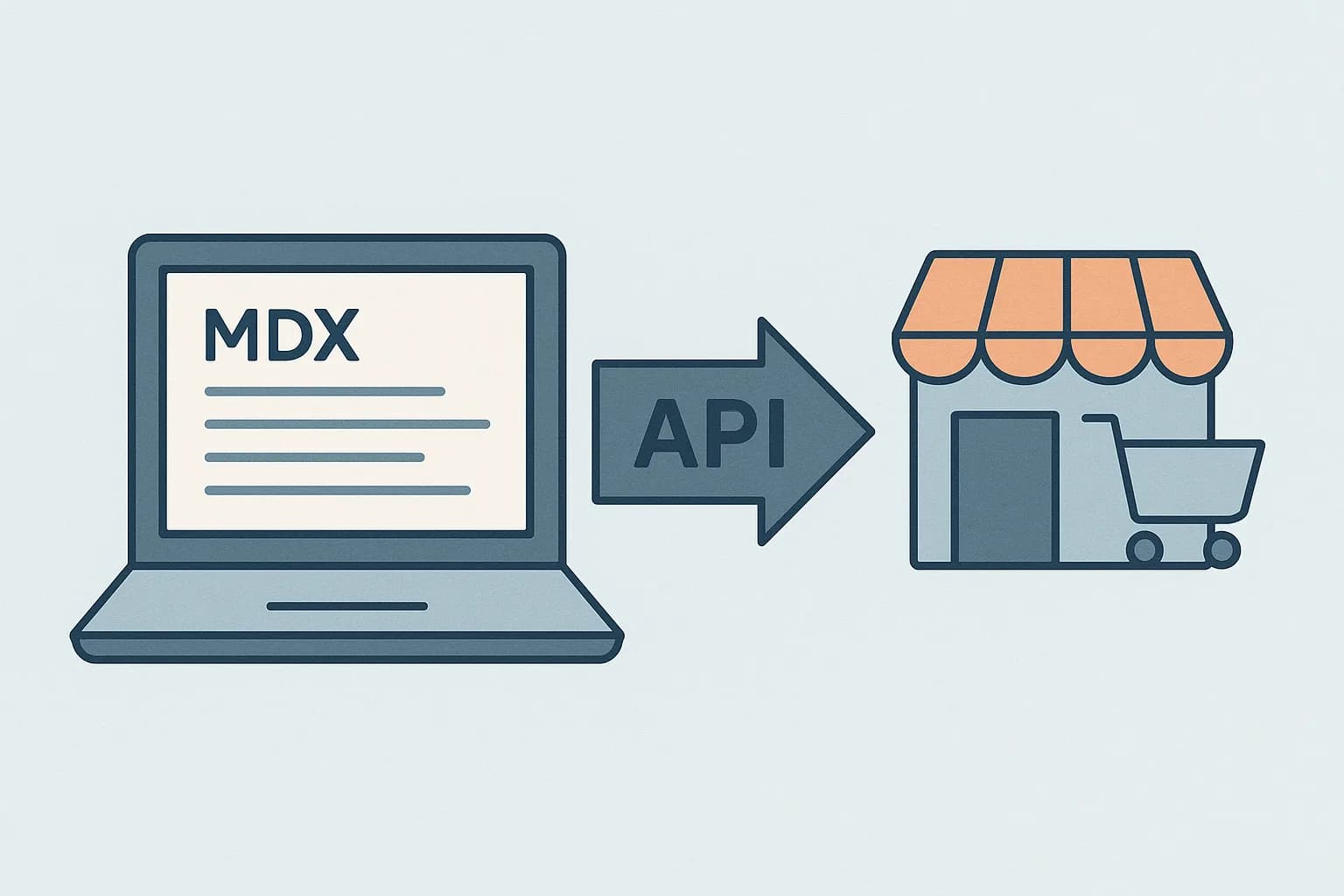
A headless CMS splits content from checkout. Marketing edits pages on its own. No deploy, no wait, no dev ticket.
A headless CMS for ecommerce solves one problem. It lets you change text without touching checkout, cart, or stock code. Product copy, campaign pages, and category text all operate independently of the site. That split is why 73% of firms now run some form of headless setup. (Swell) Draftbase applies the same split. Pages store as plain MDX, so a text edit never risks a checkout bug.
What "Headless" Actually Changes
An old-style store bundles text, layout, and logic as one thing. Shopify's Liquid themes work this way. So does Magento's page builder. The CMS and the storefront share one codebase.
A headless setup splits that in two. The commerce engine stays a dedicated service — cart, checkout, inventory, payments. Shopify, Commercetools, and Medusa all fill that role. Content moves to a separate CMS. It exposes that content over an API: product text, landing pages, blog posts, seasonal campaigns. The storefront, usually built in Next.js, pulls from both.
This is the idea behind MACH: Microservices, API-first, Cloud-native, Headless. Every layer of the stack becomes a swappable part, not one fixed block. (Alokai) Swap your search tool. Swap your CMS. Checkout stays untouched.
The Ecommerce Content-Velocity Problem It Solves
Marketing wants to ship a landing page in a day. Engineering teams don't want a content edit to trigger a full site deploy. In a bundled CMS, both groups fight over the same codebase and the same release calendar.
A headless CMS gives text its own path to go live. A merchandiser edits a product page and hits publish. The site picks up the change on its next fetch. No deploy, no dev ticket. This is the top reason teams cite for the switch. 98% of teams that moved to headless report some real gain. (BigCommerce)
With Draftbase, that content lives as plain MDX. A content editor writes a landing page in the dashboard. The richText field stores it as a raw MDX string, not a proprietary rich-text document. Your site fetches it with a plain API call, then renders it with next-mdx-remote. No vendor-specific SDK ties your rendering layer to your CMS choice.
The Ecommerce Multi-Channel Problem It Solves
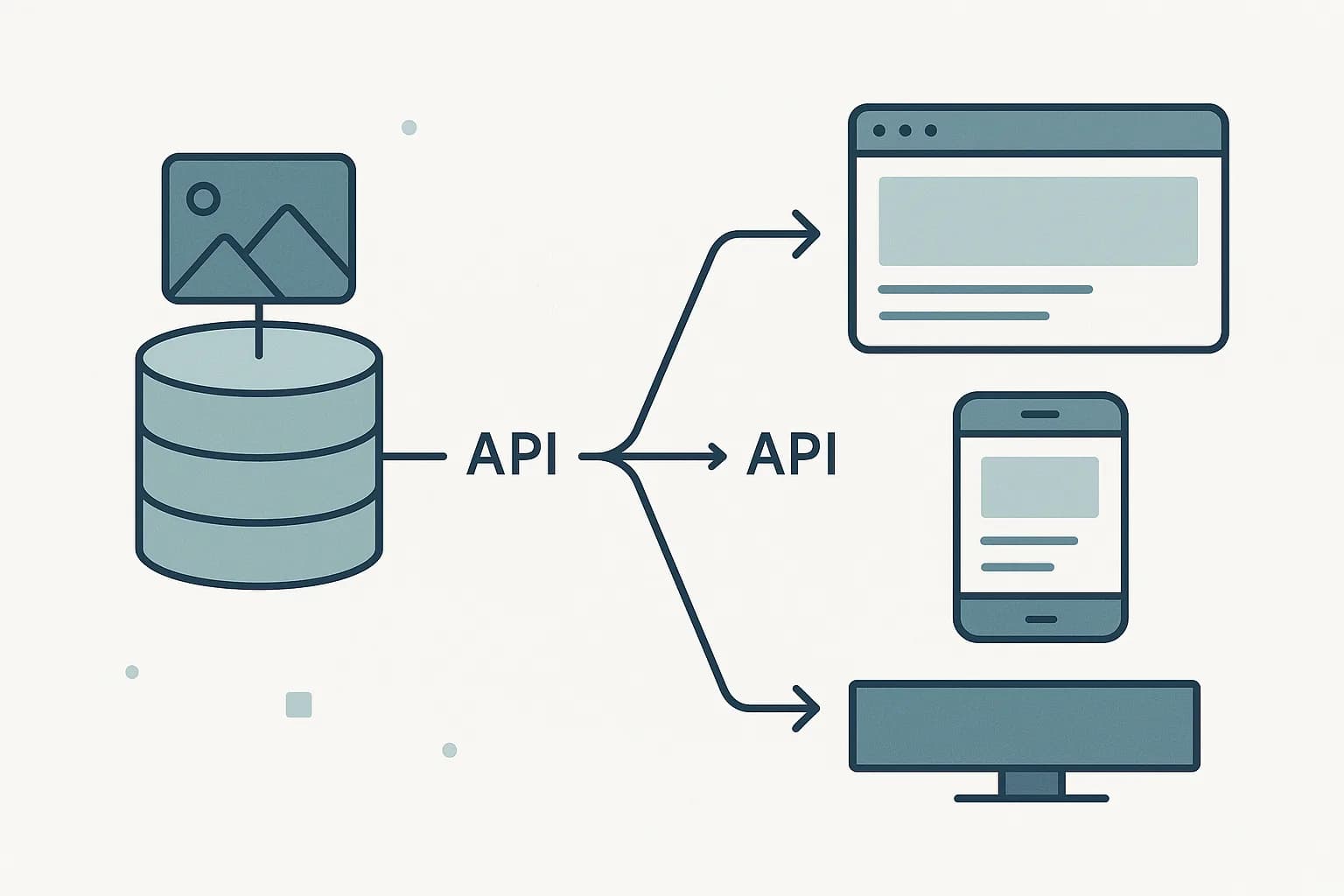
Brands rarely ship to one place anymore. A product's text has to reach the web store, a mobile app, a marketplace feed. Sometimes a kiosk too. An old-style CMS renders HTML for one place. Reusing that text elsewhere means copying it by hand.
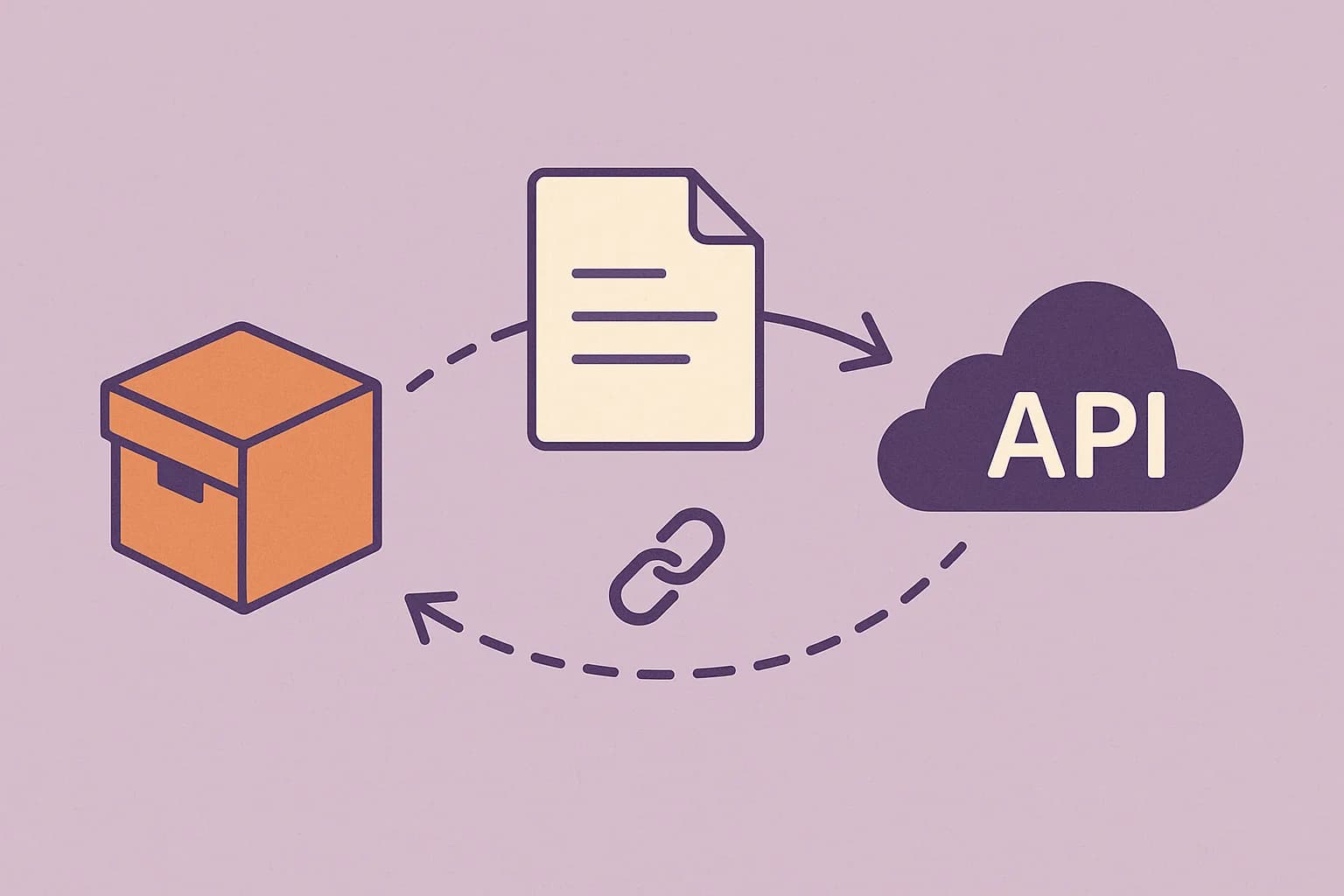
A headless CMS stores text once. It serves that text as raw data to every channel, through the same API. Teams say this is what justifies the switch. 69% of brands say headless helps them reach new channels faster than their old setup did. (same source) One API feeds the app and the web store alike. Each client shapes it its own way. Neither copies the source.
The Performance Problem It Solves
Page speed is a checkout metric, not just a marketing one. Slow product pages lose sales before a shopper ever reaches the cart. Bundled platforms render server-side on every request. That couples your CMS's performance directly to your site's.
Headless setups often pair the CMS with a static or edge-rendered storefront. Content loads at build time, or from a CDN edge. Not from a live render on every visit. Load times drop 20–50% versus a bundle, by some reports. (Crystallize) Faster pages move the sale, not a heavier CMS.
Bundled vs. Headless: The Practical Split
A bundled CMS keeps content and storefront in one codebase. A headless CMS keeps them as separate services.
A bundled publish usually needs a deploy. A headless publish goes live on the next fetch — no deploy.
A bundled setup serves one rendered frontend. A headless setup serves any client through its API.
A bundled platform keeps store logic in-house. A headless CMS leaves that logic in its own store platform, one built around a headless commerce platform like Shopify, commercetools, or Medusa.
A bundled migration is cheap: one system. A headless migration costs more: two systems to integrate.
What It Doesn't Solve
A headless CMS is not a commerce engine. It won't handle cart state, payment processing, tax calculation, or inventory sync. That work still belongs to Shopify, commercetools, or whatever commerce API you pair it with.
Name the tradeoff plainly. Headless trades one deploy target for two linked services. Someone has to wire the CMS's API and the store platform's API into one storefront. A small store on one channel, with rare text changes, gains little. The split is dead weight, not a win. For a brand on many channels, or shipping campaigns each week, the split works. Content grows apart from the store backend.
A Concrete Example: Black Friday Content
Picture a mid-size store running one big sale each November. In a bundled setup, the merchandising team writes copy for ten landing pages. Each page needs a dev to build a template, wire the layout, and push a deploy. The queue backs up. Half the pages ship late, after the sale has already started.
In a headless setup, the same team writes those ten pages in a CMS dashboard. No dev sits in the queue. Each page uses a content model built once, ahead of time — a title, a hero image, a body, a product grid reference. The merchandiser fills in the fields and hits publish. The storefront fetches live copy from the API on each page load. A last-minute price change goes out in seconds, not a full deploy cycle.
The dev team's real work happens before the sale, not during it. They build the content model, wire the API call, and test the render once. After that, content velocity stops being a dev problem at all.
This is the specific gap Draftbase is built to close. A blogPost or landing-page content type takes a few minutes to define in the dashboard. Once it exists, marketing owns the publish button, not engineering.
The Underused Angle: Conversion, Not Just Convenience
Most posts sell headless as a nicer dev workflow. The stronger case is the sales data. Firms report a 42% average lift in conversion rate after a headless move. 79% call their scale-up strong after the switch, versus 62% on their old platform. (same source) The content-speed win isn't just fewer dev tickets. It's a store that loads faster and gets updated more often. Both of those move sales, not just team mood.
Ecommerce CMS Options: Where Content Fits Next to Commerce
"Ecommerce CMS" gets used two ways, and mixing them up wastes evaluation time.
One meaning is a content management system for ecommerce built into the store platform — Shopify's own page editor, BigCommerce's page builder. That's content management for ecommerce as a bundled feature, and it inherits the same content-velocity limits covered above.
The other meaning, the one this article argues for, is a CMS for ecommerce that sits beside the store platform rather than inside it: Contentful, Sanity, Strapi, or Draftbase paired with Shopify, commercetools, or Medusa for commerce. That pairing is what lets marketing publish content on its own schedule while checkout stays untouched.
When evaluating a CMS for ecommerce specifically, the criteria differ slightly from a general headless CMS pick: check how cleanly it joins to a product SKU (a reference field, not a copy-pasted price), whether it can preview a campaign page before the sale goes live, and whether its content model separates "what the product is" (owned by commerce) from "how the product is pitched" (owned by content).
Where Draftbase Fits
Draftbase isn't a store platform, and it doesn't try to be. It's the content layer you pair with your existing store API. Marketing copy, category pages, landing pages, and the blog all store as plain MDX. They deliver through a REST API. It's the same kind your site already calls. There's no odd rich-text format to migrate off later. There's no vendor lock-in holding your content hostage to one platform's export tool.
If your team runs Shopify, commercetools, or Medusa for commerce, this may sound familiar. Every landing page needs a dev ticket. That's the content-speed wall, and it's the exact problem Draftbase solves. Check Draftbase's pricing to see how fast a content model comes together. Pair it with your store backend, no checkout code touched.
Ship content that's built to be found
Draftbase generates schema, structured data, and a fast MDX editor for every post.
Frequently asked questions
What does a headless CMS solve for ecommerce specifically?
It lets you edit product text and campaign pages without a code deploy. Content goes live through an API, not the site's own codebase.
Does a headless CMS replace my ecommerce platform?
No. Cart, checkout, and stock still run on a store platform like Shopify or Medusa. The CMS only handles content.
Is a headless CMS worth it for a small store?
Usually not. One channel with rare content changes doesn't need the split. It pays off once you publish often, or serve more than one channel.
How much faster is a headless ecommerce setup?
Load times drop 20 to 50 percent versus a bundled platform, per some reports. Content loads from a CDN edge, not a live server render.
Can a headless CMS improve ecommerce conversion rates?
Yes. Firms see a 42 percent average lift in conversion rate after a headless move. Faster pages and more updates drive that gain.
Samer is a software engineer and entrepreneur, founder of Draftbase and Ezi Home Services, building technology that simplifies home services. Passionate about software, APIs, automation, and creating products that solve real-world problems.