Git vs GitHub vs GitLab: Understanding the Stack
Git vs GitHub vs GitLab explained: Git is the tool on your machine, the other two are hosts. See which layer owns what, and what actually locks you in.
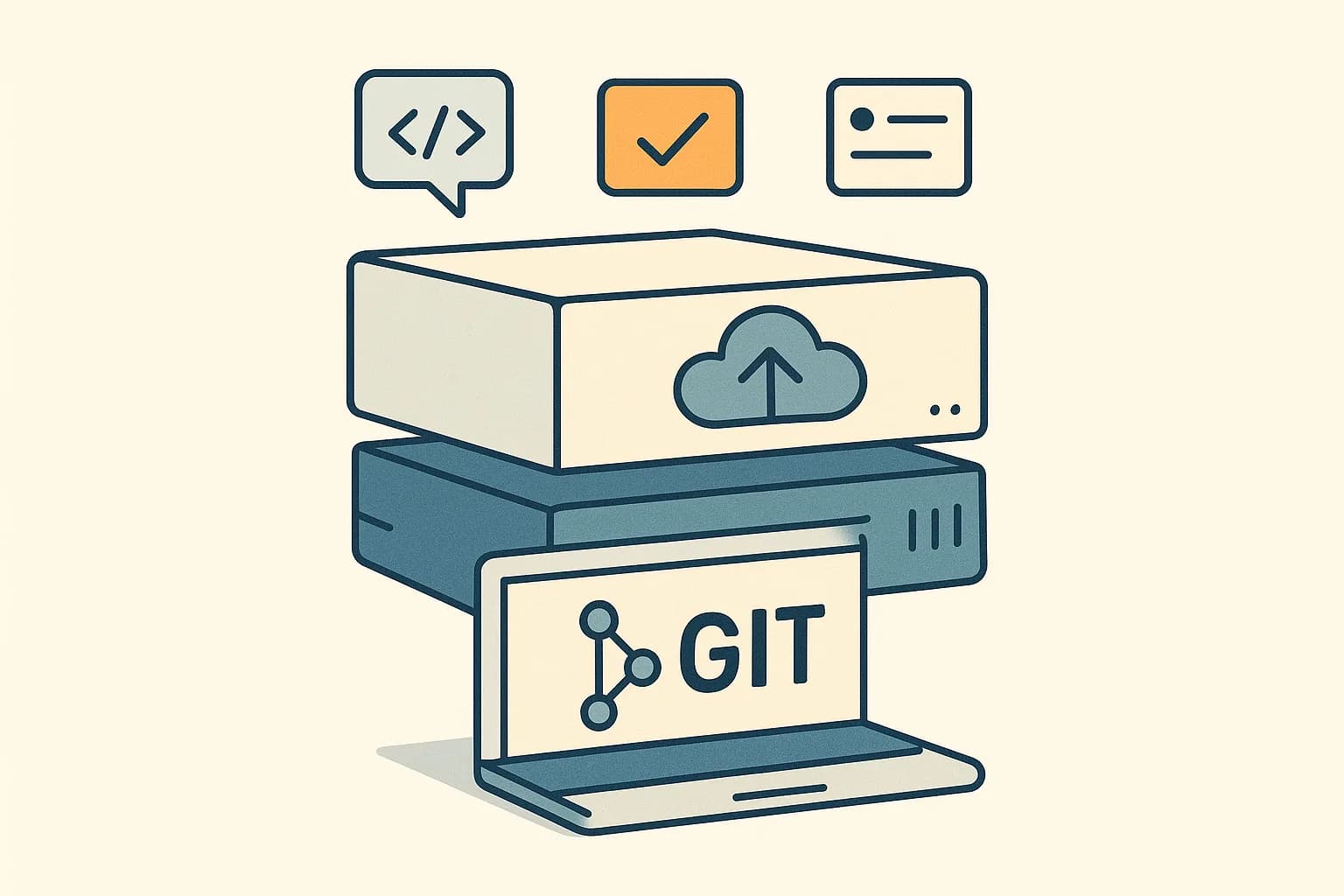
These are three layers, not three competitors. Git is version control on your machine. GitHub and GitLab are hosts that add pull requests, CI, issues, and permissions on top.
Git is the version control tool. GitHub and GitLab are companies that host Git repos and add things Git does not do. Git runs on your machine. The other two run on the web.
That is the short answer, and it clears up most of the confusion. Git works with no account and no network. GitHub and GitLab exist because teams need a shared place to push to, plus review, CI, and issue tracking on top.
What Is Git?
Git is a distributed version control system. It tracks changes to files and lets many people work on the same project without stepping on each other.
The word distributed is the important one. When you clone a repo, you do not get a working copy. You get the whole thing, including every version of every file in the project's history. (Pro Git)
That design has a practical result. You can commit, branch, and read history on a plane with no wifi. The network is only needed to share work with someone else.
Git is also free software you run yourself. There is no company in the loop, no account, and no monthly bill.
What Are GitHub and GitLab?
They are hosting platforms built around Git. Both give you a server to push to, plus a pile of features Git itself has no opinion about.
Git has no idea what a pull request is. It does not know about issues, code review, CI pipelines, or user permissions. Those are all inventions of the hosts.
That is worth repeating, because it explains the whole layout. Anything with a web page and a login is a host feature, not a Git feature.
| Thing | Where it lives |
|---|---|
| Commits and branches | Git |
| History and merges | Git |
| Pull requests | GitHub or GitLab |
| Issues and boards | GitHub or GitLab |
| CI pipelines | GitHub or GitLab |
| Permissions and SSO | GitHub or GitLab |
Read that table again before your next migration conversation. It predicts exactly what moves and what does not.
How Do the Three Fit Together?
Follow a change through the stack.
You edit a file and run git commit. That happens entirely on your machine, inside Git. No account is involved.
You run git push. Now Git talks to a server over the network. That server is GitHub or GitLab.
Your teammate opens a pull request to review it. That is a host feature. Git knows nothing about it.
CI runs your tests. Also a host feature.
The merge itself is Git again, executed on the host's machine instead of yours.
So the pattern is a sandwich. Git at the bottom doing the version control, a host in the middle providing a shared server, and a workflow layer on top that Git never had.
Git vs GitLab: What People Usually Mean
The phrase "Git vs GitLab" comes up a lot, and it is not really a comparison. It is like asking about engines versus car dealerships.
Usually the person means one of two things.
Sometimes they mean plain Git against a hosted platform. Can we just run a Git server ourselves? Yes, you can. You lose review UI, CI, and permissions, and you maintain the server.
Sometimes they mean GitLab against GitHub. That is a real comparison, covered in GitHub vs GitLab.
There is a third case worth naming. GitLab is also the self-hosted product you install on your own servers, which makes the phrasing more confusing than it needs to be.
Do You Need GitHub or GitLab to Use Git?
No. Git works alone, and this surprises people.
Run git init in a folder and you have a full repo. Commit, branch, and check history with no account and no network. Everything is stored in a hidden .git folder next to your files.
You can even share work without a host. Git can push over SSH to any machine you can reach, or to a hard drive.
So why does almost everyone use a host? Because sharing is the easy part, and coordination is the hard part.
A host gives you one address everyone agrees is the truth. It adds review, permissions, and a place for CI to run. It also backs up the repo somewhere that is not a laptop.
That last point deserves attention. Git is distributed, so every clone is a backup in theory. In practice a team with one remote has one place everyone trusts, and losing it hurts.
Which Should You Learn First?
Learn Git first. This order matters more than it sounds.
Git concepts transfer everywhere. Commits, branches, merges, and rebases work the same on any host. Learn them once and you are set.
Host features do not transfer as cleanly. A GitHub pull request and a GitLab merge request do the same job with different names, different buttons, and different settings.
People who learn the web interface first often struggle later. They know which button to click and not what it did. The first merge conflict outside the UI becomes a wall.
Start on the command line with a local repo and no remote. Add a host once committing and branching feel routine.
The Part Most Explainers Skip: What Actually Locks You In
Here is the useful consequence of that layered design, and almost nobody spells it out.
Your Git history is completely portable. Every clone holds the full history, so moving hosts is a push to a new remote. Nothing is trapped.
That is the reassuring half. The other half is where teams get caught.
Everything above Git is host-specific. Your pull requests, issues, labels, milestones, CI config, permission rules, and automation are all built to one vendor's shape.
So the real migration cost has nothing to do with your code. It is the years of issue history, the CI pipelines written in one YAML dialect, and the review threads that explain why a strange line exists.
Weigh that when you evaluate a platform. The repo is not the lock-in. The workflow around it is.
That same lesson applies past code. Any system where your data is portable but your surrounding structure is not will bite you at exactly the wrong moment.
Where Does Content Fit In This Stack?
A related question that trips teams up. If code lives in Git, should the website's content live there too?
For developer-owned docs, often yes. Markdown files next to the code work fine when the people editing them already use Git daily.
It stops working when non-developers need to publish. A typo fix becomes a branch, a review, and a deploy. Nobody wants to teach a marketer about rebasing.
It also stops working when content needs states. Git has commits, not drafts. It has no scheduled publish, no preview URL, and no non-technical rollback.
That is a CMS job. Draftbase stores entries as typed fields with draft and published states, revision history with rollback, and scheduled publishing. Rich text is plain MDX, so the format matches what a developer would have committed anyway.
The clean split is the same sandwich as before. Code in Git, hosted on GitHub or GitLab. Content in a CMS with an API. The build pulls from both.
Conclusion
Git, GitHub, and GitLab are three layers, not three competitors. Git is the version control tool running on your machine. GitHub and GitLab are hosts that add review, CI, issues, and permissions around it.
Knowing which layer owns what saves you real money later. Your commits are portable. Your pipelines and issue history are not.
For the content half of that stack, Draftbase serves MDX over a REST and GraphQL API, with drafts, scheduling, and rollback for people who do not use Git. Hobby is free and Startup is $49/mo. See the pricing page.
Ship content that's built to be found
Draftbase generates schema, structured data, and a fast MDX editor for every post.
Frequently asked questions
What is the difference between Git, GitHub, and GitLab?
Git is the version control tool on your machine. GitHub and GitLab are hosting platforms that add pull requests, CI, issues, and permissions around it.
Can you use Git without GitHub or GitLab?
Yes. Run git init and you have a full repo locally, with no account or network. A host adds a shared server, review, and CI.
Is GitLab the same thing as Git?
No. Git is free version control software. GitLab is a company and a platform that hosts Git repos, available as SaaS or self-managed.
Should I learn Git or GitHub first?
Git first. Commits, branches, and merges transfer to any host, while pull request UIs differ by vendor and teach you buttons rather than concepts.
Is it hard to migrate between GitHub and GitLab?
The repo is easy, since every clone holds the full history. The cost is issues, CI config, and permissions, which are host-specific.
Samer is a software engineer and entrepreneur, founder of Draftbase and Ezi Home Services, building technology that simplifies home services. Passionate about software, APIs, automation, and creating products that solve real-world problems.