Self-Hosted GitLab: When It Makes Sense
Self-hosted GitLab: when it makes sense and when it does not. Real hardware requirements, why the license bill stays, and the one question that decides it.
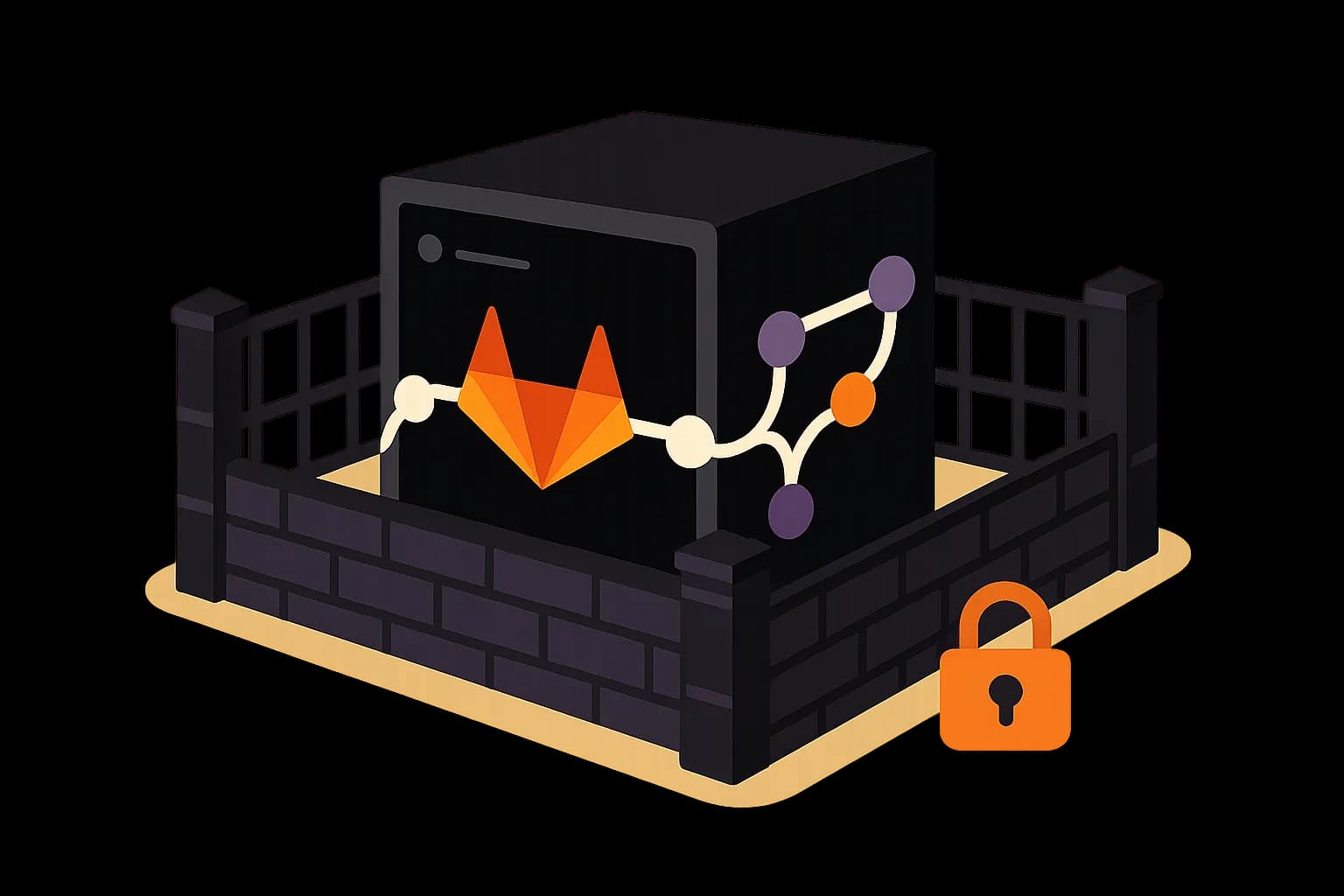
Self-hosting GitLab buys control and data location, not savings. The license tiers still apply, and you add upgrades, backups, and runners on top. Rules should drive the decision, not budget.
Self-hosted GitLab makes sense when a rule forces your data to stay somewhere specific. Data residency, an air-gapped network, or an audit regime that will not accept a shared cloud. Outside those cases it is usually the more expensive option, not the cheaper one.
That last part surprises people. Self-managed GitLab does not remove the license bill. The paid tiers still apply, so you pay for seats and take on running the server too.
What Does Self-Hosted GitLab Actually Mean?
You install GitLab on machines you control. That can be a rented VPS, your own hardware, or a private cloud.
You get the same product surface as the hosted version. Repos, merge requests, CI, registry, and the rest all run on your box.
What changes is who is responsible. Upgrades, backups, storage growth, TLS certificates, and the 3am page all become yours.
GitLab is direct about this. Self-managed deployments cover initial setup and long-term maintenance, and expect working knowledge of running production applications. (GitLab Docs)
Read that as a job description, not a footnote.
What Hardware Do You Need?
More than people guess, and this is where budgets go wrong.
The bare minimum is small on paper. GitLab can run on 1 AMD64 core with 2 GB of RAM plus swap. (GitLab Docs)
Do not plan against that number. It is a "will it boot" figure, not a "will your team enjoy it" figure.
The realistic baseline for a single node is 8 vCPU. For up to 1,000 users, GitLab's own reference architecture calls for 8 vCPU and 16 GB of RAM. (GitLab Docs)
Then add what the docs do not put in that headline number:
- CI runners. Pipelines need their own compute, sized to your build load.
- Storage. Repos, artifacts, container images, and backups all grow, and artifacts grow fastest.
- Backup space. A backup on the same disk is not a backup.
Budget for runners separately. Teams size the main node carefully, then discover their pipelines are queueing behind one shared runner.
Does Self-Hosting Save Money?
Usually not, and this is the myth worth killing.
The reasoning goes: we already have servers, so running it ourselves must be cheaper than per-seat pricing. Two things break that.
First, the license does not disappear. Self-managed GitLab has the same tier structure as the hosted version. If you want the features in a paid tier, you pay for that tier whether you host it or GitLab does.
Second, the operational time is real and recurring. Upgrades land regularly, and skipping them is not an option once a security patch matters. Someone owns backups, restore drills, storage headroom, and the pager.
Price that honestly. A few hours a month of engineer time is not free, and the restore you never tested is a liability rather than a plan.
So the honest framing is this. You are not buying savings. You are buying control and location.
When Does It Genuinely Make Sense?
Four situations, and they are mostly about rules rather than preference.
Data residency law. Your code and issue history must physically stay in one country or on your own hardware. This is the most common real driver.
Air-gapped networks. Defense, some industrial settings, and classified work have no route to a public cloud. Self-hosting is the only option.
Audit and compliance regimes. Some auditors want infrastructure-level control you cannot demonstrate on shared SaaS.
Genuine scale economics. At a large enough seat count, running your own instance can beat per-seat pricing, provided you already have a platform team. That team is the load-bearing part of the sentence.
Notice what is missing from that list. "We want to save money" and "we like control" are not on it. Those are the two reasons teams most often give, and the two that most often lead to regret.
When Should You Not Self-Host?
Skip it if nobody owns it. A self-hosted instance with no named maintainer will drift out of date and become the security problem it was meant to prevent.
Skip it if your team is small. The maintenance floor does not scale down. Ten developers pay nearly the same operational cost as fifty.
Skip it if uptime matters more than location. GitLab's hosted service has staff whose entire job is keeping it up. Your instance has whoever is awake.
Skip it if the driver is a feature you could get by paying for a tier. Hosting it yourself will not unlock anything.
What Does Maintenance Look Like Month to Month?
Worth picturing before you commit, because the install is the easy part.
Upgrades. GitLab ships releases on a regular cadence, and you cannot skip forever. Major version jumps often need staged upgrades rather than one leap, so plan a window instead of a lunch break.
Backups and restores. Taking a backup is simple. Proving you can restore one is the real work, and it is the step teams skip. Test it on a schedule, not after an incident.
Storage. Repos grow slowly. Artifacts and container images grow fast. Set expiry rules early, or you will be deleting things under pressure later.
Runners. Build load changes as the team grows. Someone watches the queue and adds capacity before developers start complaining.
Certificates and access. TLS renewal, SSO config, and offboarding all land on the same person.
None of this is hard in isolation. The cost is that it never stops, and it competes with shipping product.
That is the honest comparison against hosted pricing. Not server cost against seat cost, but engineer hours against seat cost.
The Question That Decides It
Here is the test I would apply before anything else.
Ask who restores the instance when the disk fills at 2am on a Saturday. Name a person, not a team.
If you can name them, and they have done a restore drill, self-hosting is viable. If the name is vague, you do not have a self-hosting plan. You have a self-hosting wish.
That question also settles the tooling debate faster than any feature table. Most infrastructure choices come down to whether someone will carry the pager for it.
Does the Same Logic Apply to Your CMS?
It is the same question in a different place, so it is worth asking together.
Content platforms face the identical split. Self-host and own the upgrades, or use a hosted service and own less.
Be honest about the answer for your case. If a rule requires your content to sit on your own hardware, you need a self-hosted CMS, and Draftbase is not the right pick. It is a hosted product.
If that rule does not apply to you, the calculus flips. Content is usually a smaller operational problem than source control, and it is a strange first thing to take on yourself.
Draftbase runs the hosting, and content comes out over a cached REST or GraphQL API with entries stored as plain MDX. If you later need to leave, the content format is portable, which is the part that actually matters for lock-in.
Conclusion
Self-hosted GitLab is the right call when a rule puts your data somewhere specific, or when you have a platform team and the scale to justify it. It is the wrong call when the goal is saving money, because the license stays and the operational work is added on top.
Run the test before the spreadsheet. Name the person who handles the 2am restore.
For the content side of the stack, Draftbase is hosted, serves MDX over REST and GraphQL, and lists its prices publicly: Hobby free, Startup $49/mo. See the pricing page, or read Git vs GitHub vs GitLab for how the layers fit together.
Ship content that's built to be found
Draftbase generates schema, structured data, and a fast MDX editor for every post.
Frequently asked questions
When does self-hosted GitLab make sense?
When a rule forces it: data residency law, an air-gapped network, or an audit regime that rejects shared SaaS. Preference alone rarely justifies it.
Is self-hosting GitLab cheaper than GitLab.com?
Usually no. Self-managed uses the same paid tiers, so the license stays and you add hardware, upgrades, backups, and engineer hours on top.
What hardware does self-hosted GitLab need?
Plan for 8 vCPU and 16 GB of RAM for up to 1,000 users, per GitLab's reference architecture. The 1-core minimum is a boot figure, not a usable one.
What is the ongoing maintenance for self-managed GitLab?
Regular upgrades, tested backups and restores, storage and artifact expiry, runner capacity, and TLS and SSO config. It is recurring work, not a one-time setup.
Should I self-host my CMS too?
Only if a rule requires it. Content is a smaller operational problem than source control, so it is an odd first system to take on yourself.
Is GitLab self-hosted or cloud-only?
Both are real options. GitLab.com is the hosted SaaS. Self-managed GitLab installs on infrastructure you control, at the same license tiers — covered in full above.
Samer is a software engineer and entrepreneur, founder of Draftbase and Ezi Home Services, building technology that simplifies home services. Passionate about software, APIs, automation, and creating products that solve real-world problems.