REST API Development for Headless CMS
How do you design a REST API for a headless CMS? Name things well, filter with query params, page with cursors, and pick one version scheme.
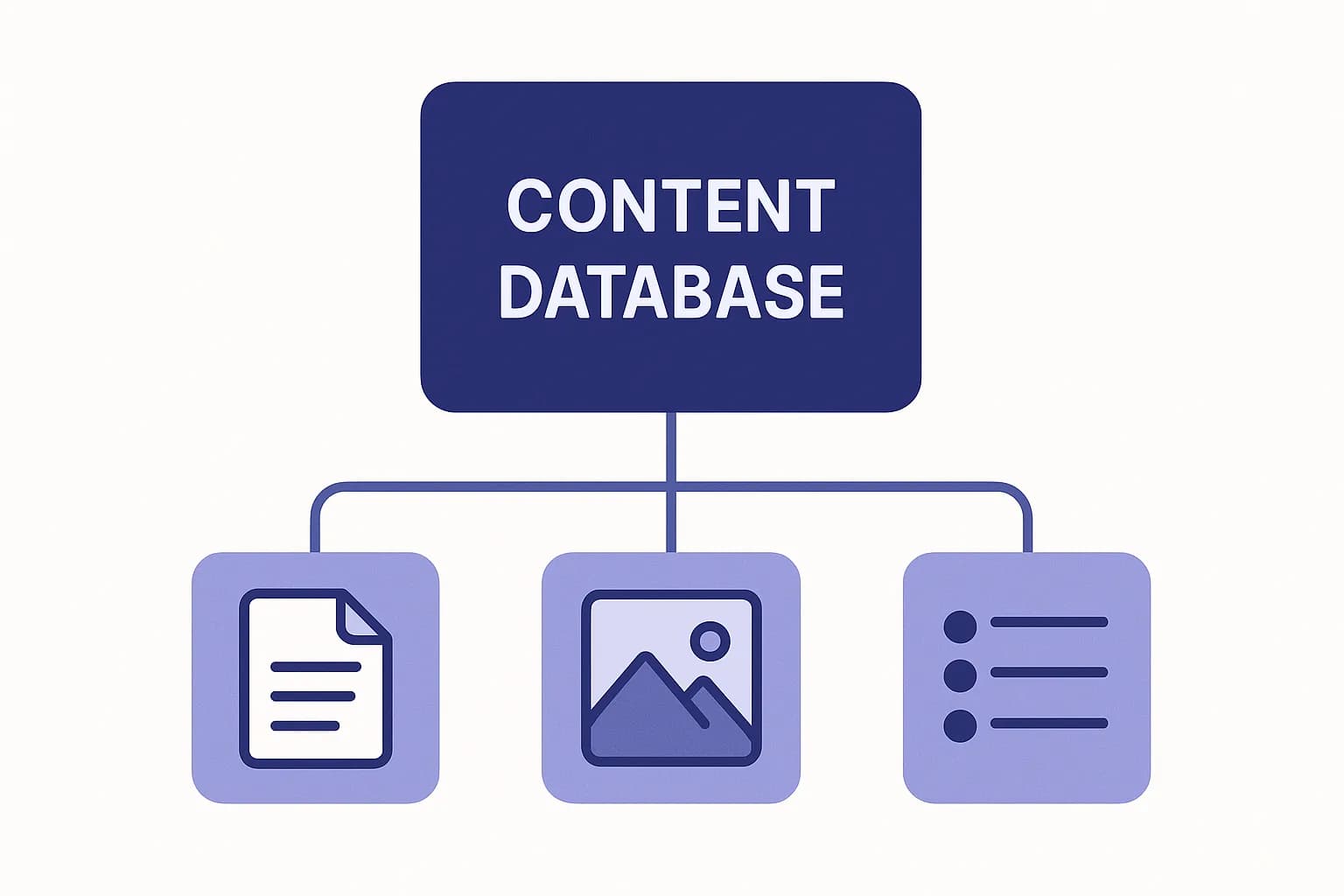
A CMS delivery API comes down to five choices: noun-based URLs, query-param filters, cursor pagination, one versioning strategy, and inline reference resolution.
A REST API for a headless CMS needs one thing above all. Stable, resource-shaped URLs that map to content, not to actions. Get that right, and pagination, versioning, and reference resolution fall into place. Get it wrong, and every client integration inherits the mess. (RESTful API).
This guide covers five choices that matter most for a CMS delivery API. How you name resources. How you filter a list. How you page through it. How you version the contract. How you resolve linked content without pounding your database. We'll use Draftbase's own delivery API as a working example — it's what powers this blog.
What "API Development" Means for a Content Layer
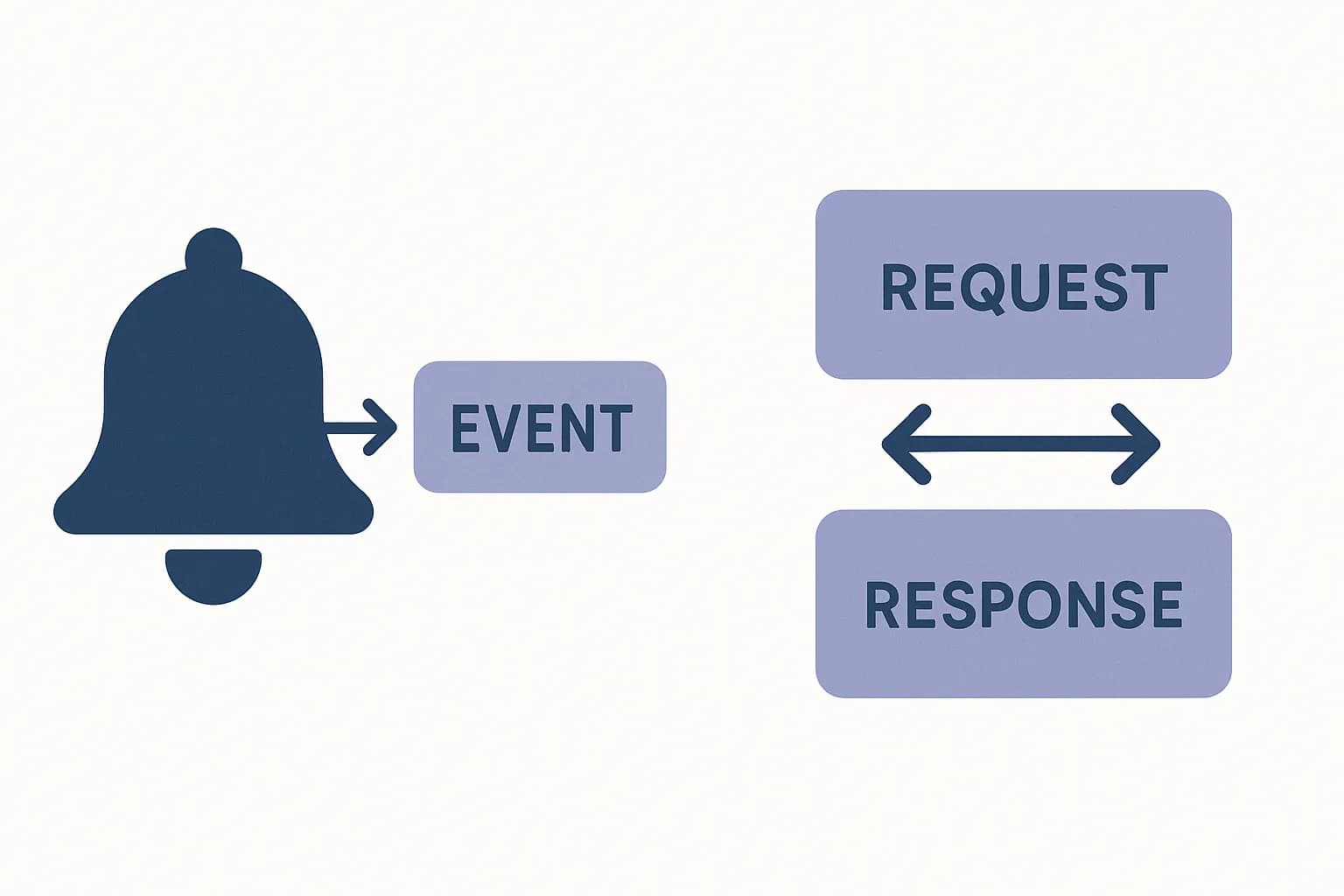
Most API design guides write for plain CRUD APIs. A content delivery API is narrower. It's almost always read-heavy. Its shape comes from a content model the CMS user builds. It needs to stay fast under a CDN, not just under load. (RESTful API).
That narrow job cuts choices down. You don't need custom actions. There's no match here for POST /users/:id/reset-password. Every endpoint reduces to two shapes: list entries, or get one entry, set to one content type.
It also raises the stakes on three choices. Pagination shape matters, since content lists can run into the thousands. Versioning matters, since a CMS's schema is user-defined and changes over time. Reference resolution matters, since content types link to each other a lot. A post links to an author. A category page links to many posts.
Resource Naming: Nouns, Not Actions
Use nouns for URLs. Make them plural. Use lowercase, hyphenated names for multi-word resources. Write /entries, not /getEntries. The HTTP method carries the verb. The URL names the thing. (RESTful API).
For a CMS, content type becomes a filter, not a new endpoint per type. Draftbase's delivery API takes this route:
GET /delivery/entries?contentTypeId=blogPost&locale=en
One endpoint, filtered by contentTypeId. That's a real tradeoff. A path-per-type design, like /delivery/blog-posts and /delivery/authors, reads nicer alone. But every new content type becomes a new route. Route count turns into a stand-in for schema churn. One filtered endpoint keeps the surface area fixed, no matter how many content types a user adds.
Keep nesting shallow. Two levels deep is the real limit before a URL gets hard to read. (RESTful API) /delivery/entries/:id is one level, and that's the right depth. Don't nest a reference chain into the URL. A path like /delivery/entries/:id/author/social-links looks fine on day one. It breaks the moment the content model changes.
Filtering: Query Params, Not New Endpoints
Don't add a new endpoint for every way a client might want to filter a list. Use query params instead. (RESTful API).
A CMS makes this easy to get wrong, since content types add up fast. It's easy to reach for /delivery/entries/blogPost/featured when you want only featured posts. Resist it. That path bakes one filter into the URL. The next filter needs its own new path too. Query params don't have that problem. ?contentTypeId=blogPost&featured=true adds a filter with no new route.
The same rule covers locale. Draftbase's delivery API takes locale as a query param, not a path segment. /delivery/entries?contentTypeId=blogPost&locale=fr reads the same as the English version. Only one param changed. A path-based scheme is worse. Something like /fr/delivery/entries needs its own route for every locale a customer adds. Query params scale with content. New paths scale with your route table. That's the wrong thing to grow.
Pagination: Why Cursors Win for Content Lists
Offset pagination, ?page=5&perPage=20, is the kind any developer builds fast. It also gets slow fast. Page 5,000 means the database runs LIMIT 20 OFFSET 99,980. It scans 99,980 rows just to throw them away. (Design Gurus).
Cursor pagination fixes that. The client sends a cursor instead of a page number. Usually that's the last id it saw. The server queries "everything after this one." That query stays fast no matter how deep the list goes. It's a direct lookup, not a scan-and-discard. (Design Gurus).
Draftbase's delivery API uses cursor pagination for this reason:
{
  "entries": [ /* ... */ ],
  "nextCursor": "6a6fe62c8f13adcbcb3935e9"
}
Pass nextCursor back as the after param to get the next page. There's a real cost to this choice. You lose "jump to page 12." You lose a total count in the reply. For a content API, that trade is worth it. Content lists usually get paged through in order. Think of a blog index, or an infinite-scroll feed. Users rarely jump to a random offset. (Design Gurus).
Versioning: Pick One Strategy and Commit
Three common strategies exist. URL path versioning, like /v1/entries. A custom header. Content negotiation via the Accept header. Path versioning is the most common. Stripe and GitHub both use it. It's also the easiest to test. Paste a URL in a browser and you're done. (DigitalAPI).
Header versioning keeps URLs stable across versions. That's the more "correct" REST answer, since one resource should have one URI. It's also harder to test by hand. You can't just open a link in a browser to see it. (DigitalAPI).
A CMS has a twist most APIs don't share. The schema itself is user-built. Users change it over time, with no release from your team. Draftbase versions docs at the entry level, not the API level. A docPage entry carries its own apiVersion field. So authentication can exist at both 0.1 and 0.2, as two entries that share one slug. The frontend route, /docs/[version]/[slug], picks the right one. That's a narrower fix than API-wide versioning. But it matches the real failure mode. It's the content model that drifts over time, not the wire format under it.
Whichever strategy you pick, keep at least two versions live at once. Keep the current one up, and keep the last one up too. That gives client teams real time to move over, instead of a sudden switch with no warning. (DigitalAPI).
The Underused Angle: Reference Resolution Without N+1
Most CMS content models form a graph, not flat rows. A blog post links to an author. An author has an avatar, and that avatar is its own media file. Fetch the post with a naive REST design, and the client makes three round trips. One for the post. One for the author. One for the avatar.
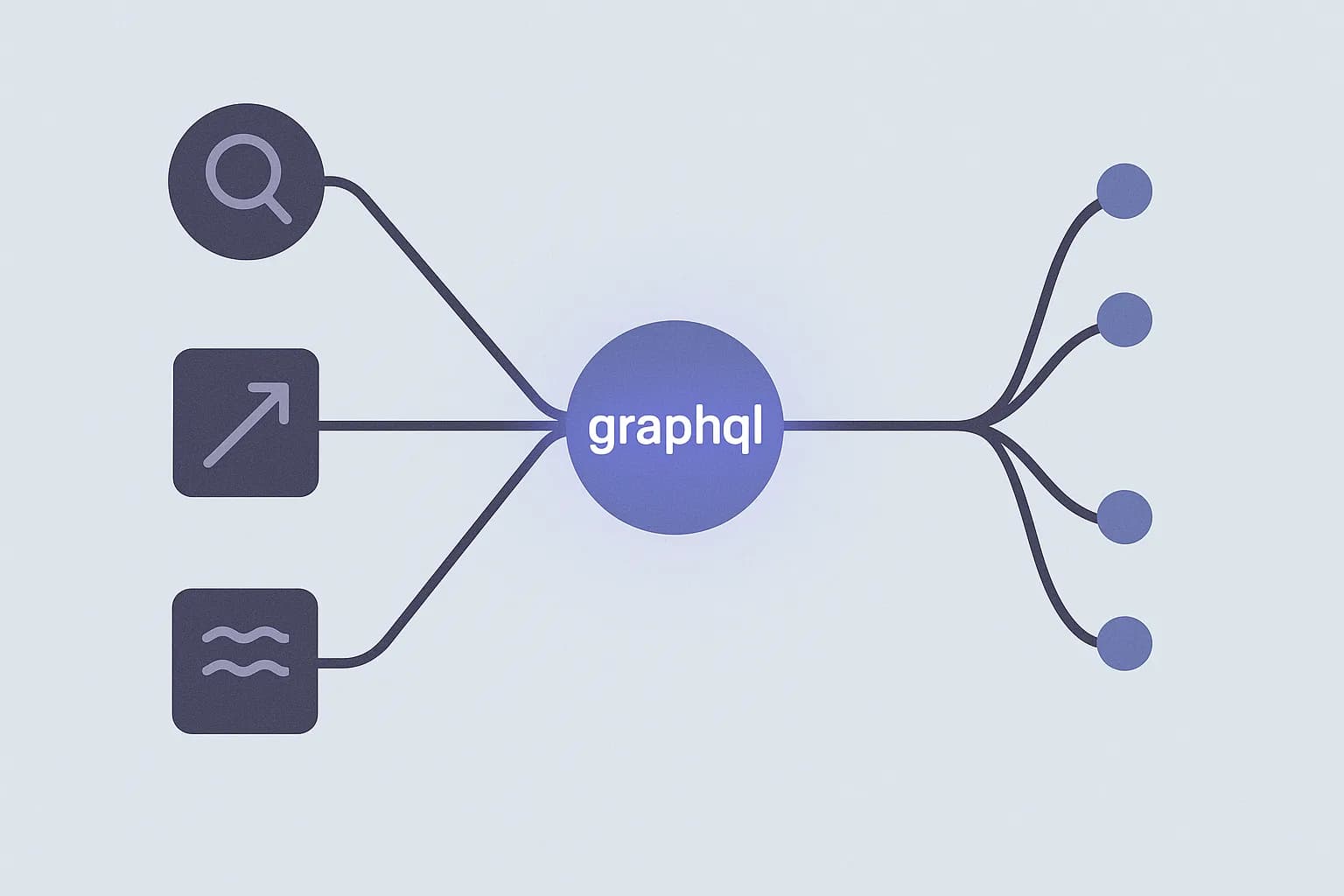
That's the N+1 problem. Teams solve it one of two ways. GraphQL solves it by letting the client name the exact shape it wants, in one query. Nested fields come back in a single round trip. A REST delivery API can solve the same problem a different way, with one depth setting.
Draftbase's list_entries and get_entry calls both take an include param. It's a number from 0 to 5. Set it above 0, and linked fields come back filled in. You get the author's name and bio right there. You don't need a second call to look them up. Set it to 0, and you get raw ids instead. That's cheap when you don't need the linked data at all.
That one setting is the gap between two kinds of delivery API. One feels like GraphQL. The other makes every client build its own lookup loop. If you're picking or building a CMS delivery layer, check this first. Do linked fields come back filled in, or not? Adding that later touches every reply shape your client teams already depend on.
Conclusion
A CMS delivery API earns its keep on five choices. Noun-based, shallow URLs. Query params for filters, not new routes. Cursor pagination for lists that run deep. A versioning strategy picked once and kept stable. Reference resolution built in, so clients don't pay for N+1 calls on every page load.
None of these are exotic. They're the same REST basics any API needs. Here they meet content's own shape. It's read-heavy. It's linked like a graph. It's built from a schema your users control, not you.
See the Draftbase pricing page for delivery API access. Or read what an API call actually is first, for the request and response basics.
Ship content that's built to be found
Draftbase generates schema, structured data, and a fast MDX editor for every post.
Frequently asked questions
What is a REST API?
REST (REpresentational State Transfer) is an architectural style for web APIs: resources get stable, noun-based URLs, and standard HTTP methods (GET, POST, PATCH, DELETE) act on them. No custom action verbs in the path — the method carries the verb, the URL names the thing, as covered in the resource-naming section above.
Should content types be separate REST endpoints?
No. One filtered endpoint, like `/entries?contentTypeId=blogPost`, scales better than a new route per type.
Should you use offset or cursor pagination for a content API?
Cursor pagination. It stays fast at any list depth. Offset paging slows down badly on deep pages.
Should API versions go in the URL path or a header?
Path versioning is easier to test and more common. Header versioning keeps URLs stable, but it's harder to test by hand.
How do you avoid N+1 calls when you resolve CMS references?
Add a depth setting, like Draftbase's `include`. It sends linked fields back in one call, instead of a second lookup per link.
Should filters live in the URL path or as query params?
Query params. A new path per filter doesn't scale, and it grows your route list for no real gain.
Samer is a software engineer and entrepreneur, founder of Draftbase and Ezi Home Services, building technology that simplifies home services. Passionate about software, APIs, automation, and creating products that solve real-world problems.