Webhooks vs APIs: What's the Difference?
A webhook vs an API: what's the real difference? Webhooks push data the moment an event fires. APIs wait for your app to ask.
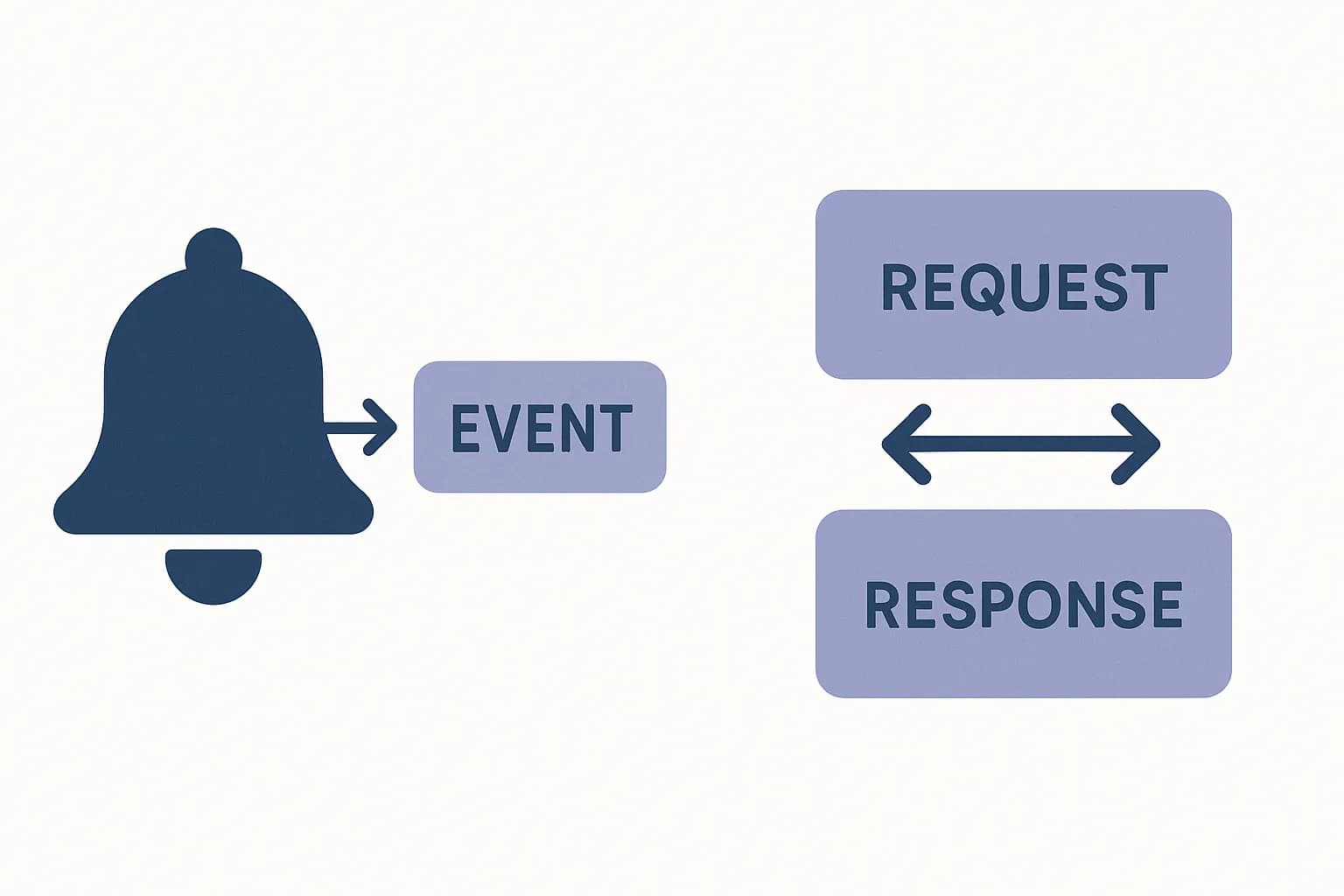
A webhook pushes data to you the moment an event happens. An API waits for your app to ask. Whichever you build, verify every signature and treat every event ID as one you might see twice.
A webhook is a callback. The source server pushes data to you the moment an event happens. An API call works the other way. Your app asks a question. The server answers on request. (HubSpot).
That's the core split. Webhooks push. APIs pull. Both send data over HTTP. Both use JSON payloads most of the time. The real difference is who starts the conversation.
This guide covers when to reach for each. It also covers the parts most comparisons skip. Signature verification. Retries. Duplicate events.
What Is a Webhook?
A webhook is a user-defined HTTP callback. Some call it a reverse API, or a web callback. (Wikipedia).
You register a URL with a provider. Stripe, GitHub, and Shopify all work this way. The provider sends an HTTP POST to that URL when a chosen event fires. A payment succeeds. A pull request opens. An order ships. The provider posts a JSON body describing what happened.
You don't poll for this. You don't ask "did anything happen yet?" every few seconds. The event finds you.
What Is an API Call?
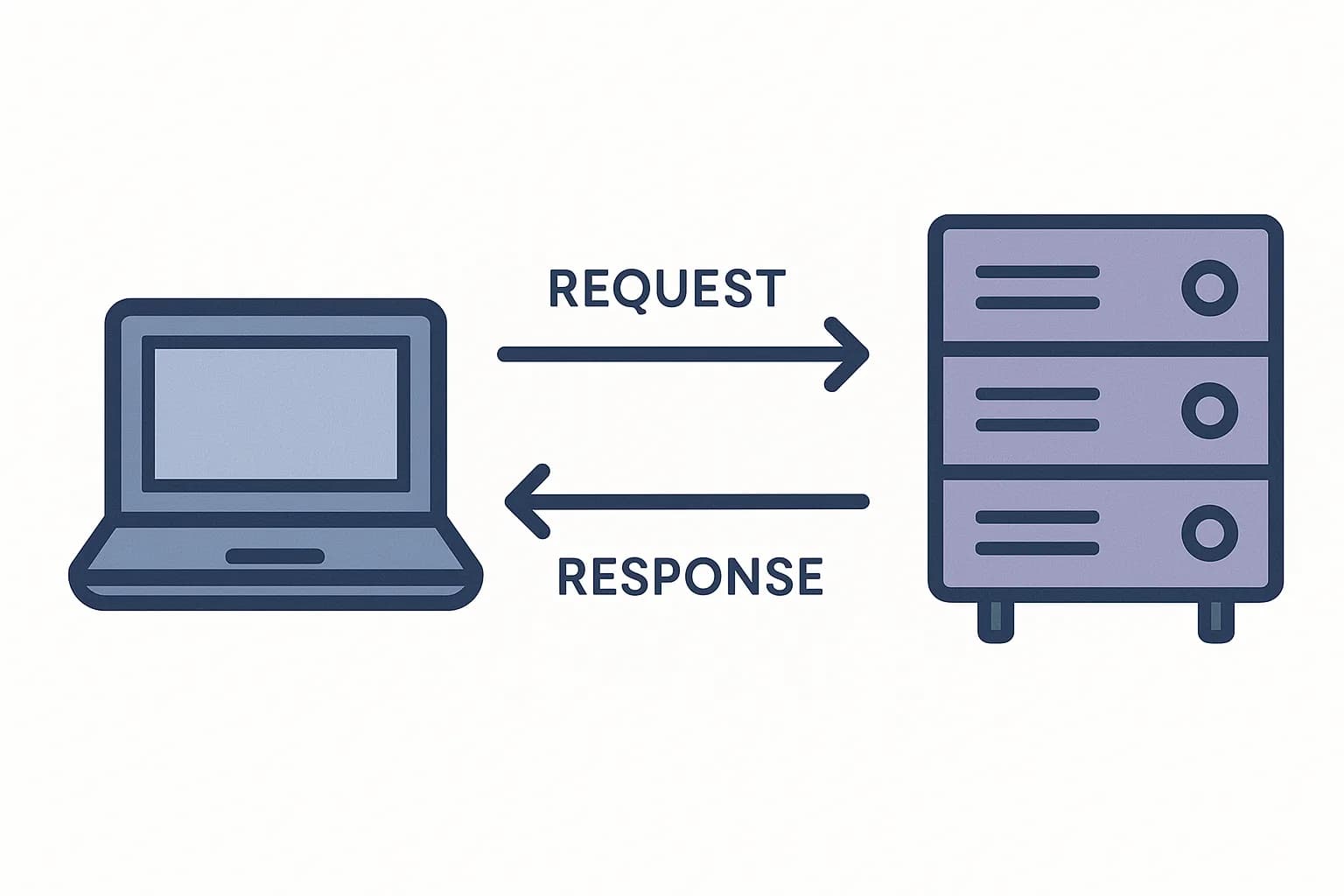
An API call is a request your app sends on its own schedule. You pick the moment. You send a GET, POST, PUT, or DELETE request to an endpoint. The server replies right away.
Draftbase's own delivery API works this way. A client calls GET /delivery/entries?contentTypeId=blogPost whenever it wants fresh content. Nothing arrives until you ask. See what an API call actually is for the request and response basics.
A webhook is still a kind of API call. The provider is the one calling your endpoint. What matters in practice is who starts the request, not the wire format under it.
Push vs. Pull: The Core Difference
An API is pull. Your app makes a request whenever it wants data or wants to trigger an action. (Hookdeck).
A webhook is push. The source sends data on its own, the moment an event happens. (Hookdeck).
The efficiency gap between the two is large. One example: an app polling every 5 seconds for 10,000 users can hit 10,000 requests per second. The webhook equivalent covers the same updates with roughly 150 responses per second. (Nile Bits).
Most of that polling traffic finds nothing new. Only about 1.5% of polling requests turn up an actual update. (Nile Bits). Webhooks skip that waste entirely. They only fire when there's something worth saying.
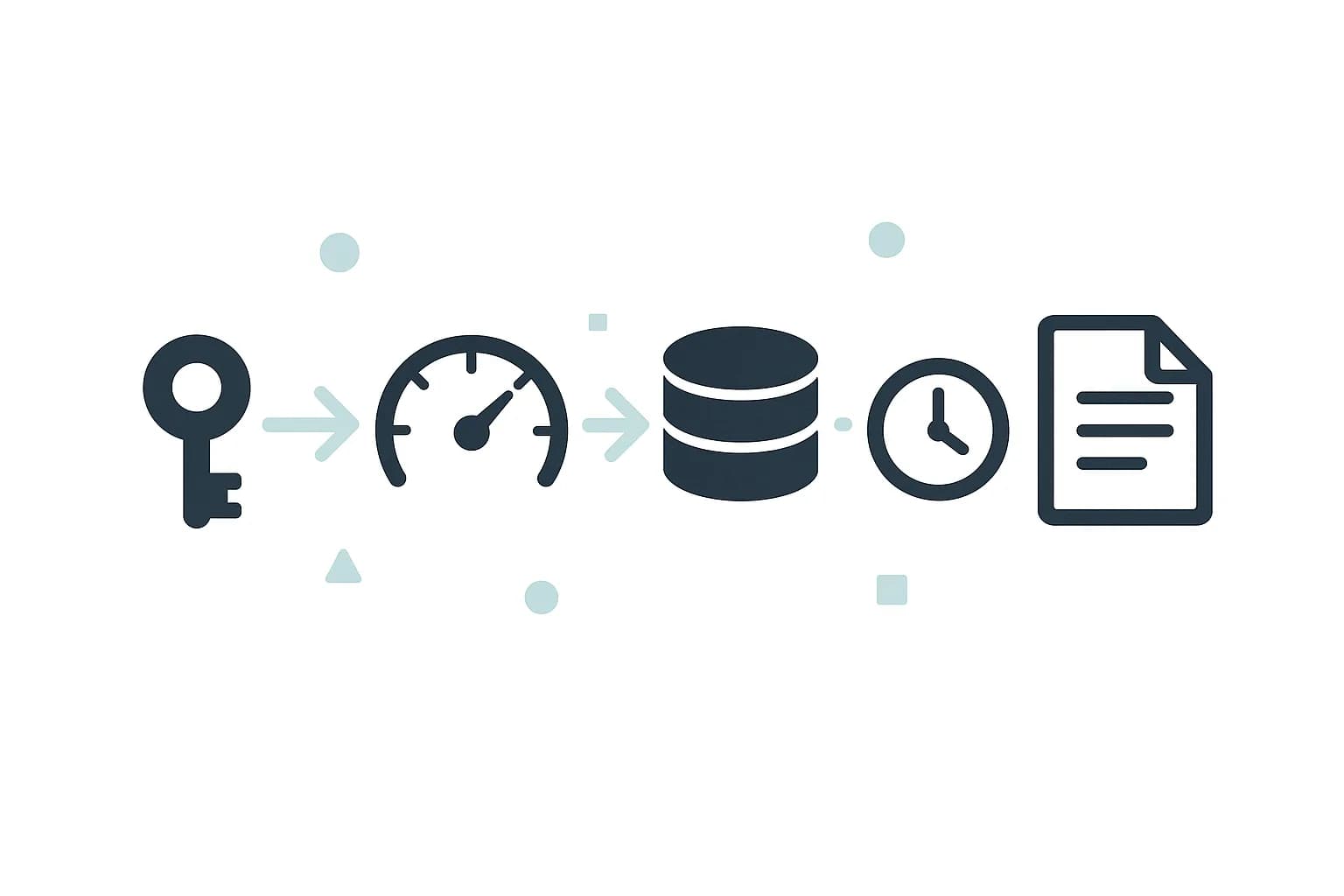
The two also differ on who starts the request, and who proves who they are. With an API, your app picks the moment and sends a key to prove it's allowed in. With a webhook, the event source picks the moment. Your endpoint has to prove the request really came from them, not an impostor.
When to Use Each
Reach for an API when you control the timing. A dashboard that loads content on page view fits this. So does a batch job that syncs data nightly. So does a search feature that queries on demand. Pull fits any case where you know exactly when you need the data.
Reach for a webhook when you need to react to events as they happen. A payment confirmation fits this. So does a new signup, or a file upload finishing. Push fits any case where the event's timing is out of your hands. (Zapier).
Most production systems use both, not one or the other. A content platform is a good example. It might pull entries through a delivery API for every page render. Then it uses a webhook for a separate job. The webhook triggers a rebuild the moment an editor publishes a change. Each tool covers the half of the problem it's actually good at.
Securing a Webhook Endpoint
An API call checks the caller with a key or token you control. A webhook flips that setup around. Your endpoint has to check that the request really came from the provider. Anyone who guesses your URL can otherwise send a fake event.
The standard method is HMAC signing. The provider hashes the payload with a shared secret. It sends that signature in a request header. Your endpoint runs the same hash and compares the two. (Hooklistener).
Check the signature before you parse the JSON body. Don't write to your database or call another API until that check passes. (DEV Community).
Use a timing-safe comparison for the signature check, not a plain string comparison. A plain comparison exits at the first mismatched byte. An attacker can time that and guess the real signature one byte at a time. (DEV Community).
The Underused Angle: Retries Create Duplicates
Every webhook guide covers signatures. Fewer cover what happens after a failed send. That gap causes bugs that are hard to catch.
Stripe retries a failed webhook send for up to three days. It waits longer between each attempt, a pattern called exponential backoff. (Stripe). GitHub takes the opposite approach. It does not retry failed sends on its own. (InstaWebhook).
That retry gap creates a real risk. Your endpoint can receive the same event twice. Say your server processed a payment event, then crashed before it sent back a 200. The provider assumes the send failed. It retries. Now you have two charges recorded for one payment.
The fix is one shared check, not copy-pasted logic in every handler. Every major provider sends a unique event ID with each send. Stripe sends event.id. GitHub sends X-GitHub-Delivery. Shopify sends X-Shopify-Webhook-Id. (Hooklistener).
Store that ID the first time you see it. Check for it before you process anything new. If it's already stored, skip the work. Return your original response instead. That one lookup turns "retries might duplicate my data" into a non-issue. Skip it, and the same bug shows up as a support ticket months later, once real retry traffic hits it.
A handler that ties both checks together runs in a fixed order. Check the signature first. Check the event ID second. Do the real work last. Swap any two of those steps, and you either trust an unverified payload, or process a real payment twice.
That order also decides what a 200 response actually means. A 200 tells the provider "I received this, stop retrying." Send it back only once your work is safely stored or done. Send it back too early, before your write commits, and you've created a gap. A crash inside that gap loses the event for good. No retry comes to save you.
Conclusion
An API call is pull. Your app asks, and the server answers. A webhook is push. The server tells you the moment something happens, unasked. Reach for pull when you control the timing. Reach for push when you need to react to events in real time.
Webhooks now sit at 50% adoption among developers. REST sits at a near-universal 93%. (Postman). Whichever you build, two details actually break in production. Verify every signature. Treat every event ID as one you might see twice.
See the Draftbase pricing page for API access. Or read how a CMS delivery API is designed for the pull side.
Ship content that's built to be found
Draftbase generates schema, structured data, and a fast MDX editor for every post.
Frequently asked questions
What is the main difference between a webhook and an API?
An API is pull. Your app asks, and the server answers. A webhook is push. The server sends data the moment an event happens, with no request from you.
Is a webhook a type of API?
Yes. A webhook is still an HTTP call. The difference is who starts it. The provider calls your endpoint, instead of your app calling theirs.
How do you secure a webhook endpoint?
Check the request's HMAC signature before you trust it. The provider hashes the payload with a shared secret, and your endpoint checks that hash matches.
Why do webhooks send the same event more than once?
A failed delivery gets retried. Your server might have processed the first one and just failed to reply. Store each event ID and skip any ID you have already seen.
Should I use polling or webhooks for real-time updates?
Webhooks. Polling wastes requests checking for updates that rarely arrive. Webhooks only send data when something actually happens.
Samer is a software engineer and entrepreneur, founder of Draftbase and Ezi Home Services, building technology that simplifies home services. Passionate about software, APIs, automation, and creating products that solve real-world problems.