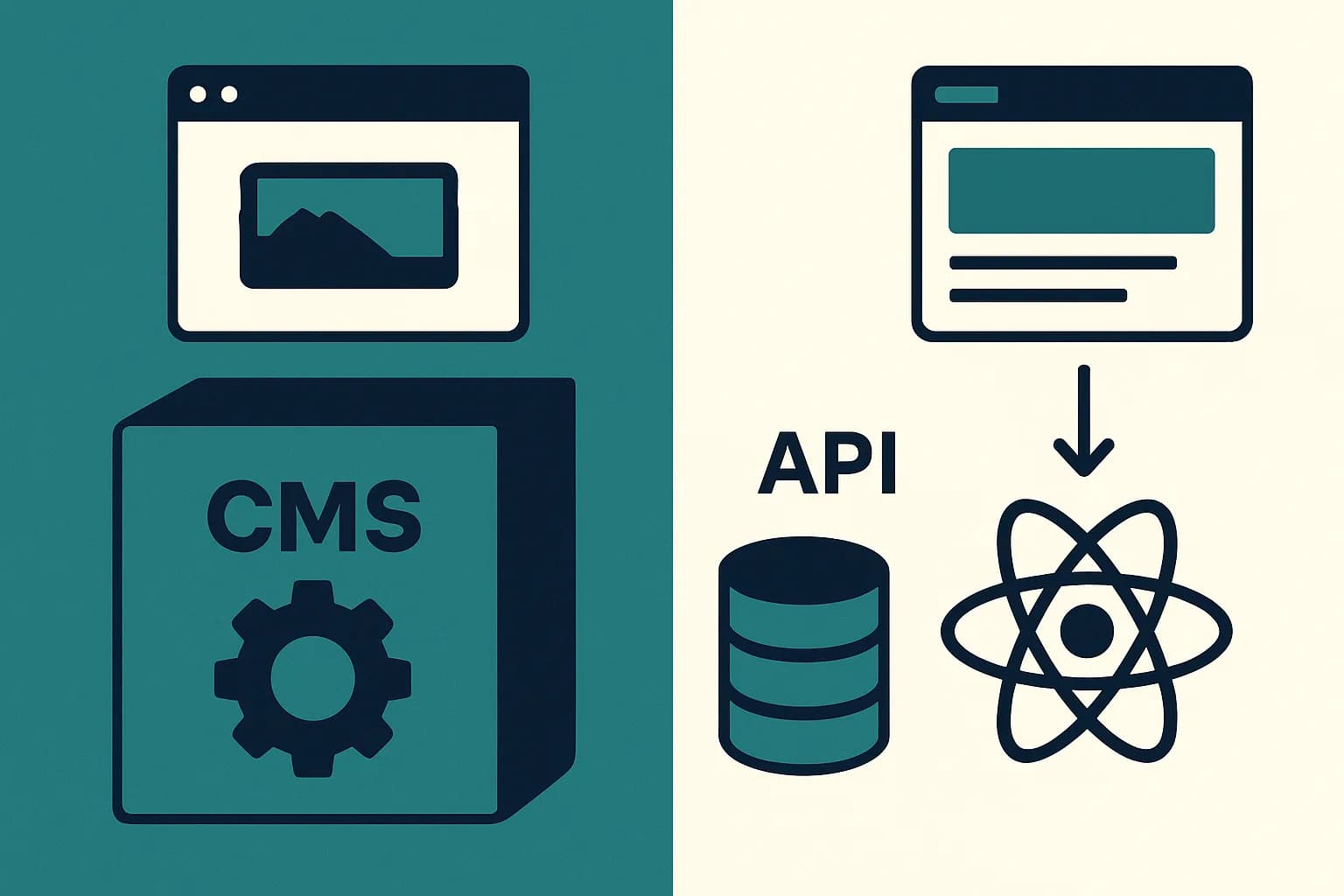
How to Use a Headless CMS with React
Using a headless CMS for React? Fetch it in a Server Component, cache with ISR, and revalidate on publish instead of on a fixed timer.
Fetch CMS content in a Server Component, not a client one. Cache it with ISR as your default. Skip the fixed timer. Use a webhook to revalidate the moment an editor publishes instead.
A React CMS is a headless content management system. Your React app calls it over an API, instead of the CMS rendering pages itself. You keep full control of markup and components. The CMS just stores and serves the content. This guide walks through the actual wiring. Fetching content. Caching it. Keeping pages fresh the moment an editor hits publish. The examples use Draftbase's own delivery API, since its fields resolve straight to plain MDX your React app can render with no extra parsing step.
Every headless CMS follows the same shape once you're inside a React or Next.js app. An API key. A fetch call. A render step. The details differ. The pattern doesn't.
That pattern holds whether you're on the App Router or the older Pages Router, and whether your CMS speaks REST or GraphQL. The fetch call changes shape. The steps below don't.
Choosing a Headless CMS for React
Almost every headless CMS works with React. What separates them is the rich text field. Contentful returns a JSON node tree. Sanity returns Portable Text. In both cases you write a renderer that maps every node type to a component, then keep extending it as editors ask for new blocks. How We Made CMS Content Work with React Server Components walks through that renderer pattern in depth.
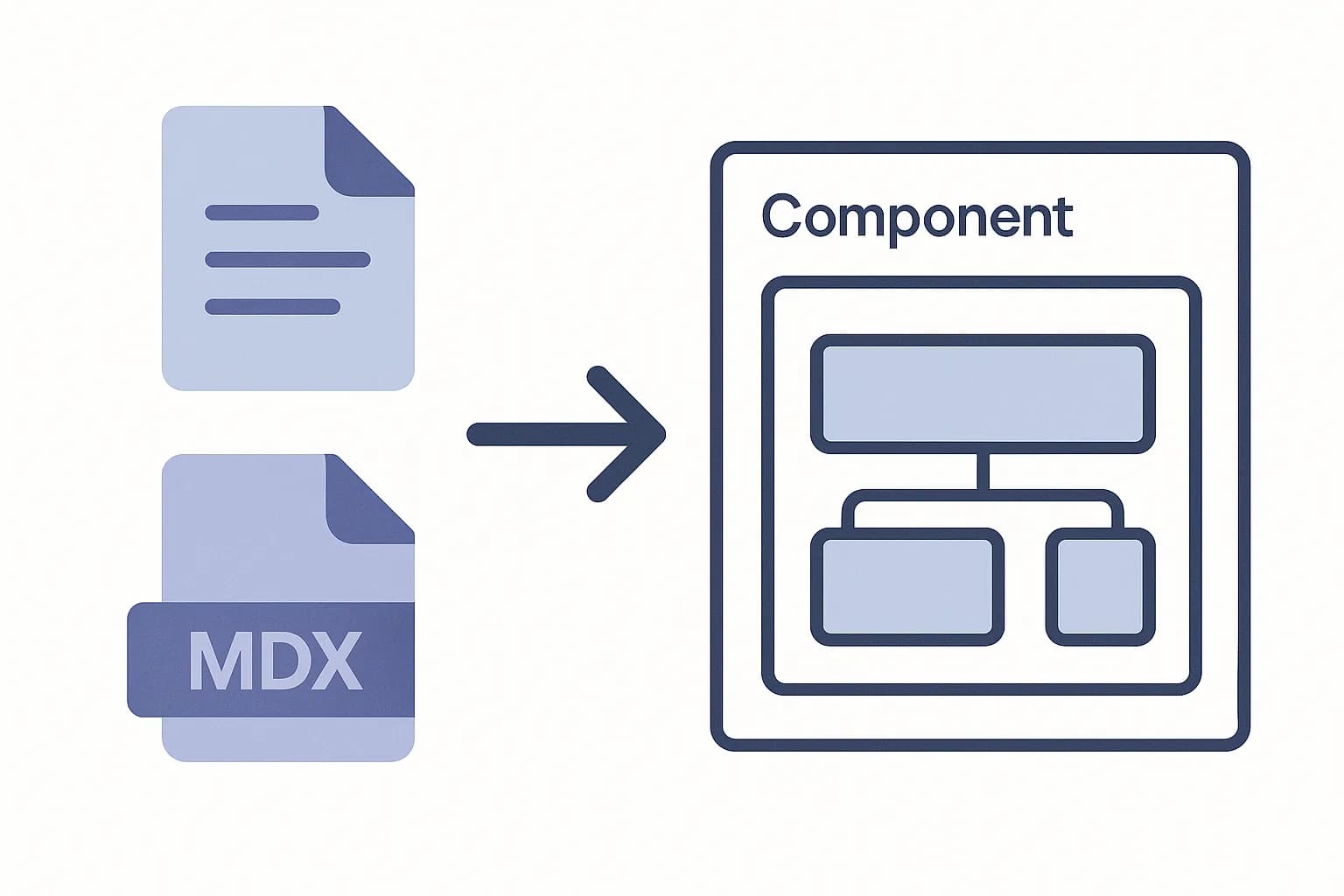
A CMS that stores rich text as MDX skips that work. The field is a string your MDX renderer already understands, and your own components can appear inline inside the content. That's the design behind Draftbase's React CMS: fields resolve to MDX, and the renderer ships with the SDK.
Two more things are worth checking before you commit. Does the delivery API resolve linked references in one call, or does every author and category cost another round trip? And can you read drafts? A delivery API that only serves published entries can't power the preview mode later in this guide.
Get an API Key and a Content Model
Before any code, define what you're fetching. A content model is a set of fields. A blog post might have a title, a slug, and a body. Set that up in your CMS's dashboard first.
Every headless CMS issues a read-only API key for this. Store it in an environment variable, never in client-side code. A key baked into your bundle is a key anyone can copy from the browser's network tab.
# .env.local
CMS_API_URL=https://api.yourcms.com
CMS_API_KEY=your_read_only_key
Fetch Content in a Server Component
Fetch CMS data inside a Server Component. Not a Client Component. A server-side fetch runs before any JavaScript ships to the browser. A client-side fetch works differently. It waits on a JS bundle to load first. Then it fires a second request. Only then does it render. That gap is a real, measurable delay. Developers call it a request waterfall.
// app/blog/page.tsx
async function getPosts() {
	const res = await fetch(`${process.env.CMS_API_URL}/entries?contentTypeId=blogPost`, {
		headers: { Authorization: `Bearer ${process.env.CMS_API_KEY}` },
		next: { revalidate: 3600 },
	});
	return res.json();
}
Next.js automatically dedupes identical fetch calls inside one render pass. Call getPosts() from two components on the same page. It only hits your CMS once.
Pick a Caching Strategy
Three fetch options cover almost every case. cache: 'force-cache' builds the page once, at build time, and never checks again. Good for content that rarely changes, like a pricing page.
next: { revalidate: N } rebuilds the page in the background every N seconds. That's Incremental Static Regeneration. It's the right default for most content, a blog, a docs site, a product catalog.
cache: 'no-store' skips caching entirely and fetches fresh on every request. Reach for it only when content changes every few seconds, like a live dashboard. It's the slowest option, since every visit re-triggers the full API round trip.
Fetch Multiple Things in Parallel
A page that needs a post and its author makes two separate calls. Run them one after another, and the page waits on both, in sequence. Run them with Promise.all, and the page waits only as long as the slower of the two.
const [post, author] = await Promise.all([getPost(slug), getAuthor(authorId)]);
This adds up fast on a real page. Five sequential CMS calls at 200ms each cost a full second. The same five calls in parallel cost 200ms, the time of the slowest one.
Some CMS APIs solve this a different way, by resolving references inline. Draftbase's include param is one example. It returns a linked author's fields right inside the post response. One call, no second request needed. See how a CMS delivery API is designed for the reasoning behind that choice.
Type the Response
A CMS entry is JSON. Without a type, your editor can't catch a typo in post.fields.titel until the page crashes at runtime. Write an interface for each content type you use.
interface BlogPost {
	id: string;
	fields: {
		title: string;
		slug: string;
		content: string;
	};
}
Some CMS platforms generate this file for you from your content model, so the type and the schema never drift apart. Where that's missing, write it once by hand and keep it next to your fetch functions. A stale type is worse than no type. It hides the exact bug it should catch. Draftbase's developer docs list the exact field shape for every content type, so you can copy the interface instead of guessing at it.
The Underused Angle: Revalidation on Publish, Not on a Timer
Most React CMS tutorials stop at revalidate: 3600 and call it done. That's a fixed guess. Set it too short, and you're refetching content that hasn't changed. Set it too long, and a fix goes out an hour late.
The better pattern skips the guess. The CMS sends a webhook the moment an editor publishes. That webhook hits a route in your app. The route calls Next.js's on-demand revalidation, and only that one page rebuilds, right away.
// app/api/revalidate/route.ts
import { revalidatePath } from 'next/cache';

export async function POST(req: Request) {
	const { slug } = await req.json();
	revalidatePath(`/blog/${slug}`);
	return Response.json({ ok: true });
}
A webhook is push. It tells your app the moment something happens, instead of your app guessing on a fixed clock. See webhooks vs. APIs for how that push model works. That guide also covers why you still need to verify every signature before you trust the payload.
Tag-based revalidation is worth reaching for once a page pulls from more than one content type. Tag each fetch, then call revalidateTag('blog-posts') instead of listing every affected path by hand. One tag can bust ten pages that all reference the same author entry, with one call.
Handle Preview Mode for Drafts
An editor writing a post wants to see it before it's live. That's a separate fetch path from your public site. Most CMS APIs expose a preview or draft flag on the entry endpoint, gated behind a second, editor-only key.
Next.js has a built-in Draft Mode for exactly this. A cookie flips the app into an uncached, always-fresh fetch path, scoped to the browser session that requested it. Public visitors keep getting the cached, published version. Only the editor's own browser sees drafts.
// app/api/preview/route.ts
import { draftMode } from 'next/headers';

export async function GET() {
	(await draftMode()).enable();
	return Response.redirect('/blog/my-draft-post');
}
Skip this step on a small site with one editor. They can just hit "publish" to check their own work. Add it once more than one person edits content, or once drafts need review first.
Common Pitfalls
A few mistakes show up in almost every first CMS integration.
Rendering rich text as a raw string. A CMS field named content or body often holds Markdown or MDX. Not plain text. Render it through a Markdown/MDX renderer, not {post.fields.content} directly, or you'll ship literal ## characters to your readers.
Skipping a loading and error state. A CMS API call can fail, time out, or return an empty list. Handle all three, even for a page you're sure will always have data. CMS uptime isn't guaranteed to match your app's uptime.
Fetching in a Client Component "for interactivity." A page with a button doesn't need client-side fetching. Fetch on the server. Pass the data down as props. Let a small client component handle just the interactive part.
Leaving the API key in a public env var. Next.js exposes any variable prefixed NEXT_PUBLIC_ to the browser. A CMS read key almost never needs that prefix. Keep it server-only.
Paginating with offset instead of a cursor. A content list with ?page=5 looks simple to build. It gets slow on a deep list, since the database scans and discards every row before that page. A cursor-based after param stays fast at any depth, and most CMS delivery APIs support one.
Conclusion
Wiring a headless CMS into React comes down to four decisions. Where you fetch. How you cache. How you revalidate. How you handle the content format once it arrives. Server Components and ISR cover most of it by default. Webhook-driven revalidation covers the rest, the moment freshness actually matters.
If you're starting a new project, pick a CMS built for this workflow from day one. Try Draftbase: its delivery API returns MDX your React app renders directly, no richText-to-Markdown conversion step to write yourself. See what an API call actually is for the basics under the whole pattern above.
Ship content that's built to be found
Draftbase generates schema, structured data, and a fast MDX editor for every post.
Frequently asked questions
How do I connect a headless CMS to a React app?
Call the CMS's REST or GraphQL API from a Server Component. Fetch the content there, then pass it down as props to the rest of your page.
Should I fetch CMS content in a Server Component or a Client Component?
A Server Component. It runs before any JavaScript loads in the browser. That skips an extra round trip once the page renders.
What is the best caching strategy for CMS content in Next.js?
Next.js's ISR, for most content. Set a revalidate time first. Add a webhook on top for instant updates.
How do I make a published CMS change show up right away?
Have the CMS call a webhook on publish. That webhook should hit a route in your own app. That route calls revalidatePath, and the page updates right away.
Can I use GraphQL and REST CMS APIs the same way in React?
Yes. Both return JSON you fetch and render the same way. The query shape differs. The caching and revalidation pattern stays the same either way.
Samer is a software engineer and entrepreneur, founder of Draftbase and Ezi Home Services, building technology that simplifies home services. Passionate about software, APIs, automation, and creating products that solve real-world problems.