
Headless CMS Without Deployments: Publish Instantly
A headless CMS can update content without redeploying. Here is how webhook-triggered revalidation replaces the rebuild, and when it does not.
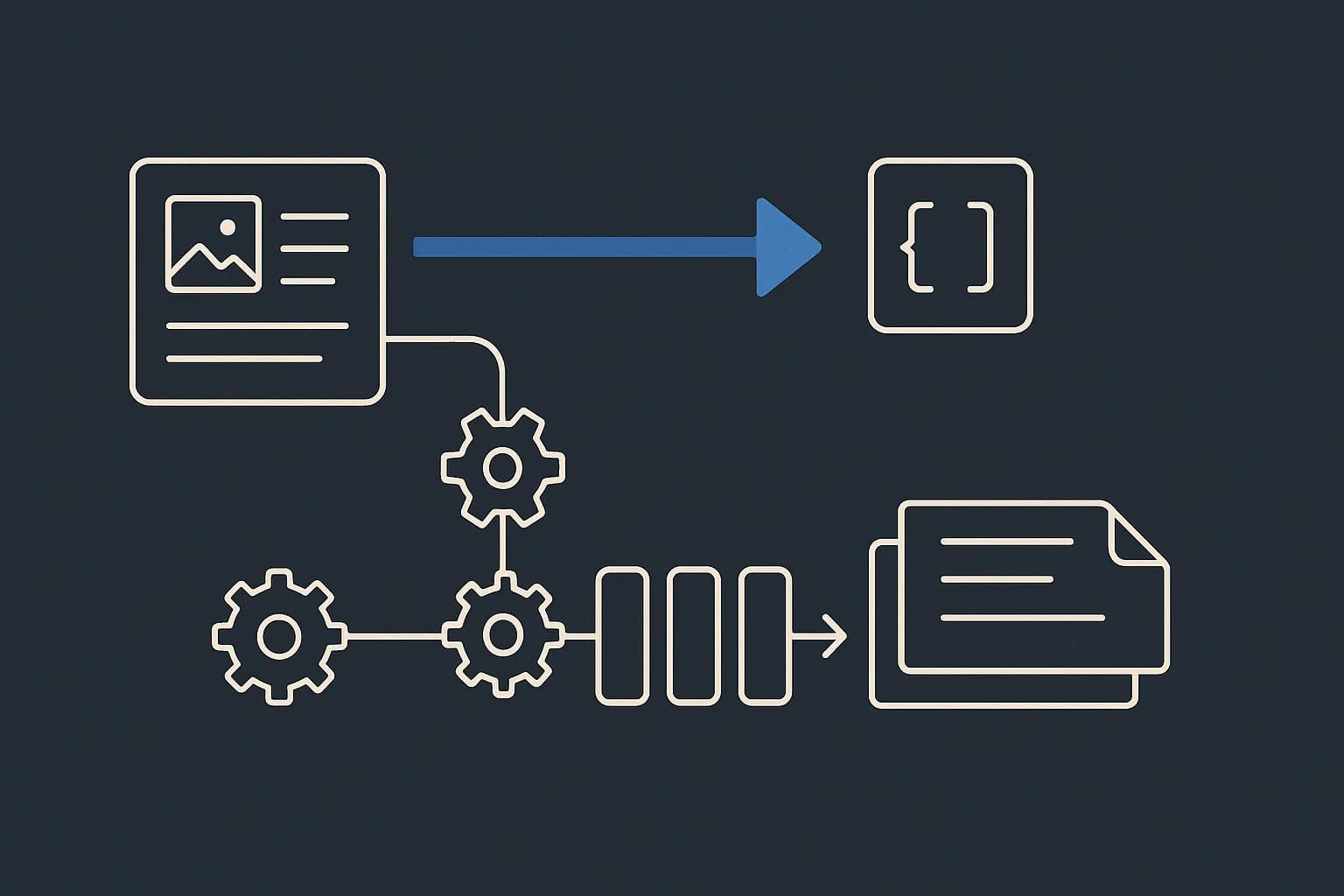
You can update content on a headless CMS site without redeploying anything. Hit publish. The CMS fires a webhook. Your app drops the cached copy of that page, and the next visitor gets the new one. No build, no deploy, no developer. The deploy-per-edit tax people blame on "headless" isn't a headless problem at all. It's a Git-based CMS and static-site-generator problem, and it's fixable. Draftbase sends nine entry events over webhooks on every entry event, which is the piece that makes instant publishing work. This guide covers what changes without a deploy, what still needs one, and how to tell the two apart per route.
What "publishing without a deployment" actually means
A deploy ships code. Publishing ships content. On a well-wired site those are two events. Only one of them needs CI.
The confusion comes from where your content lives. In a headless CMS, entries are rows in a database behind an API. Your app fetches them at request time, or caches what it gets. Change an entry and the source of truth has already moved. All that's left is telling the cache.
In a Git-based CMS, content is Markdown files in your repo. Change a file and you've changed code, as far as your pipeline knows. Commit, push, build, deploy. Four steps to fix a typo.
Why Git-based setups redeploy on every edit
Git-based tools like Decap and Keystatic commit editor changes straight to a branch. That commit trips your host's build hook. The static site generator rebuilds pages and pushes the output to a CDN.
On a 40-page site this takes maybe 30 seconds. On a few thousand pages it takes minutes. Every one-word fix pays the same bill. Vercel prices builds at $0.0035 per CPU minute, rounded up to the whole minute and multiplied by the machine's CPU count. A 2 minute 34 second build on an 8-CPU Enhanced machine costs $0.084, per Vercel's pricing docs. That's cheap once. It's not cheap as a per-edit tax on a team that publishes twenty times a day.
There's a second cost nobody puts on the invoice. An editor who waits four minutes to see a fix stops making small fixes.
How do you update CMS content without redeploying?
Clear the cache instead of rebuilding the site. Next.js calls this revalidation. It's the trick behind almost every "instant publish" claim you'll read.
The docs are blunt about it. "The ability to update cached content without redeploying is a core part of Next.js's rendering model." That's from the Next.js revalidation guide. There are three ways to do it. Most sites use two of them together.
On-demand revalidation, triggered by a webhook
This is the one you want for publishing. Your CMS calls a route in your app when an entry goes live. That route calls revalidateTag(). The next request re-renders the page.
// app/api/revalidate/route.ts
import { revalidateTag } from 'next/cache';

export async function POST(req: Request) {
	const { event, entry } = await req.json();
	if (event === 'entry.published' || event === 'entry.updated') {
		revalidateTag(`entry:${entry.id}`);
	}
	return Response.json({ ok: true });
}
Draftbase fires entry.published on a manual publish and on a scheduled one. Tag your fetches with the entry id. Then one editor click clears exactly the pages that changed, and nothing else re-renders.
Time-based revalidation, for content that drifts
Set a revalidate window and Next.js serves the stale copy while it rebuilds in the background. Readers never wait. The cost is a gap where the old version is still live.
Good for a pricing table that changes quarterly. Bad for a correction on a legal page.
Straight runtime fetch, no cache at all
Skip caching and hit the delivery API on every request. Easiest to reason about. Priciest to run. Save it for per-user pages, where a cache wouldn't help anyway.
Dynamic vs static content is a per-route decision
Sites aren't static or dynamic. Routes are. A marketing homepage can be prerendered while /dashboard renders per request. Same app.
So you don't pick one publishing model for the whole site. You pick one per route group. Two questions decide it: how often does the content change, and how bad is a stale copy?
| Route type | Caching | What a publish does |
|---|---|---|
| Blog post, docs page | Cached, tag-invalidated | Webhook clears the tag, next hit re-renders |
| Pricing, marketing | Cached with a time window | Refreshes on its own within the window |
| Search results, dashboards | Uncached | Nothing, it reads live |
We wrote the longer version of this split in static vs dynamic websites. The short version: "static means no database" stopped being true years ago.
What does this mean for non-technical editors?
The publish button is the whole workflow. No pull request. No build log, and no Slack message asking a developer to deploy.
That's the real sell for a marketing team. An editor writes an entry, then schedules it or publishes it. Draftbase handles the rest: draft and published states, full revision history, and rollback when a change was wrong. Getting a bad edit off the site is one click, not a revert commit.
Developer-free content updates only hold if the content model holds. If every new campaign page needs a new component, your editors are back in the queue. That's a content modeling problem, not a publishing one. It's also the part teams skip.
The underused angle: "instant" is a cache problem, not a CMS feature
Here's what the vendor pages leave out. By default, revalidation is local to one server instance.
From the same Next.js guide: "When running multiple Next.js instances behind a load balancer, revalidation events are local by default. Calling revalidateTag() on instance A only invalidates the cache on that instance." The other instances keep serving the old copy until they find out.
So a webhook that returns 200 doesn't mean the change is live everywhere. On Vercel this is handled for you. Self-host across several containers and it's your job. You write a shared cache handler with two hooks. updateTags() writes each event to Redis. refreshTags() reads them back before every request.
Then there's your CDN. Say it caches the HTML and the RSC payload with different TTLs. A reader can then get a fresh page on load, and a stale one after clicking a link. Next.js sets a Vary header for exactly this. Cache the two together, or don't cache them at all.
None of this argues for rebuilding instead. It argues for testing your publish path on the real deploy, not on next dev.
Do you still need preview builds?
Yes, and this is where most instant-publish setups quietly break.
A delivery API serves published content only. Draftbase's returns entries with status published or updated, and nothing else. Ask it for a draft and you get a 404. Ask it for an entry that was edited after publishing and you get the last published revision, not the pending edit.
So the fast path and the preview path aren't the same code. Your cached public route reads the delivery API. Your preview route has to read the management API with a management-scoped key, then render the same components with uncached data.
In Next.js that's draft mode. Set the cookie in a preview route, check draftMode() at the fetch boundary, and pick your API by that flag:
const { isEnabled } = await draftMode();
const url = isEnabled
	? 'https://api.draftbase.co/entries/' + id
	: 'https://api.draftbase.co/delivery/entries/' + id;
Skip this and editors publish just to see their work. That's the deploy-per-edit habit coming back through a different door, and it's the one thing a webhook can't fix for you.
When is a full rebuild still the right call?
Three cases, and all three are fair.
Changing the layout, the styles, or the component that draws a page is a code change. Ship it through CI. Revalidation refreshes data. It doesn't touch your bundle.
Second, a truly small site. If your whole build runs in 20 seconds, the extra webhook route is gear you don't need yet.
Third, teams who want content in the repo on purpose. Engineers edit docs in the same pull request as the code. That's a real workflow, and no CMS beats it. If that's you, take the build time. It's buying you something.
Where this leaves you
Publishing without a deploy needs two pieces. One is a CMS that fires an event when content changes. The other is an app that clears by tag instead of rebuilding. Wire them together and your editors stop waiting on CI. Your build bill stops tracking how often you publish.
Draftbase ships both halves. Nine entry webhook events, cached REST and GraphQL delivery, scheduled publishing, and revisions with rollback for the edit that shouldn't have gone out. Hobby is free and includes webhooks. So you can wire a revalidation route end to end before paying anything. Startup is $49/mo when you outgrow it. See what's on each plan.
Ship content that's built to be found
Draftbase generates schema, structured data, and a fast MDX editor for every post.
Frequently asked questions
Can you update website content without redeploying?
Yes. Publishing changes data, not code. The CMS fires a webhook, your app clears the cached page by tag, and the next request renders the new copy. No build runs.
Why does my Git-based CMS rebuild the whole site on every edit?
Because a Git-based CMS commits your edit to the repo. That commit trips a build hook, so the static site generator rebuilds and redeploys. Vercel bills builds at $0.0035 per CPU minute, so the cost tracks how often you publish.
Does on-demand revalidation work when self-hosting Next.js?
Yes, but you have to wire it. By default a revalidateTag call only clears the cache on the instance that got the request. Write a shared cache handler that stores tag events in Redis so every instance sees them.
Do editors need a developer to publish content?
No, once the content model covers what they need. An editor writes an entry, schedules or publishes it, and rolls it back if it was wrong. A developer is only needed when a page needs a new field or a new component.
Working with this hands-on? Draftbase also has a free supabase rls checker.