
Git-Based CMS vs API-Based CMS: Which to Pick
Git-based CMS vs API-based CMS: where content lives, what a publish costs, and the GitHub API limit that caps Git-based setups at 1,000 files.
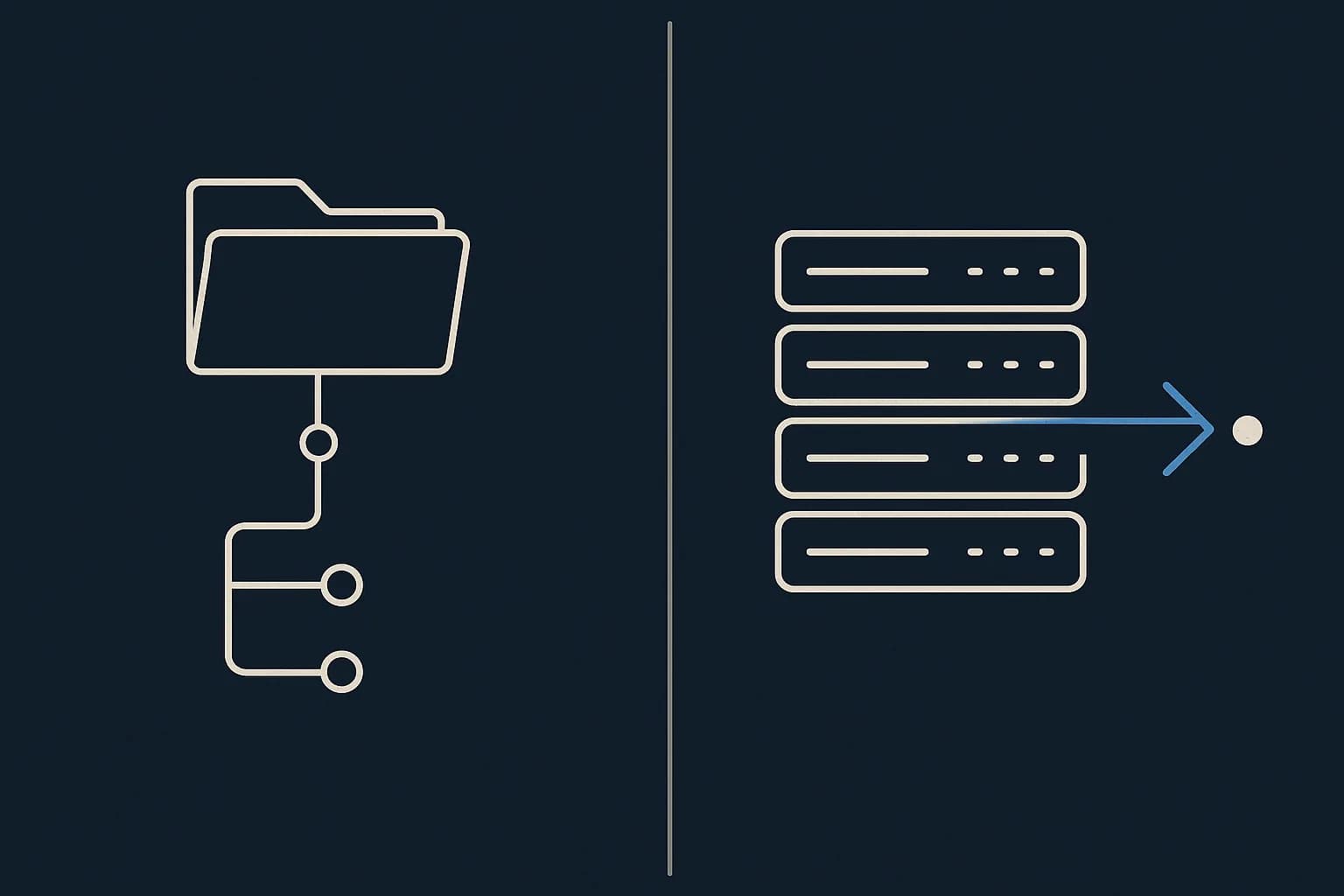
A Git-based CMS keeps your content as files in a repo. An API-based CMS keeps it in a database and hands it back over HTTP. That one difference decides the rest. Who can edit at once. What a publish costs. Where the setup falls over. Git-based wins when the people writing are the people committing. API-based wins the moment they aren't. Draftbase sits on the API side. This guide is honest about the cases where the Git side is the better call. Weighing this for a React or Next.js build? Start at the headless CMS pillar for the wider picture.
What is a Git-based CMS?
Content lives as Markdown, MDX, or JSON files in your repo. The editing UI writes a commit. Your host sees that commit, runs a build, and ships the output.
Decap, Keystatic, and Tina are the common picks. Tina goes furthest. It builds a TypeScript schema into a GraphQL layer between your framework and the files. So you query content instead of reading the filesystem by hand.
There's no content database to run or pay for. Your repo is the database. That's the whole pitch. For a small team it's a good one.
What is an API-based CMS?
Content lives in the vendor's database as typed records. You define a schema and editors fill it in. Your app then fetches over REST or GraphQL. No files. No commits, and no build fired off by an edit.
Draftbase calls those schemas templates. Each holds typed fields: text, richText, number, date, media, and reference, any of them localized. The same schema drives the editor UI and the API response shape. Add a field and it shows up in both, with no second definition to write.
Publishing writes a row and fires a webhook. Nothing rebuilds unless you ask it to.
The differences that actually matter
Most comparisons stop at "files versus database." Here's what that turns into in practice.
| Git-based CMS | API-based CMS | |
|---|---|---|
| Storage | Files in your repo | Rows in the vendor's DB |
| Publish path | Commit, build, deploy | Write row, fire webhook |
| Two editors at once | Merge conflict | Both saves land |
| Non-technical editor | Needs a hosted layer | Works out of the box |
| Content volume ceiling | Repo and API limits | Plan limits |
| Preview | Branch deploy | Draft mode against the API |
Where the content actually lives
In Git, content and code share one history. That's genuinely nice. Run git log on a Markdown file and you see who changed the third paragraph and why. Same view as the code review.
In an API-based CMS, content keeps its own history, apart from your deploys. Draftbase stores every save as a revision you can roll back to. Undoing a bad edit never touches your bundle.
What a publish costs you
We covered this at length in publishing without a deployment. The short version: a Git-based edit runs your build, and a build is billed. Vercel prices builds at $0.0035 per CPU minute. That's rounded up to the whole minute, then multiplied by CPU count, per Vercel's pricing docs.
An API-based edit runs a cache invalidation instead. One webhook, one revalidateTag() call, no CI.
Who can edit at the same time
Git has no row-level locking. Two editors on one file make a merge conflict. A merge conflict is not a thing you hand to a copywriter.
A database handles this with one write per record. Two people editing two entries never collide. Two people editing one entry is a last-write-wins problem your CMS can show you. Nobody has to rebase.
Which should you pick?
Match the tool to who's holding the keyboard. That's the whole decision.
Pick Git-based when your writers are your developers
Docs sites are the clearest case. An engineer changes an API, then fixes the docs in the same pull request. The reviewer sees both diffs together. No CMS beats that loop. Take it.
Pick it too when content has to be portable with no export step. Or when a client's compliance rules say the content can't sit on a vendor's server.
Pick API-based when writers and developers are different people
The moment a marketing hire needs to publish on a Tuesday, the Git workflow becomes support work. Branches, conflicts, and failed builds are developer problems. You've handed them to someone who didn't sign up for them.
Pick API-based too when one piece of content feeds more than one surface. A web app, an iOS app, and an email template all read the same endpoint. Files were never built for that.
How do you preview a draft in each model?
Different problem, different fix, and it trips people up on both sides.
A Git-based CMS previews by branch. The editor's change lands on a branch, your host builds it, and you get a URL to look at. It works, and it's honest: what you see is what a real build produces. The cost is time. Every preview is a build, so a slow build is a slow review cycle.
An API-based CMS previews by reading unpublished data. Worth knowing: a delivery API usually won't give you drafts at all. Draftbase's serves entries with status published or updated and nothing else, so previewing means calling the management API with a management-scoped key.
In Next.js you gate that with draft mode:
const { isEnabled } = await draftMode();
const res = await fetch(url, {
	headers: { Authorization: `Bearer ${key}` },
	cache: isEnabled ? 'no-store' : 'force-cache',
});
Preview then costs a request rather than a build. It also renders in milliseconds, which matters more than it sounds when an editor is checking a headline for the fourth time.
The underused angle: Git-based CMSes hit a documented ceiling
Here's the number nobody in the comparison posts mentions. Most Git-based editors read and write files through the GitHub Contents API. That API has hard limits written into its docs.
Files 1 MB or smaller get full support. From 1 MB to 100 MB, only the raw and object media types work. The object type then returns an empty content field with encoding set to none. Above 100 MB the endpoint isn't supported at all. Directory listings cap out at 1,000 files, per GitHub's REST docs.
That last one is the real wall. Put 1,200 blog posts in one content folder and your editor can't list them. So you shard folders by year to dodge an API limit. That's a strange thing to be doing to your writing.
None of this shows up on a 40-post site. All of it shows up on a 4,000-post site. And it shows up as a rewrite, not a slow afternoon.
Is version history really a Git-based advantage?
Partly. It's the claim that gets overstated most, so it's worth splitting in two.
For diffs and blame, Git wins outright. Line-level history, tied to a commit message, next to the code. Nothing on the API side matches that view.
For rollback, the gap closes. Draftbase keeps full revision history per entry with one-click rollback. So do Contentful and Sanity. Restoring yesterday's version needs no Git. On the API side it needs no deploy either.
So the honest read is narrower than the marketing. Git gives you better forensics. It doesn't give you better recovery.
What breaks when you migrate between them?
Both directions are painful, in opposite ways.
Going Git to API, your Markdown frontmatter becomes a schema. Every mismatch in it becomes a decision. Half your posts have author as a string and half as an object? You're cleaning that by hand.
Going API to Git, you lose what the API gave you for free. Reference integrity is the one that bites. A database can refuse to delete an entry another entry points at. A filesystem can't. Broken links show up at build time if you're lucky, and in production if you aren't.
Structured content is the part that survives either way. If your model is well designed, the move is a script. If it isn't, it's a quarter.
Where this leaves you
Pick Git-based if your content team and your engineering team are the same three people. Same call if your docs live next to the code they describe. Pick API-based the moment that stops being true, or once your content folder passes a few hundred files.
Land on the API side and write in MDX? Draftbase is built for that case. MDX stored as plain strings with typed component props, REST and GraphQL delivery, revisions with rollback, and a typed SDK with codegen so your fields land in TypeScript. Hobby is free with no card. Startup is $49/mo. The full plan list sits on the page, not behind a call.
| Option | Verdict | Pros | Cons |
|---|---|---|---|
| Git-based CMS | Best when your writers are your developers and the content lives beside the code it documents. |
|
|
| API-based CMS | Best once writers and developers are different people, or one piece of content feeds more than one surface. |
|
|
Ship content that's built to be found
Draftbase generates schema, structured data, and a fast MDX editor for every post.
Frequently asked questions
What is the difference between a Git-based CMS and an API-based CMS?
Storage. A Git-based CMS keeps content as files in your repository, so an edit is a commit that triggers a build. An API-based CMS keeps content as typed records in a database and serves them over REST or GraphQL, so an edit is a write with no build.
Is a Git-based CMS free?
The editor usually is, but the workflow is not. Every edit runs a build on your host, and Vercel bills builds at $0.0035 per CPU minute. On a large site that cost scales with how often you publish.
Can non-technical editors use a Git-based CMS?
Only with a hosted layer such as Tina Cloud in front of it. The raw workflow involves branches, commits, and merge conflicts, which is developer work handed to someone who did not sign up for it.
Does a Git-based CMS scale to thousands of pages?
Not without workarounds. GitHub's Contents API caps a directory listing at 1,000 files and stops supporting files over 100 MB, so large content sets get sharded across folders to stay under the limit.
Is Decap CMS the same as Netlify CMS?
Yes. Netlify CMS was renamed Decap CMS in 2023 when the project moved to an independent, community-run home outside Netlify. It's the same open-source Git-based editor under a new name — any reference to "Netlify CMS" from before the rename points to what's now Decap.
Working with this hands-on? Draftbase also has a free supabase rls checker.