
Headless CMS vs Webflow
Headless CMS vs Webflow: what Webflow's API can't do. Item caps, rate limits, and when its visual builder is still the right call.
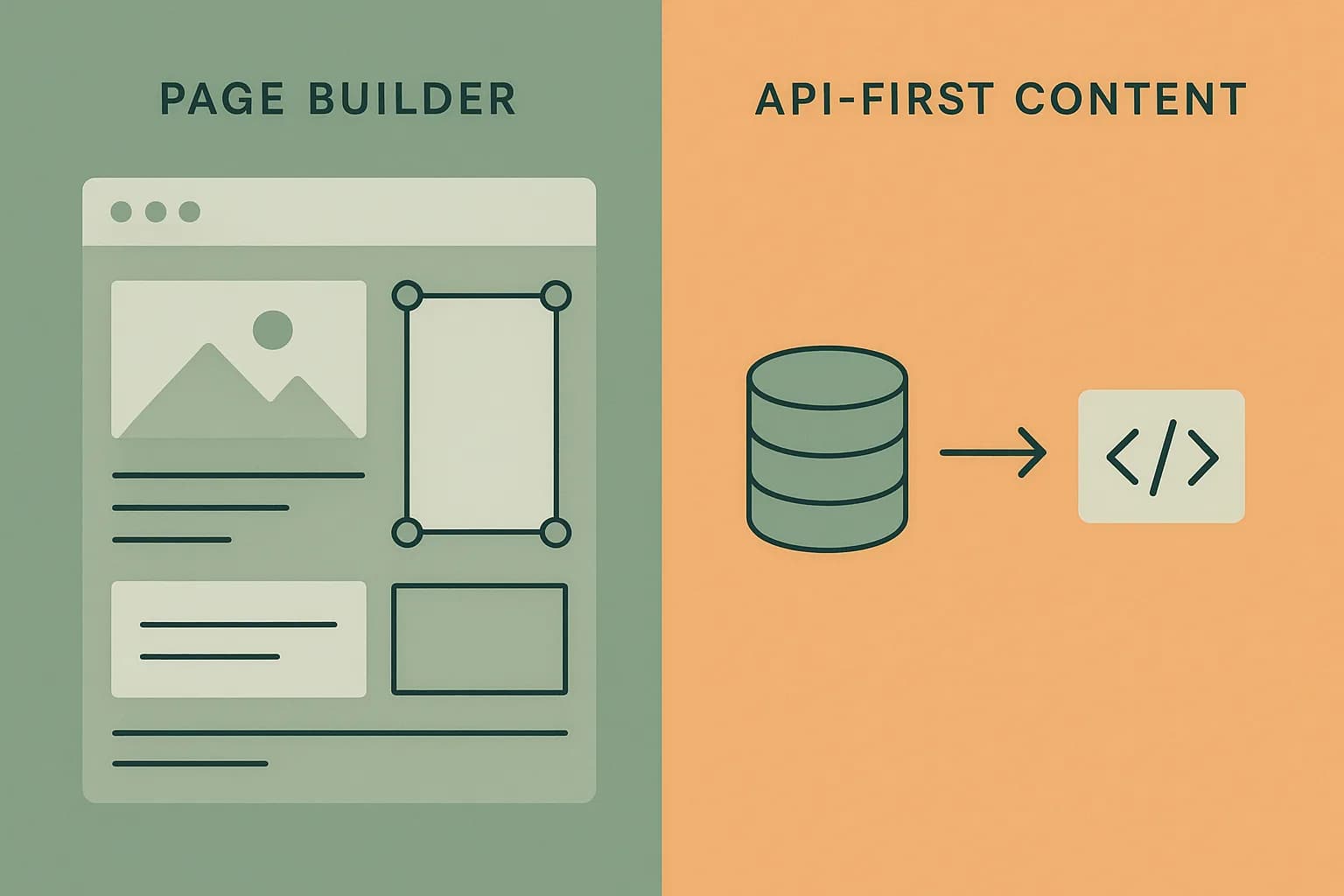
Webflow is a visual site builder with a CMS bolted on, not a headless CMS built API-first from the ground up. Its API lets you read and sync published CMS content out to another frontend, but the honest comparison isn't feature-for-feature. It's what a bolted-on API can't do that a framework-agnostic delivery API can.
What Webflow's API actually gives you
Webflow's CMS API supports reading published Collection items, and writing to them with the right scopes. What it doesn't support is defining or changing a Collection's schema through the API. Content modeling stays a manual, in-editor task, done through Webflow's own visual designer, not something a developer can script or version in code.
The API is also rate-limited at 60 requests a minute on self-serve plans, with the Team plan getting 5x that. For a small site pulling a handful of pages, that's plenty. Say an application makes frequent reads across many content types, or syncs content to multiple downstream services. That limit becomes a real constraint. A purpose-built delivery API, cached and rate-limited for exactly this use case, doesn't hit that ceiling nearly as fast.
The item and collection caps
Webflow's 2026 pricing restructure folded CMS limits into the Premium Site plan: 20,000 CMS items and 40 Collections, at $25/month billed yearly. That sounds generous until you compare it to what a headless CMS considers a baseline. A blog with a few hundred posts, an FAQ collection, an author collection, and a handful of landing-page content types can eat into 40 Collections fast. Add locale variants or draft/preview duplicates, and the cap looks smaller than it did on paper. Enterprise plans raise the ceiling past a million items, but that's a different pricing conversation entirely, not a small-team default.
Why "content tied to the builder" is the real limit
The deeper issue isn't the numbers. It's that Webflow's content model exists to serve Webflow's own visual designer first. A Collection field type is built around what the Designer can render, not around what an arbitrary frontend needs. There's no equivalent to defining a JSON field, a rich MDX document, or a genuinely nested reference graph the way a content-modeling-first CMS supports. Say your team's actual frontend is a React or Next.js app, not a page built in Webflow's own Designer. You're paying for a visual tool you don't use, and working around it, just to get at the content underneath.
This is the opposite tradeoff from an API-first CMS. A headless CMS treats the content model as the product and the frontend as someone else's problem. Webflow treats the Designer as the product and the API as an afterthought that reads out what the Designer already built.
When Webflow is genuinely the right call
Say the same team designs the pages and writes the copy, for a marketing site or a small business site. Webflow is a fast, honest choice there. There's no reason to reach for a separate CMS just to feel more "developer." The API becomes worth reaching for once a second consumer shows up. That could be a mobile app, an internal dashboard, a second website, or an AI agent that needs structured content without a redesign layer attached.
What a framework-agnostic delivery API buys you instead
Draftbase's delivery API is built the other way around. Content modeling comes first. There's no visual page designer to serve. Fields are defined on a template, not on a page layout. A richText field stores plain MDX. A json field stores exactly what you put in it, with no Designer-imposed shape. REST and GraphQL delivery routes are the only interface, scoped by templateId, with the standard split between a read-only delivery key and a management key.
That difference shows up directly in how content reaches an AI agent or a second frontend. A delivery API designed for that from day one works differently than one exposed as a side door on a page builder. It doesn't need workarounds for schema changes. It doesn't cap Collections at a number tuned for a page builder's UI. And it doesn't rate-limit at a number sized for occasional Designer syncs instead of steady application traffic.
Is Webflow a headless CMS?
Not in the strict sense, and this is worth stating directly since the term gets applied loosely. A headless CMS is built with the delivery API as a first-class interface. Schema changes, content queries, and content mutations are all things a developer scripts and version-controls. Webflow's API reads out content that was authored through the Designer, and the Designer remains the primary interface. Calling Webflow "headless" just because it exposes an API is a category error. It's the same mistake as calling a WordPress site headless because it has a REST endpoint. The API exists; the content model behind it wasn't built API-first.
That distinction matters for how much you can automate. A genuinely headless CMS lets a script create a new content type on the fly. That's useful for a migration, a multi-tenant setup, or an AI agent provisioning content structure. Webflow requires a human in the Designer for every schema change, no matter how the content itself gets read or written afterward.
Cost at scale: a rough comparison
At $25/month for 20,000 items and 40 Collections, Webflow's Premium plan looks cheap next to an enterprise CMS quote. The comparison gets less favorable once a project needs more Collections than the cap allows. The next step up is Webflow's Enterprise tier, priced per negotiation rather than published. A headless CMS built around content modeling, rather than page design, tends to price on API usage and seats instead of a Collection count tied to a builder's UI. That scales more predictably as a content model grows. It beats jumping to a custom quote once you cross an arbitrary Collection ceiling.
Migrating off Webflow's CMS
Moving content out of Webflow means exporting each Collection's items one by one. There's no bulk schema-plus-content export built for a full migration to another platform. That's manageable for a few hundred items and painful past a few thousand. That's worth factoring into the decision up front. A CMS that treats content as the product from day one, like Draftbase, doesn't require unwinding a page-builder-shaped schema later. That matters once a frontend outgrows what Webflow's Designer was built to serve.
| Option | Verdict | Pros | Cons |
|---|---|---|---|
| Webflow | The right call for a marketing or small business site where the same team designs pages and writes copy, with no second content consumer. |
|
|
| Draftbase | The right call once a second consumer, like an app, AI agent, or separate frontend, needs the content independent of any page design. |
|
|
Ship content that's built to be found
Draftbase generates schema, structured data, and a fast MDX editor for every post.
Frequently asked questions
Is Webflow a headless CMS?
Not really. Its API reads out content authored through the visual Designer, which stays the primary interface. A true headless CMS treats the delivery API as the first-class way in.
Can I change a Webflow Collection's schema through the API?
No. Collection fields can only be defined or changed in the Designer, by a person. The API can read and write items, but not the content model itself.
What's the Webflow CMS API rate limit?
60 requests a minute on self-serve plans, with the Team plan getting 5 times that. It's fine for light syncing, tight for an application with frequent reads.
How many CMS items can Webflow hold?
The Premium Site plan includes 20,000 items and 40 Collections. Enterprise plans raise that past a million, but at custom, unpublished pricing.
When does it make sense to stay on Webflow instead of switching to a headless CMS?
When the same team designs pages and writes copy, and no second frontend, app, or AI agent needs the content. A headless CMS pays off once a second consumer shows up.
Working with this hands-on? Draftbase also has a free supabase rls checker.