
What Is an MCP Client? Client vs Server Explained
An MCP client is the part of an AI app that connects to one MCP server. Learn how it differs from a host, what elicitation does, and why sampling is deprecated.
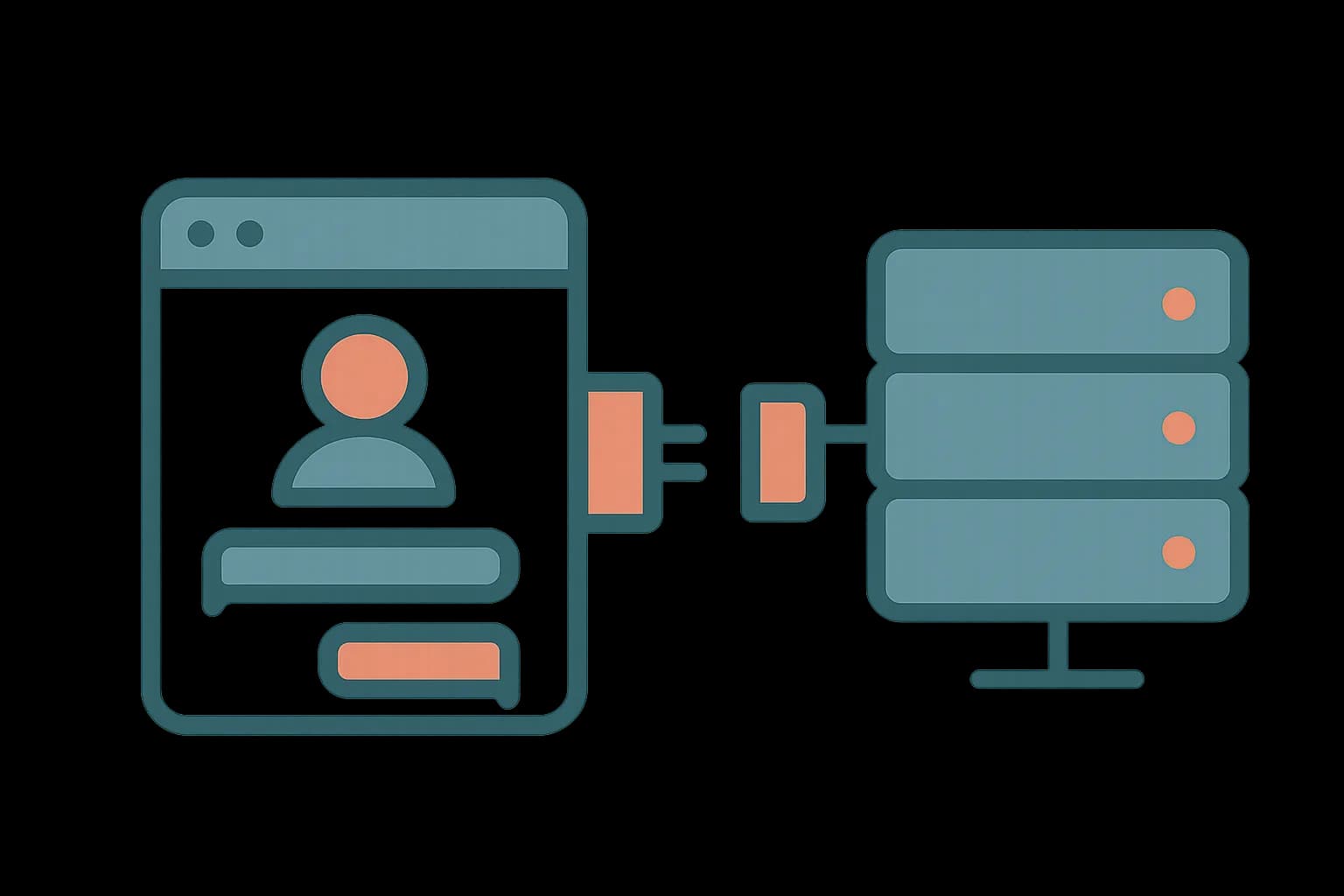
An MCP client is the part inside an AI application, like Claude Code or Cursor. It holds one dedicated connection to one MCP server. It sends the requests: tools/list, tools/call, resources/read. The server answers them. The AI application itself is called the host. The host creates one client for every server it connects to. Draftbase ships an MCP server. An agent can create, edit, and publish content the same way a person does in the dashboard. The client side of that connection is what makes the rest of the setup work.
Client, server, and host: three different jobs
Most explainers treat "client" and "host" as the same thing. They aren't. The Model Context Protocol's own architecture docs are clear about the split.
The host is the application a person opens: Claude Desktop, Claude Code, an IDE, a custom agent. The host manages one or more MCP clients. Each client is a single dedicated connection to one server. Open three MCP servers in Claude Desktop, and the host spins up three separate clients. Each one talks to exactly one server, over its own channel.
Here's why that matters. Tool calls, resource reads, and version checks all happen per client-server pair. A server can't see what other servers the host is connected to. Say an agent reads from a database server and writes to a CMS server, in one task. That's two independent client connections the host is coordinating. It's not one client juggling two servers.
What a client actually does
A client's job breaks into three parts:
- Connect. A stdio pipe for a local server. A Streamable HTTP connection for a remote one. Either way, it keeps that channel alive.
- Discovery. It calls
server/discoverto learn the server's version and capabilities. Thentools/list,resources/list, orprompts/listto see what's actually offered. - Execution. It sends
tools/callwith the arguments the host's language model chose, and hands the result back.
The client doesn't need to know what the tool does. A client that connects to Draftbase's MCP server doesn't need to know what a "template" or an "entry" is. It just passes the schema the server returns, and passes arguments back and forth.
The protocol went stateless
The 2026-07-28 MCP spec changed how much a client sends on every call. Earlier versions of MCP kept a stateful session. A client opened a connection and ran an initialize handshake once. The server remembered that client's capabilities for the life of the session.
That's gone. MCP is now a stateless protocol. Every request carries the protocol version and the client's capabilities in its _meta field. A server can process each request on its own, with nothing carried over from the last one. A client still calls server/discover to learn what the server supports. That's not a one-time handshake anymore. Nothing gets remembered. Most posts on MCP client-server flow still describe the old initialize-then-remember model. They were written before this spec landed.
Elicitation is the client primitive that's still alive
Servers expose tools, resources, and prompts. Clients expose one primitive back to servers, and as of the current spec, only one is still active: elicitation. A server calls elicitation/create when it needs more input from the person at the keyboard. Confirming a destructive action before it runs is the common case.
Two other client primitives exist in the spec. Both are marked deprecated as of version 2026-07-28:
- Sampling let a server ask the client's own LLM to generate a completion. That way the server author didn't need to bundle a model SDK. New servers should call an LLM provider's API directly instead.
- Logging let a server push debug messages to the client. New servers should write to
stderron stdio transport or use OpenTelemetry.
Say you're evaluating an MCP client SDK. If it still lists sampling or logging as a headline feature, the docs haven't caught up to the current spec.
Building or picking a client SDK
Most developers never touch client code by hand. The point of MCP: any compliant host already ships client logic. Claude Desktop, Claude Code, Cursor, Windsurf, all of them. You just point one at a server. Client code matters in two cases. Building a custom agent framework. Or writing an MCP Inspector-style debugging tool.
The official SDK list covers TypeScript, Python, Go, C#, and Rust. All five are updated for the 2026-07-28 spec. Each SDK's client side handles the same three jobs above. Transport, discovery, and tools/call execution, wrapped in typed request and response shapes.
import { Client } from "@modelcontextprotocol/sdk/client/index.js";
import { StreamableHTTPClientTransport } from "@modelcontextprotocol/sdk/client/streamableHttp.js";

const client = new Client({ name: "my-agent", version: "1.0.0" });
const transport = new StreamableHTTPClientTransport(
  new URL("https://api.draftbase.co/mcp"),
);
await client.connect(transport);

const { tools } = await client.listTools();
That's the whole client side of talking to a remote MCP server. Connect a transport. List what's available. Call a tool by name.
When is writing a custom client worth it?
For most teams: never. The host you already use handles the client side for free. Claude Code, Cursor, an agent framework built on the TypeScript or Python SDK, all of them. Writing your own client only pays off in a narrow set of cases.
The first: a custom agent runtime with no existing host underneath it. You need direct control over which tools reach the model, and when. The second: a debugging tool like the MCP Inspector. It watches raw JSON-RPC traffic between a client and a server you're building. The third: an embedded product feature. A SaaS app lets its own users connect any MCP server. No general-purpose host sits in between.
Outside those three cases, a custom client costs more than it's worth. The SDKs already handle transport, discovery, caching, and the deprecated-primitive fallbacks. Build it by hand, and you're tracking every future spec change yourself instead of pulling one SDK update.
Where this breaks in practice
The most common failure isn't a bad client build. It's a version mismatch nobody checks for. A client built on an old, stateful SDK talks to a server that wants the new stateless _meta field on every call. Or the reverse happens instead.
Discovery responses can also be cached. The spec's ttlMs and cacheScope fields exist for exactly that. A client that caches a server's old tool list past a server upgrade can call a tool that's gone. Or it can miss a tool that just shipped. Say tool calls start failing right after a server update, with no code change on the client side. Check the cached discovery data first. Don't blame the transport.
Where Draftbase's MCP server fits
Draftbase's own MCP server ships 26 tools. They cover the full content lifecycle: creating templates, writing entries, uploading media, scheduling publishes, rolling back a revision. None of it needs custom client code. Point Claude Code, Cursor, or any MCP host at it. The host's own client handles the connection and discovery.
See how to build an MCP server for the server side of this same link. Or read how to let an AI agent edit content in your CMS. It shows those tools at work. Whether an agent should get write access to your content model is the harder call. Answer that before wiring up the client.
Ship content that's built to be found
Draftbase generates schema, structured data, and a fast MDX editor for every post.
Frequently asked questions
Is an MCP client the same as an MCP host?
No. The host is the app a person opens, like Claude Code. The host creates one client for every MCP server it connects to, so a host with three servers runs three clients.
What is the MCP client SDK?
It's the official library, in TypeScript, Python, Go, C#, or Rust, that handles a client's transport, discovery, and tool-call logic for you. Most developers use one instead of writing client code by hand.
What is the difference between an MCP client and server?
A server exposes tools, resources, and prompts. A client connects to one server, discovers what it offers, and calls its tools on the host's behalf.
Is sampling still part of MCP?
No. Sampling and logging, both client-side primitives, were deprecated in the 2026-07-28 spec. Servers should call an LLM provider's API directly, and log to stderr or OpenTelemetry instead.
Do I need to write custom MCP client code?
Almost never. Any MCP-compliant host, like Claude Code or Cursor, already ships client logic. Custom client code only pays off for a standalone agent runtime, a debugging tool, or an embedded product integration.
Working with this hands-on? Draftbase also has a free mcp inspector.