Headless CMS vs Traditional CMS: Which Wins
Headless CMS vs traditional CMS: which one fits a React app? Compare SEO control, setup cost, and when WordPress still wins.
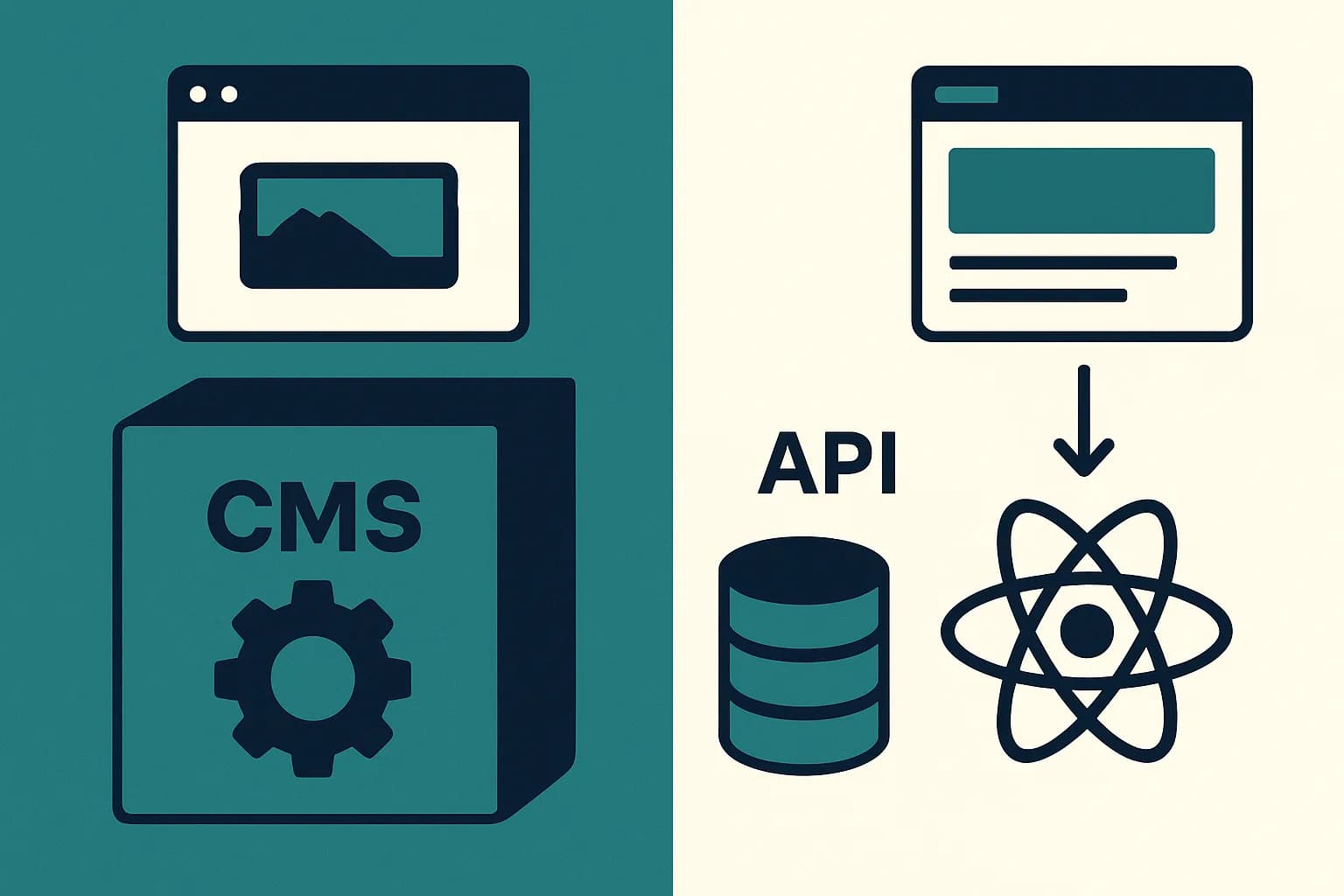
A headless CMS trades a traditional CMS's built-in SEO plugins and live preview for full code-level control and native multi-channel delivery. For a React frontend that only needs to feed one app well, that trade usually pays off.
A headless CMS stores content and serves it through an API. A traditional CMS stores content and also renders the page itself. That one split changes a lot later. It changes how React fits in. It changes how SEO gets handled. It changes how much engineering work sits between you and a shipped page. WordPress still runs 41.9% of all websites, per W3Techs. But React teams more often reach for a headless layer like Draftbase instead. The split matches how a React app already works.
What Is a Traditional CMS?
A traditional CMS bundles three things into one system. It holds the content database. It holds the admin editing screen. It holds the page templates that render HTML. WordPress, Drupal, and Joomla all work this way. An editor writes a post and picks a template. The CMS renders the full page server-side, in one step.
This coupling is the whole appeal for non-technical teams. No API to wire up. No frontend build step. Install a theme, pick a plugin, publish. Yoast SEO and Rank Math bolt directly onto that rendering layer. They handle meta tags, sitemaps, and schema markup through a settings panel, not code.
The same coupling is the constraint. The CMS decides the markup, not you. Swapping to a React frontend means either going headless or fighting the platform's own template engine.
What Is a Headless CMS?
A headless CMS keeps the content database and the editing screen. It drops the rendering layer entirely. Content goes out over an API, as plain structured data. A separate frontend, often React or Next.js, decides how to render it. (See Headless Architecture Explained: Decoupled CMS Basics for a deeper dive into this pattern.)
That separation is why headless fits multi-channel delivery so well. One blog post entry can feed a website, a mobile app, and a marketing email. Each channel pulls only the fields it needs. A traditional CMS renders one HTML page per URL. A headless CMS renders nothing at all — it just answers questions with data.
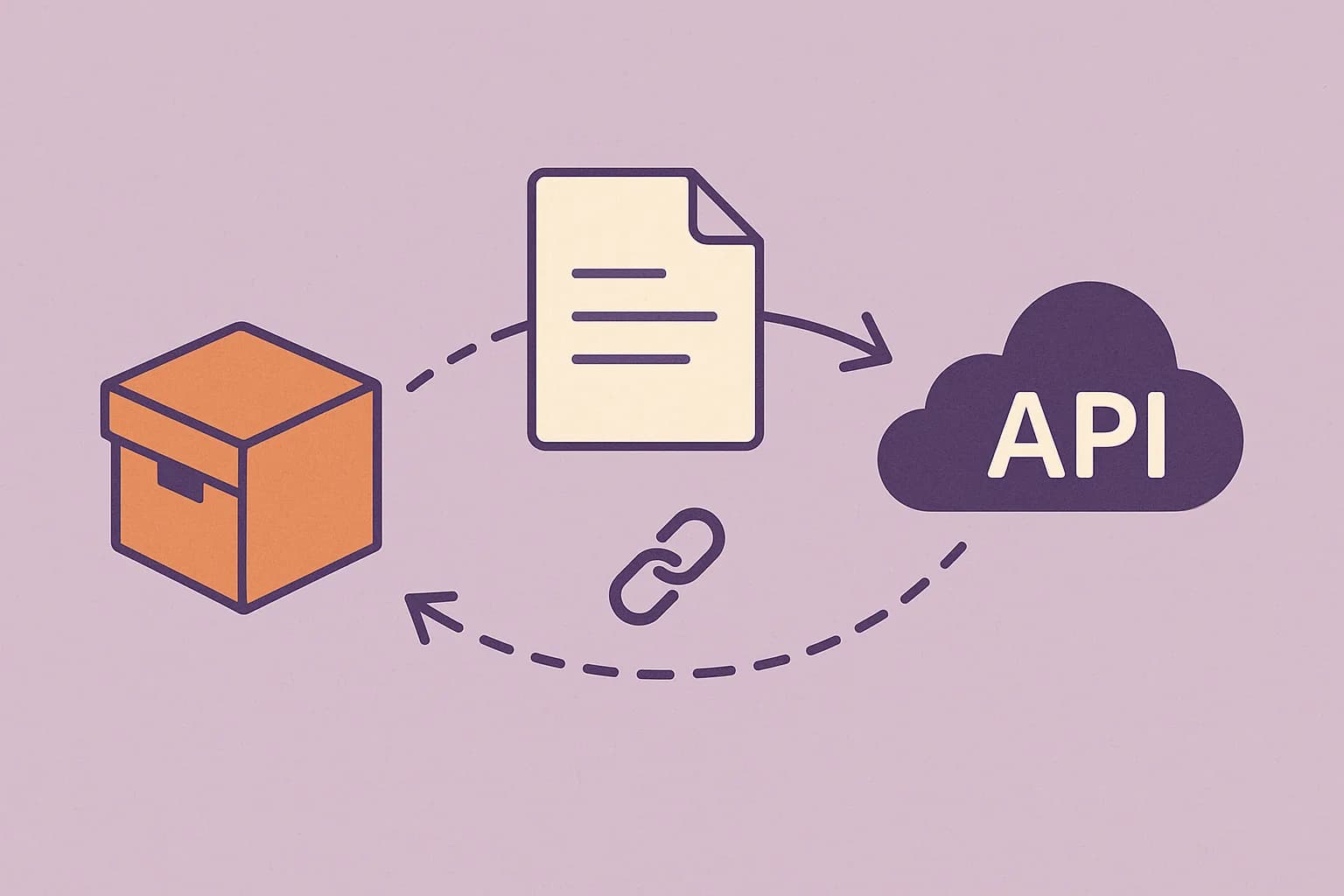
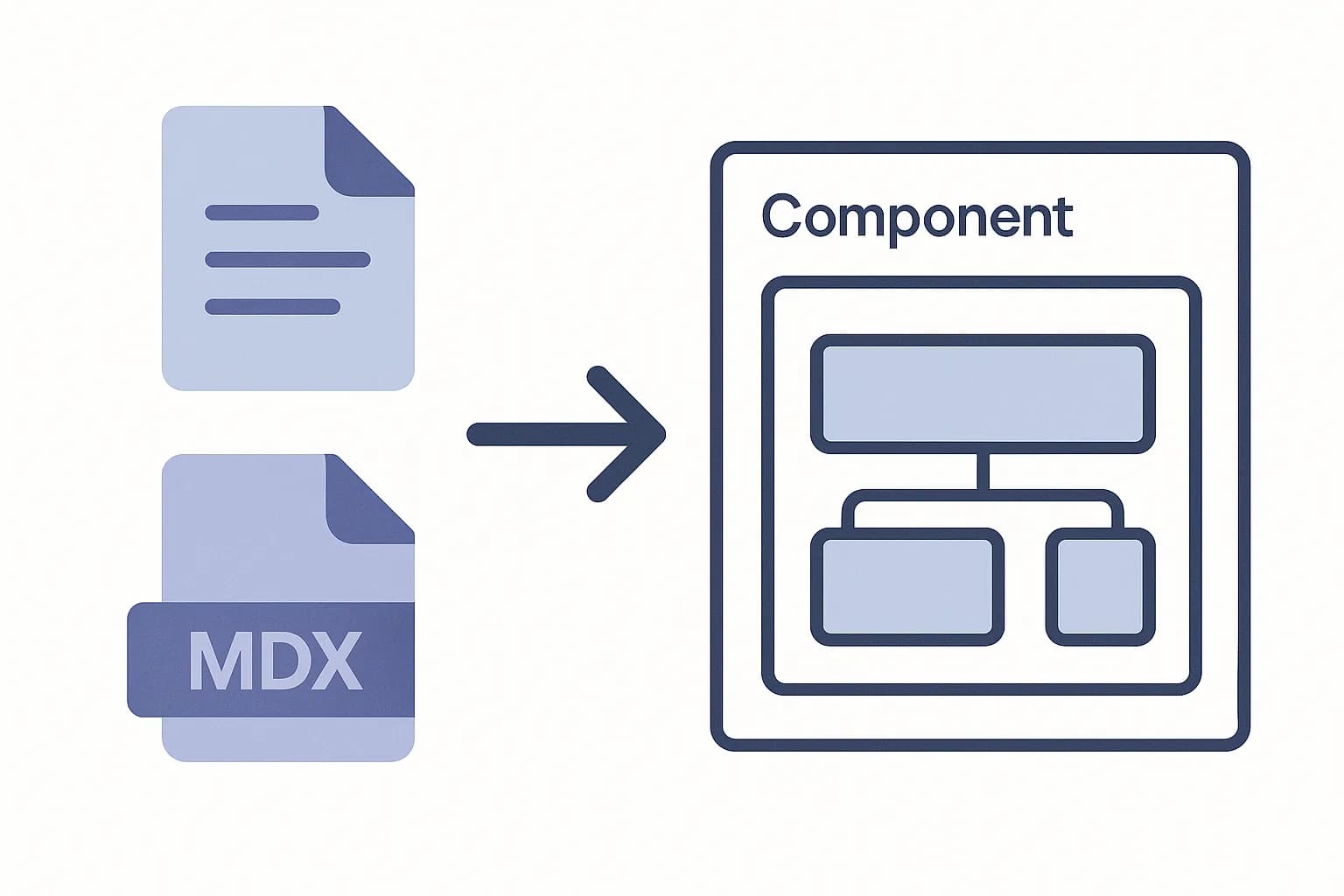
Draftbase leans into this model directly. Content lives as MDX. It ships through a plain REST-style API, with no separate query language to learn. A React app fetches an entry and gets back ready-to-render Markdown. Links and media come back already resolved, not as bare IDs to look up again.
Where SEO Actually Wins
The SEO picture isn't as one-sided as most headless sales pages claim. WordPress's SEO plugins are mature. Meta descriptions, canonical tags, XML sitemaps, and redirect rules all live in a settings screen. A non-developer can use it without touching code.
A headless CMS ships with no such built-in layer. Fields like metaTitle and metaDescription must be named on the content type. The frontend code then has to render them into the page <head>. That's real setup work a WordPress site skips entirely.
What a headless setup buys back is control. URL structure, schema markup, and redirect logic live in application code. They don't depend on a plugin's fixed defaults. That control pays off in performance too. Sites that moved to a well-tuned headless setup saw an 18% average gain in mobile Core Web Vitals. That's per CoreMedia's 2026 analysis. A well-built Next.js frontend can hit a performance ceiling. A plugin-heavy WordPress install rarely reaches it.
Here's the split in practice. On WordPress, SEO fields come built in via a plugin. On Draftbase, you model them on the content type. WordPress ties URL and schema control to plugin defaults. Draftbase gives you full code-level control instead. WordPress renders server-side, inside the CMS. Draftbase leaves rendering to your React app. WordPress needs custom work to reach a second channel. Draftbase serves one entry to as many consumers as you add.
Fitting a React Frontend
React doesn't need a CMS to render HTML. It needs data. That's the real reason headless design pairs naturally with React. The CMS becomes a data source, not a rendering engine. The frontend team keeps full ownership of components and routing. It also keeps ownership of the performance budget.
Running WordPress "headless" is possible. Its REST API can serve JSON to a React app. But the SEO plugins, the theme system, and most of the admin UI assume server-rendered PHP templates. They weren't built for a decoupled frontend. You inherit a system fighting its own design.
A CMS built API-first skips that mismatch. Draftbase's delivery API returns MDX with links and media already filled in. There's no second call to hydrate a linked author or image. There's no query language to parse just to render a blog post. See the React integration guide for that fetch-and-cache pattern.
Can You Run WordPress Headless Instead?
Yes, technically. WordPress exposes a REST API. Some teams fetch it from a React frontend instead of using PHP templates. But most of what makes WordPress fast to set up assumes it's also rendering the page. That includes the SEO plugins, the theme set, and the page builder. Going headless with WordPress still means paying full hosting and licensing cost. You give up the plugin ecosystem that justified picking WordPress in the first place.
A CMS designed API-first from day one, like Draftbase, doesn't carry that dead weight. There's no theme system to route around. The content model is the API surface.
The Editing Tradeoff Most Posts Skip
A traditional CMS gives editors a live preview, no code needed. Change a heading, see it render, hit publish. That loop is short and needs no developer in the middle.
A headless CMS breaks that loop by design. Content lives in a database, not on a rendered page. "Preview" means asking a frontend app to fetch a draft and render it separately. Draftbase keeps that gap small. Entries carry a real draft or published status. A frontend can fetch draft content through the same API it uses for live content. No separate preview setup needed.
Editors do lose the click-to-edit, see-it-live feel a page builder gives them. What they gain is a content model no plugin update or theme swap can break. For a team that ships content changes through pull requests already, that tradeoff usually favors headless. For a marketing team publishing several times a day with no developer on call, it often doesn't.
The Real Cost Difference
Headless isn't free. It trades a plugin's settings panel for real engineering time. Someone has to build a frontend app. Someone has to pick a rendering strategy — SSR, SSG, or ISR. Someone has to maintain a deployment pipeline. For a five-page site with one editor, that's often more setup than the job needs.
The cost shows up on the other side too, just later. A traditional CMS scales content volume fine. It scales channels badly. Adding a mobile app to a WordPress install usually means duplicating content. Or it means bolting on a REST layer the platform wasn't built to expose cleanly.
The Underused Angle: Composable Didn't Replace Headless, It Absorbed It
Most comparisons stop at "headless vs. traditional," as if it's still a two-way choice. It isn't, not by 2026. The MACH Alliance's four-part standard folded headless into something bigger. MACH stands for Microservices, API-first, Cloud-native, and Headless. Headless is now one property of a stack, not the whole pitch.
That reframes the real decision. The question isn't whether to go headless anymore. It's how much of MACH you actually need. A single React site talking to one content API needs no microservices. It needs no cloud-native commerce engine either. It needs the API-first piece and the headless piece, nothing more. That's exactly the slice Draftbase targets. It skips the running cost of a full composable commerce platform.
Conclusion
Traditional CMS wins on turnkey SEO and zero-setup editing. Headless wins on React ownership, multi-channel reach, and a performance ceiling worth chasing. Is your frontend already React or Next.js? Does content only need to feed that one app well? A lightweight headless layer beats fighting WordPress's template system. See Draftbase's pricing if you're scoping that move for your next build.
Ship content that's built to be found
Draftbase generates schema, structured data, and a fast MDX editor for every post.
Frequently asked questions
Is a headless CMS better than a traditional CMS for SEO?
Not automatically. WordPress ships SEO fields through plugins like Yoast. A headless CMS needs those fields set by hand. In return, you get full control over URLs and schema markup.
Can WordPress be used as a headless CMS?
Yes, through its REST API. But you still pay full WordPress hosting cost while giving up most of the plugin ecosystem that made WordPress fast to set up.
Does a headless CMS work well with React?
Yes. A headless CMS acts as a pure data source. A React app owns rendering, routing, and performance, instead of fighting a CMS theme engine.
Is a headless CMS more expensive than a traditional CMS?
Often, in setup time. A headless CMS needs a frontend app, a rendering plan, and a deploy pipeline. Someone has to build and run all three.
What is composable architecture and how does it relate to headless CMS?
It's bigger than headless alone. MACH is the name for that bigger idea. It groups four things: Microservices, API-first, Cloud-native, and Headless. Headless is just one part of it.
What is a headless open source CMS?
A headless open source CMS splits the backend, where content is created and stored, from the frontend, where it is displayed. Because the code is open source, teams can use, modify, and self-host it freely. Content is delivered to any channel — websites, mobile apps, or other platforms — via APIs, giving teams full control over both their content infrastructure and how that content reaches end users.
Samer is a software engineer and entrepreneur, founder of Draftbase and Ezi Home Services, building technology that simplifies home services. Passionate about software, APIs, automation, and creating products that solve real-world problems.