Headless Architecture Explained: Decoupled CMS Basics
Headless architecture splits a decoupled CMS from its frontend. See what headless, decoupled, and hybrid mean, and how to tell them apart.
Headless means no render code at all. Decoupled and hybrid still ship a frontend. Check the docs before you trust the label.
Headless architecture means the CMS stores and serves content, but never renders it. No templates, no themes, no built-in frontend. A separate app — a website, an app, a kiosk — fetches that content over an API and renders it however it wants. Less than 12% of live sites run this setup today, versus 68% on some form of CMS at all. (Storyblok) Draftbase is built headless from day one. No theme layer to strip out. No old render path in the way.
What Headless Architecture Actually Means
An old-style CMS bundles three things: content storage, an editing tool, and a template engine that renders HTML. WordPress and Drupal, in their default setup, work this way. Change the template, and you change the site.
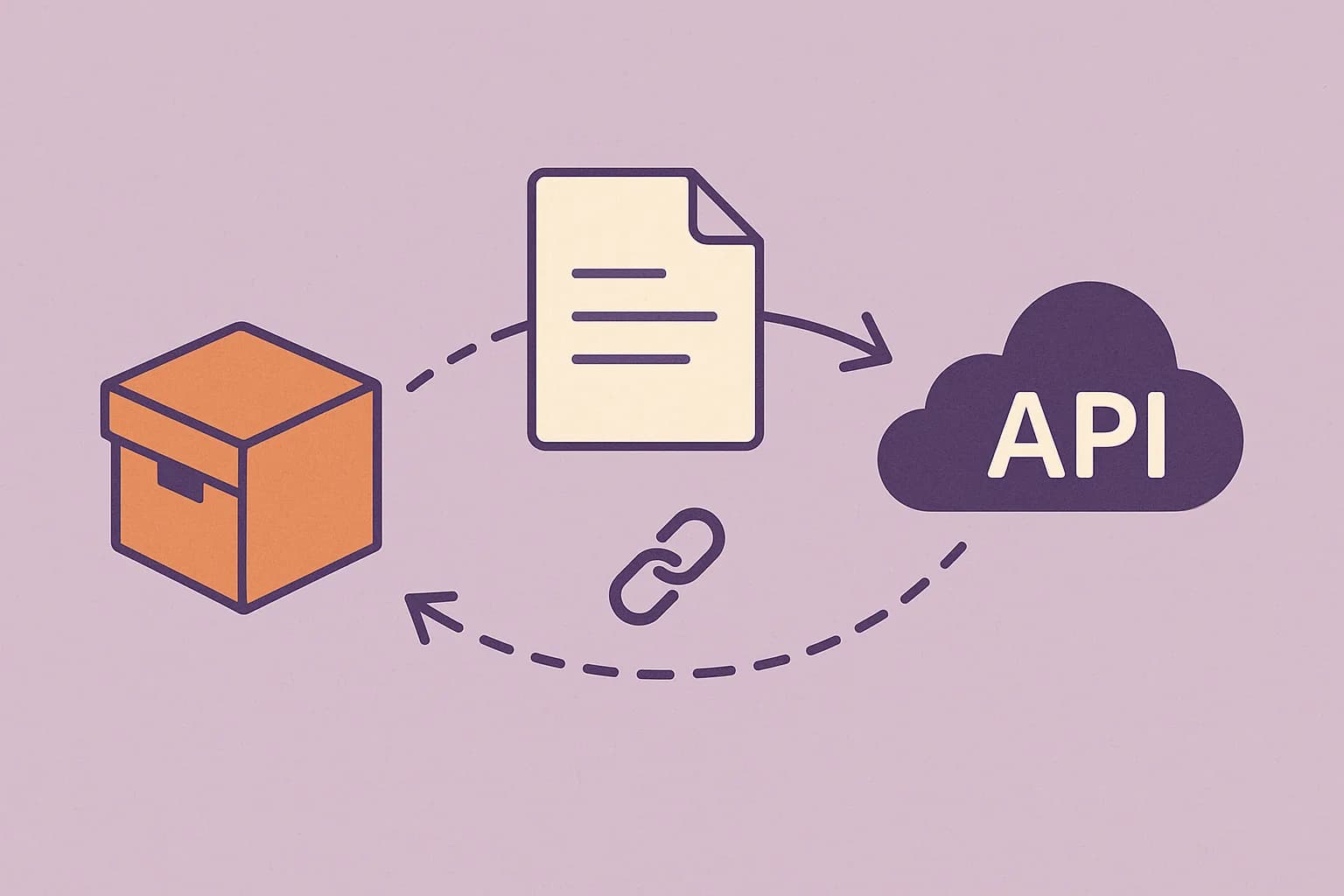
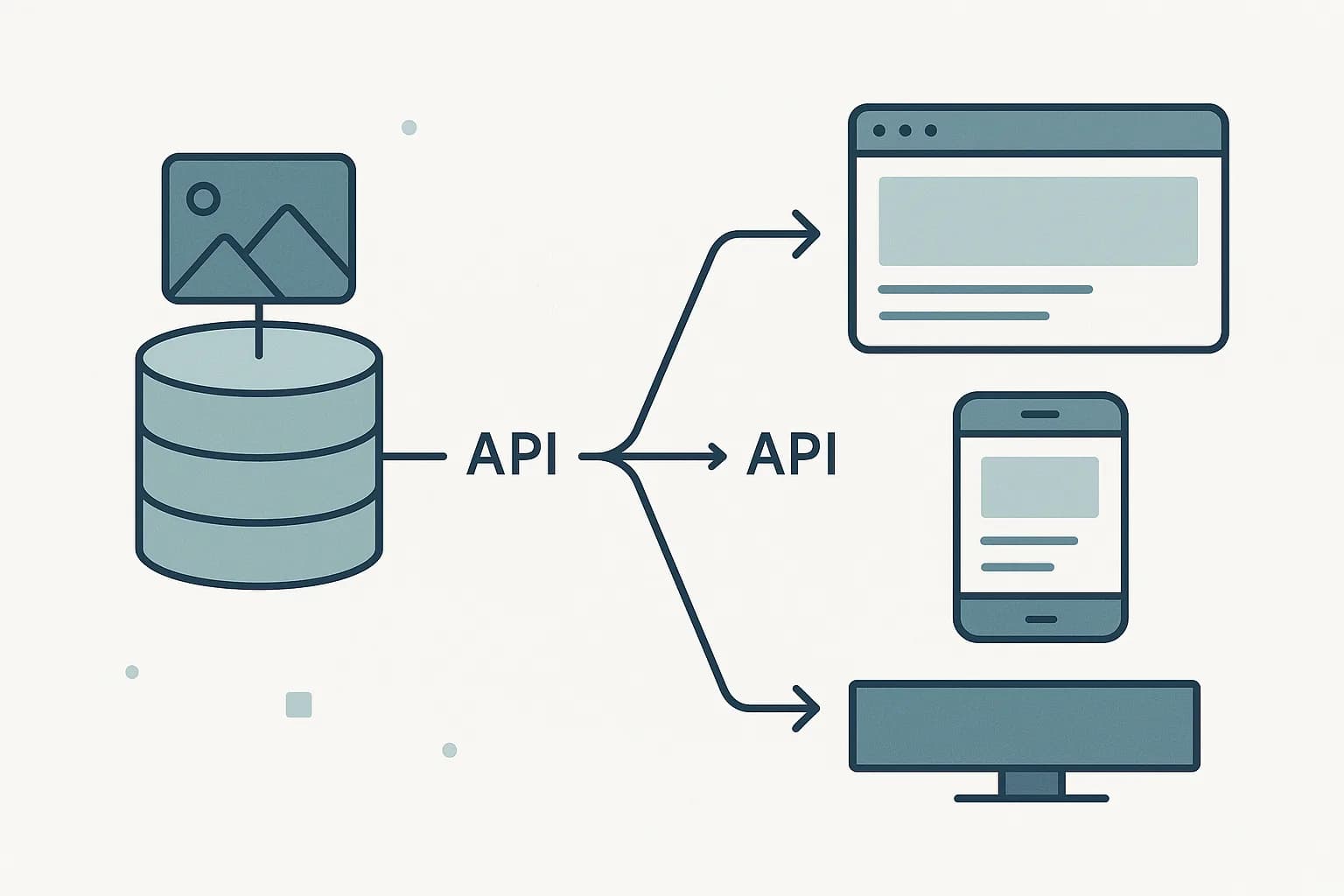
A headless CMS keeps only the first two. Storage and editing stay. The template engine is gone. Content leaves the CMS as raw data — JSON, usually — through a REST or GraphQL API. (Sanity) A frontend app, built in whatever stack a team picks, turns that data into pages.
This split is why headless CMS platforms don't ship page builders or theme marketplaces. There's nothing to theme. The CMS's whole job ends at the API response.
Headless, Decoupled, and Hybrid Are Not the Same Thing
Most posts use "headless" and "decoupled" as one word. They're not. A decoupled CMS still ships a frontend. It splits that frontend into its own app, apart from the content backend. Content and code live apart. But the CMS vendor still owns a presentation layer, somewhere in the stack. (Contentful)
A pure headless CMS never claims a frontend at all. It has no opinion on how content renders, because it has no rendering code to have an opinion with.
A hybrid CMS sits between the two. It's an old-style CMS with a content API bolted on. (Contentstack) It can serve a built-in frontend and outside apps at once.
This gets confusing fast. Vendors don't always help. "Headless" sells better than "decoupled," so some decoupled tools market themselves as headless anyway. One test settles it. Does the CMS ship any render code at all? If yes, it's decoupled or hybrid. If no, it's headless.
What Is a Decoupled CMS?
A decoupled CMS splits its backend and frontend into two separate apps, connected by an API, but the vendor still ships and owns that frontend. You can swap pieces of it. You can't remove the vendor's rendering opinion entirely, the way you can with a truly headless setup.
That's the middle ground between a traditional CMS and a headless one. A coupled (traditional) CMS bundles storage, editing, and rendering into one system: change the template, change the site. A decoupled CMS separates those into two apps talking over an API, so a frontend team can rebuild the render layer without touching the backend. It just can't remove the backend's frontend entirely, because one still ships in the box.
A Concrete Example: Reading a Vendor's Homepage
Say a team is choosing between three CMS vendors. All three call themselves "headless" on their homepage. One test cuts through the marketing fast: open the docs, and look for a page-building or theme feature.
Vendor A has a visual page builder with drag-and-drop blocks. That's a hybrid CMS, whatever the homepage says — it ships render code, so it isn't headless in the strict sense.
Vendor B has a "starter frontend" repo you can clone and customize. That's decoupled. The vendor still owns an opinion about how pages render, even if you can swap pieces out.
Vendor C ships a dashboard, a schema builder, and an API reference. No render code, no starter frontend, no theme system. That's headless. The team picking Vendor C builds the entire frontend themselves, with zero CMS opinion baked in.
None of the three is wrong to pick — it depends on how much frontend control the team wants to own. But only one of the three is actually headless, and a team that assumes otherwise ends up fighting a template system it didn't expect to inherit.
The Content API Is the Real Interface
In a headless setup, the API is the product. There's no admin preview that mirrors a live page unless the CMS builds one on its own, because the CMS has no idea what a "page" looks like. Everything a frontend needs — text, media references, structured fields — comes back as data through a delivery API.
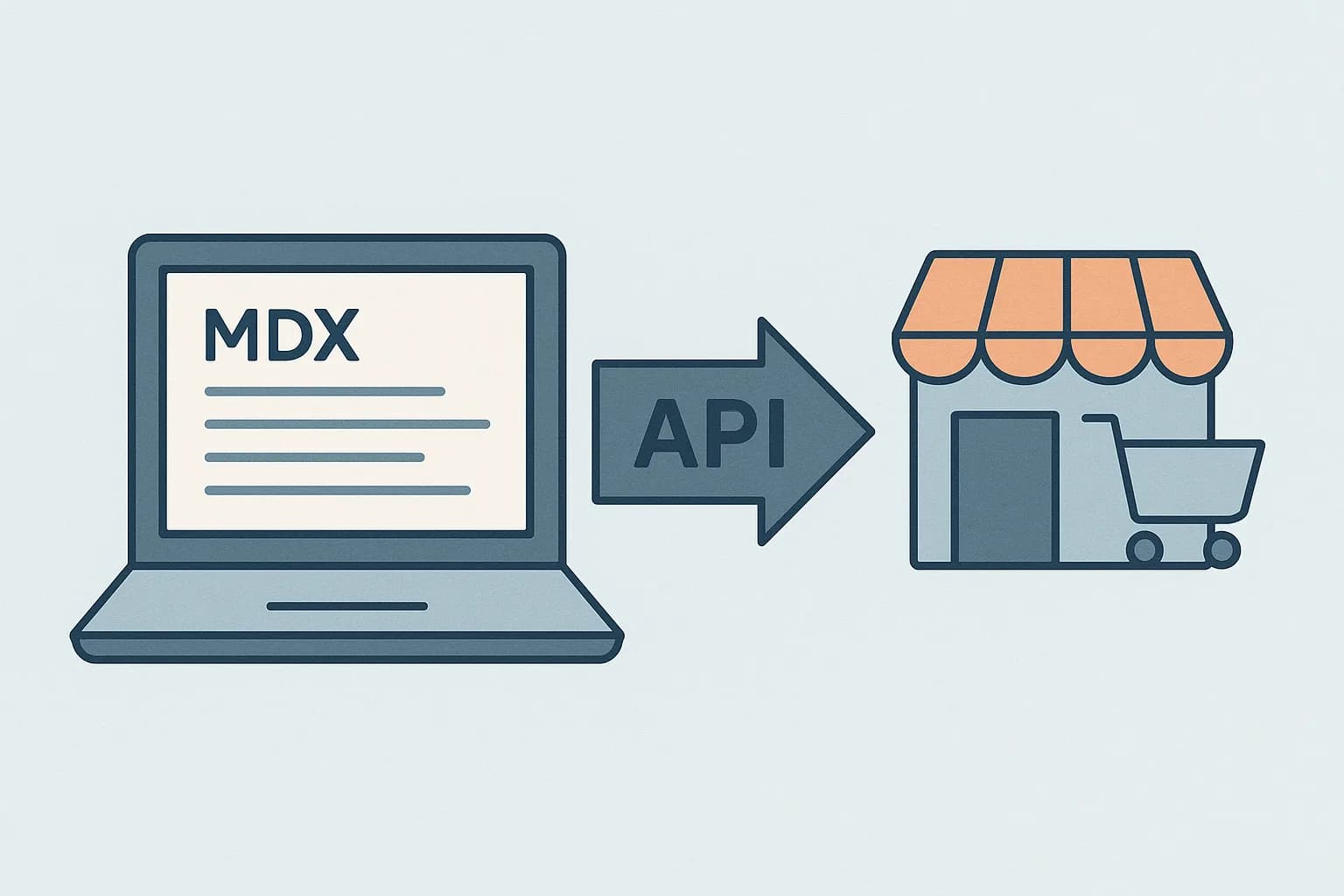
This is why content modeling matters more in a headless CMS than a traditional one. A field schema you design up front becomes the actual shape of your API response. Draftbase's richText fields store raw MDX strings, not a locked-in document format. A frontend pulls the field and passes it straight to @draftbase/renderer, which compiles it with @mdx-js/mdx. No extra step in between. See Draftbase's React integration guide for the full setup.
Why Teams Choose Headless
Three reasons show up again and again in adoption data.
First, channel reach. One content store feeds a website, a mobile app, and any future surface. All from the same fields.
Second, frontend freedom. A team picks Next.js, Astro, or anything else. The CMS choice never limits that pick.
Third, render speed. A static or edge-rendered frontend skips a CMS's own template engine. That tends to load faster than a live-rendered page from one bundled system, on every request.
Headless CMS use grew 47% in 2025. Most of that came from teams leaving Adobe AEM, Sitecore, and Drupal. (Storyblok) That wave is its own signal. Teams aren't picking headless cold as often as they're fleeing old platforms that can't keep up.
What Headless Costs You
None of this is free. A headless CMS has no built-in frontend, which means someone has to build one. Editors lose the "click here, see the live page" preview an old-style CMS gives by default. Someone has to build that preview mode back in, on the CMS side or the frontend side. Every render decision — routing, caching, image handling — becomes the frontend team's job, not the CMS's.
For a small brochure site with one page template and no plan to add channels, that tradeoff rarely pays off. An old-style CMS gets a page live faster with less engineering. Headless earns its cost once a team needs more than one channel, or wants full control over frontend performance and stack.
The Underused Angle: The Term Confusion Is the Actual Barrier
Most explainers treat "headless" as a self-evident term and jump straight to features. The bigger problem sits upstream. Buyers weigh "headless" options that are actually decoupled or hybrid, since vendor marketing blurs the line on purpose. A team picks a CMS labeled "headless" that still ships a page builder. They aren't getting the frontend freedom they think they're buying. They're getting a hybrid, with extra steps.
The fix is the same test from earlier: check whether the CMS ships any rendering code. Draftbase doesn't. There's a dashboard for content, an API for delivery, and nothing in between pretending to be a frontend.
Where Draftbase Fits
Draftbase is a headless CMS in the strict sense — content storage, an editing dashboard, and a delivery API, with zero rendering code. Content types get defined once. Fields come back through the API exactly as modeled. MDX content renders through @draftbase/renderer, built on @mdx-js/mdx directly — the same package most React teams already use for MDX, with no extra vendor layer between the two.
If you're picking a CMS and want real purpose-built headless architecture, not a decoupled tool with a new label, see how Draftbase's REST API delivers content before you commit a frontend to it. Draftbase's pricing has the details on getting started.
Ship content that's built to be found
Draftbase generates schema, structured data, and a fast MDX editor for every post.
Frequently asked questions
What is headless architecture in a CMS?
It means the CMS stores and edits content but ships no render code. A separate app fetches that content over an API and builds the page itself.
Is headless the same as decoupled CMS?
No. A decoupled CMS still ships a frontend, split into its own app. A headless CMS ships no frontend at all.
How do I tell if a CMS is actually headless?
Check its docs for a page builder or theme system. If one exists, the CMS is decoupled or hybrid, not headless.
What does a headless CMS give up?
Built-in page preview and a ready frontend. A team has to build its own render layer, routing, and caching from scratch.
Why is headless CMS adoption growing?
Use grew 47 percent in 2025. Most of that came from teams leaving Adobe AEM, Sitecore, and Drupal for better channel reach.
What is a decoupled CMS?
A decoupled CMS splits its backend and frontend into separate apps, but the vendor still owns and ships that frontend — you can swap pieces, not remove the vendor's rendering opinion entirely. That's the middle ground between a traditional and a headless CMS.
Coupled vs decoupled CMS: what's the real difference?
A coupled (traditional) CMS bundles content storage, editing, and page rendering into one system — change the template, change the site. A decoupled CMS separates those into two apps talking over an API, so a frontend team can rebuild the render layer without touching the backend.
Samer is a software engineer and entrepreneur, founder of Draftbase and Ezi Home Services, building technology that simplifies home services. Passionate about software, APIs, automation, and creating products that solve real-world problems.