Why Your Vibe-Coded App Needs a CMS (Not Just a Database)
Vibe-coded apps often hardcode content in components or Supabase. See why a headless CMS fixes that, and when it's not worth doing.
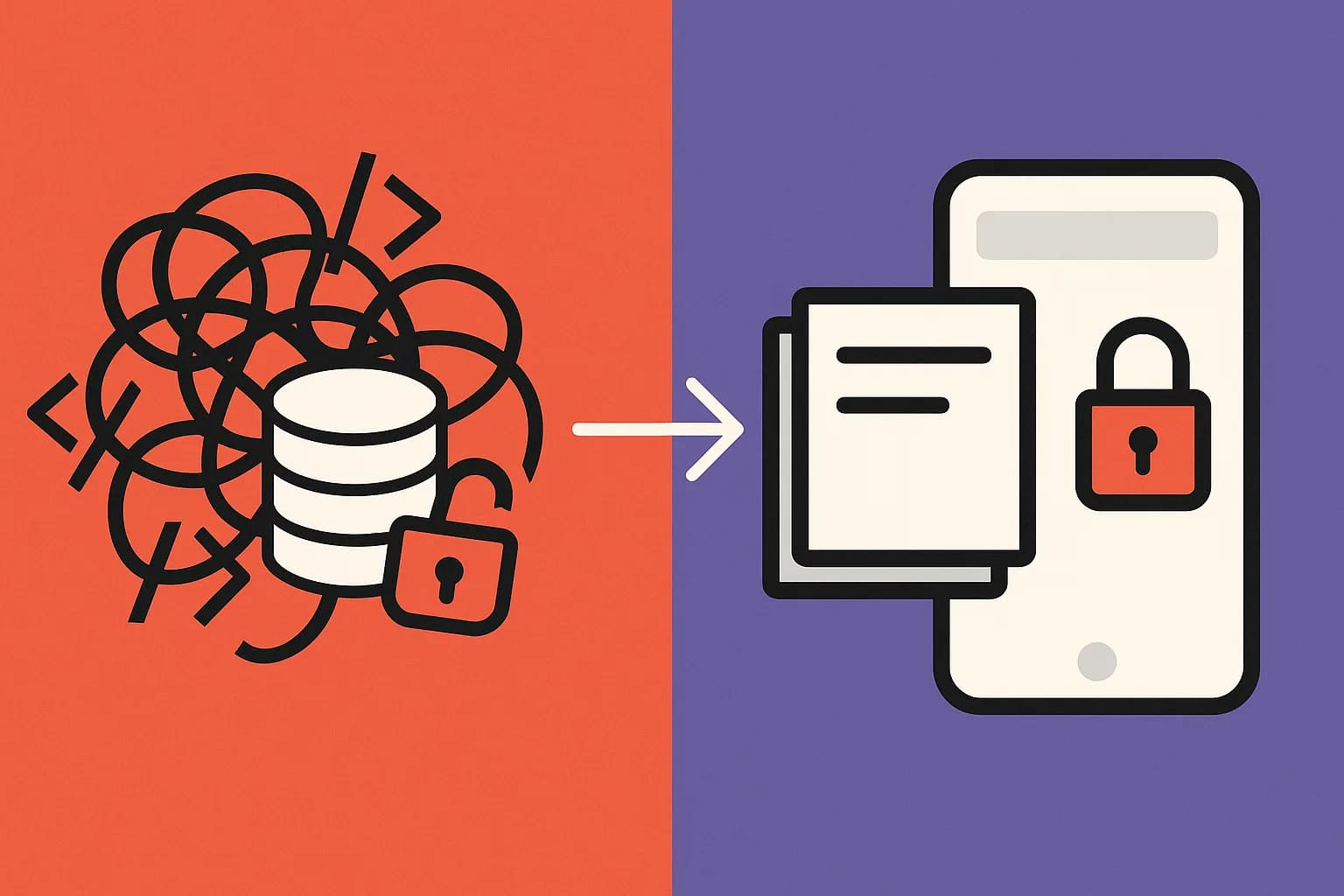
Lovable, Bolt.new, Cursor, and v0 apps typically hardcode content in components or dump it into a Supabase table with no editor screen. That's fine for a throwaway prototype, but a headless CMS is worth adding the moment a non-developer needs to change what the app says.
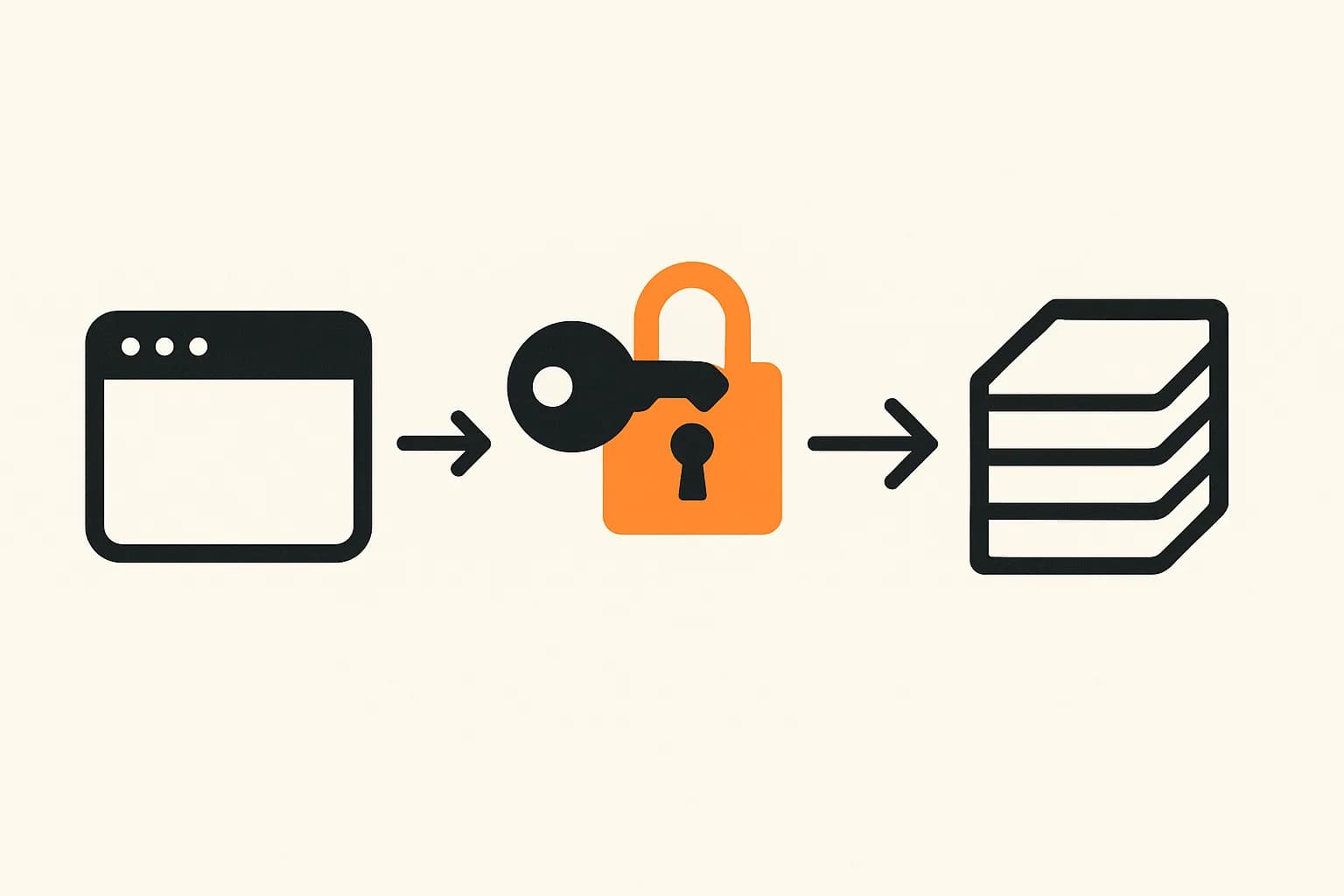
Your vibe-coded app has content in it. It is probably hardcoded. Ask Lovable, Bolt.new, Cursor, or v0 to "build a landing page" and the words land straight in a component. Or they get dumped into a Supabase table next to your users and orders. That works fine for a weekend prototype. It stops working the day someone who can't open the AI tool needs to change a headline. Draftbase exists for that exact gap. It's a headless CMS that sits next to your vibe-coded app, so the words get an editor and the code stays code.
What "hardcoded content" looks like in a vibe-coded app
Ask an AI builder for a marketing page and it writes what it was told to write. It writes that text straight into JSX or a template string. There is no separate content layer, because nothing asked for one. The words live at the same layer as the button logic.
The next step up is usually a database table. The AI creates it alongside the rest of the schema, most often in Supabase since Lovable and Bolt.new wire it in by default. That looks like progress: the copy is now "data," not markup. But it still has no real schema, no editor screen, and often the same access rules as the user records three tables over. A March 2026 security review found that Lovable-generated apps commonly skip Row Level Security on new tables (vibeappscanner.com). A related disclosure, tracked as CVE-2025-48757, found over 170 live Lovable apps with tables anyone could read using the public anon key. Content tables fall into that same blast radius by default. Nothing in the AI's output flags a content table as different. Nothing tells it to guard that table on its own terms.
Why this is fine at first and stops being fine later
Survey data backs up what this pattern already implies. 72% of developers say fully hands-off, prompt-only coding is not part of their professional workflow (survey data via Hostinger). AI-assisted coding is now close to universal, but full vibe coding is not. Most teams use it to get something working fast. Then they hand it off to a more careful process. That handoff is exactly where hardcoded content turns from a shortcut into a cost.
The failure mode repeats the same way each time. A founder wants to change a pricing line. A marketing hire wants to publish a new page. A support answer goes stale. The only path is reopening the AI tool, writing a new prompt, reviewing the diff, and redeploying. Every edit becomes a deploy. A DatoCMS review of the tradeoff puts it plainly. A CMS and AI-assisted building solve different problems. The CMS is what keeps content changeable once the build is done.
What a CMS adds that a database table doesn't
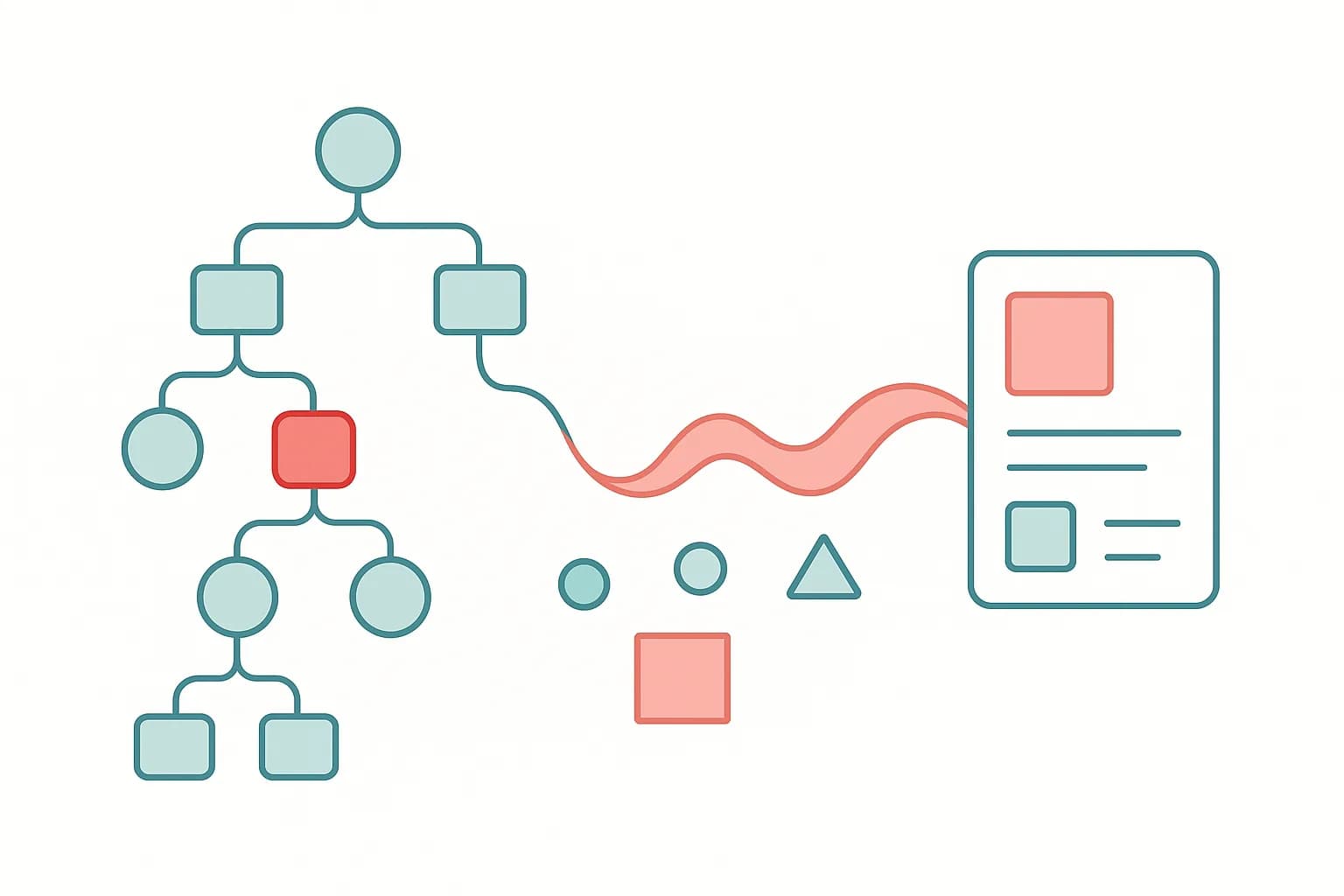
A headless CMS is not just a nicer database. Three things set it apart from a table an AI builder improvised on the fly.
- A schema that outlives the prompt. Fields get typed and named on purpose, not guessed from whatever the AI decided a "post" needed that day. A Draftbase content type defines fields as
text,richText,media, orreferenceup front. A later prompt, or a later developer, can't quietly rename a column and break the page. - An editor screen with no code path. Someone non-technical can change a headline, swap an image, or write a new FAQ answer. No Cursor, no deploy. That's the entire point of splitting content from code: the two now move at different speeds, on purpose.
- A security boundary that isn't an accident. Content lives in its own store with its own access rules. It's not inside the same Supabase project as auth tokens and order history. That removes a whole class of "the AI forgot RLS on this table" incidents, since content was never sitting in that table in the first place.
What breaks when you skip this step
Skipping a content layer doesn't fail loudly. It fails slowly, in ways that look like someone else's problem until they land on your desk. The first sign is usually a Slack message. Someone asks you to "just quickly" change a word on the pricing page. The only way in is the same AI tool that built it. A fresh prompt now risks touching code it shouldn't. The second sign is worse. A future rewrite (new framework, new hosting, a full redesign) has to drag the content along with it. The content was never separate from the app that made it. Teams that hardcode content into a Supabase table rarely notice the coupling early. A migration usually forces the issue, when the content has to be exported by hand, table by table, with no schema to lean on. A CMS sidesteps both failures by design. The content outlives any one version of the frontend, since it was never part of the frontend's code.
Where vibe coding still wins
Draftbase doesn't fit every vibe-coded project, and pretending otherwise would be dishonest. A weekend prototype nobody but you will touch again doesn't need a schema, an editor, or an API key to manage. Hardcoding is faster, and faster is the right call when the app's whole lifespan is a demo. Watch for one signal instead: the first time someone other than the prompt's author needs to change what the app says. That's the moment to add a content layer, not a rule to apply on day one.
How the major AI builders handle content today
| Builder | Default content location | Editor screen for non-devs |
|---|---|---|
| Lovable | Component text, or a Supabase table it creates | None |
| Bolt.new | Component text, client-side by default | None |
| v0 | Component text (it's a UI generator, not an app generator) | None |
| Cursor | Wherever the developer's own prompt puts it | None |
| Replit Agent | App-owned database table | Basic, tied to the app's own admin |
None of the five ship an editor screen for content, because none of them are trying to be a CMS. That's not a knock on the tools. A UI or app generator has a different job. It's the reason a content layer has to be added on purpose, from a separate service built to do exactly that.
The part everyone skips: content and user data share a blast radius
The RLS gap above usually gets framed as a user-data problem. It is one. But one part of it gets skipped. Content that lives in the same database the AI generated for everything else inherits that database's security posture by default, good or bad. A CMS built for content alone has already made that call on purpose. It gets its own login system and its own API keys. Those keys read published content only. Nothing links back to whatever the app's user table looks like this week. Splitting content from code isn't only about who can edit a headline. It's also about which system a leaked key can actually reach.
Draftbase's delivery API serves published content over REST and GraphQL with a key scoped to reading only. A leaked delivery key exposes marketing copy, not user records. See Draftbase's pricing for the exact plan shape.
How much work is this, really?
Not much, for the size of project this applies to. It's a small change, not a rewrite. You define the fields your content actually needs. A blog post might need a title, a body, and a hero image. A landing page might need five headlines and three button labels. That's the whole schema.
Then you swap each hardcoded string for a fetch call to a delivery API. The component still renders the same way. It just reads its text from an API response instead of a literal string in the file. Nothing about your routing, your auth, or your database changes.
There's no server to stand up. Draftbase hosts the CMS and the API both, so a free-tier project is one signup and one API key, not a new piece of infrastructure to run. For a small app, most of this fits in an afternoon. The AI tool that built your app in the first place can even write the fetch calls for you, once the content type exists. The prompt is now "read this field from the API," not "write this text into the page."
The part that takes longer isn't the code. It's deciding what actually deserves its own field, and what's fine staying part of the layout. That decision is worth making once, early, rather than mid-migration under pressure.
How to get content out of your vibe-coded app
The fix doesn't require rewriting the app. Point the frontend at a delivery API for anything that used to be hardcoded text. Leave the application logic and user data exactly where they are. See how to use a headless CMS with React for the integration shape. Or start straight from Draftbase's pricing page: the free tier covers a project this size, one content type and an API key, no migration required.
Ship content that's built to be found
Draftbase generates schema, structured data, and a fast MDX editor for every post.
Frequently asked questions
Does a vibe-coded app need a CMS?
Only once someone besides the prompt's author needs to change the content. A solo prototype can stay hardcoded. A teammate or a life past the demo needs an editor screen.
Where does content live by default in Lovable or Bolt.new?
In the component, or in a Supabase table the AI creates alongside the rest of the schema. Neither gives non-developers an editor screen.
Is it safe to store content in the same Supabase project as user data?
Not by default. A 2026 disclosure, CVE-2025-48757, found over 170 Lovable apps with tables anyone could read using the public anon key. Row Level Security was never turned on. Content tables share that risk unless someone locks them down by hand.
How long does it take to move content out of a vibe-coded app?
For a small app, usually an afternoon. Define the fields you need. Swap hardcoded strings for calls to a delivery API. No rewrite of routing, auth, or the database.
Does adding a CMS mean rewriting the app?
No. The application logic and user data stay put. Only the text that used to be hardcoded moves behind an API call.
Samer is a software engineer and entrepreneur, founder of Draftbase and Ezi Home Services, building technology that simplifies home services. Passionate about software, APIs, automation, and creating products that solve real-world problems.